
Steps and workouts
Intake reads steps, active calories and workouts from Apple Health or Health Connect. Garmin, Fitbit or Strava only show up when they write their data there.
-
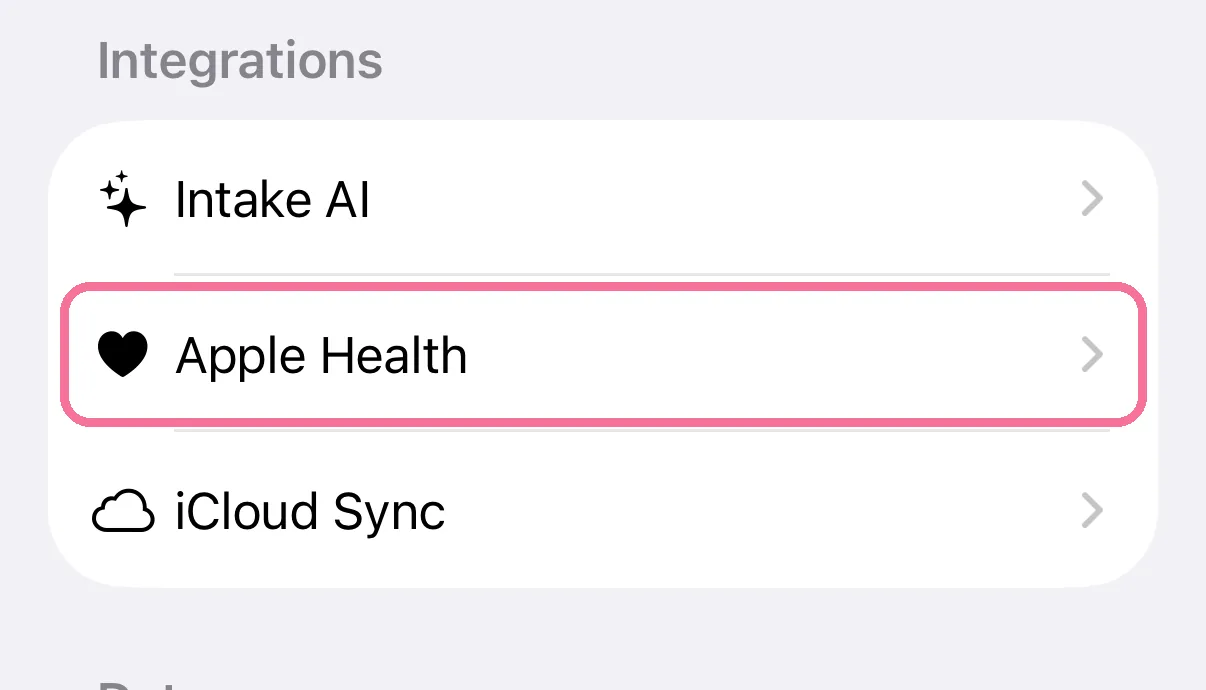
On Today, tap the gear at the top, then “Apple Health”.
-
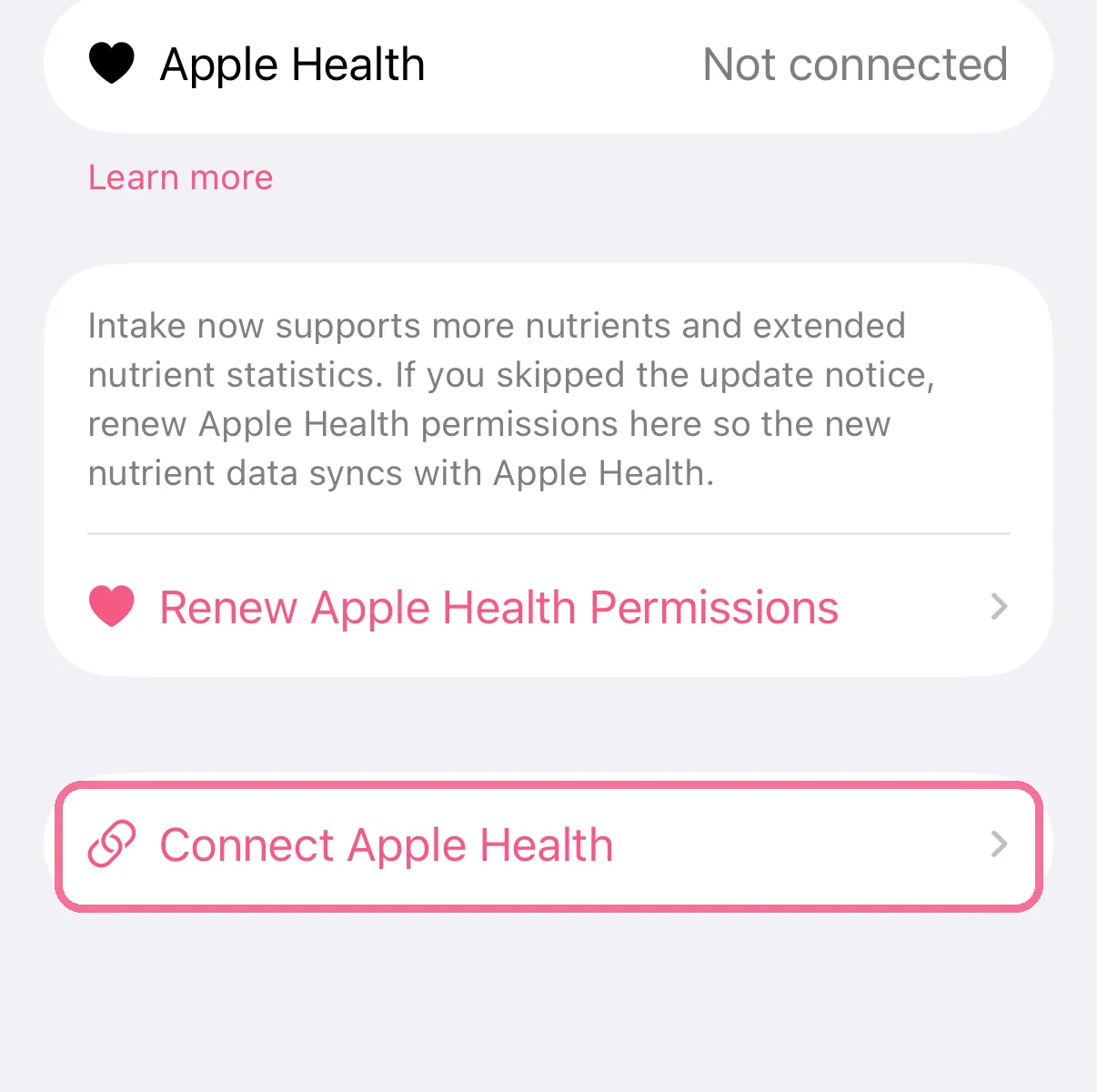
The first time, tap “Connect Apple Health” and allow access; after that the page shows “Use Apple Health”.
-
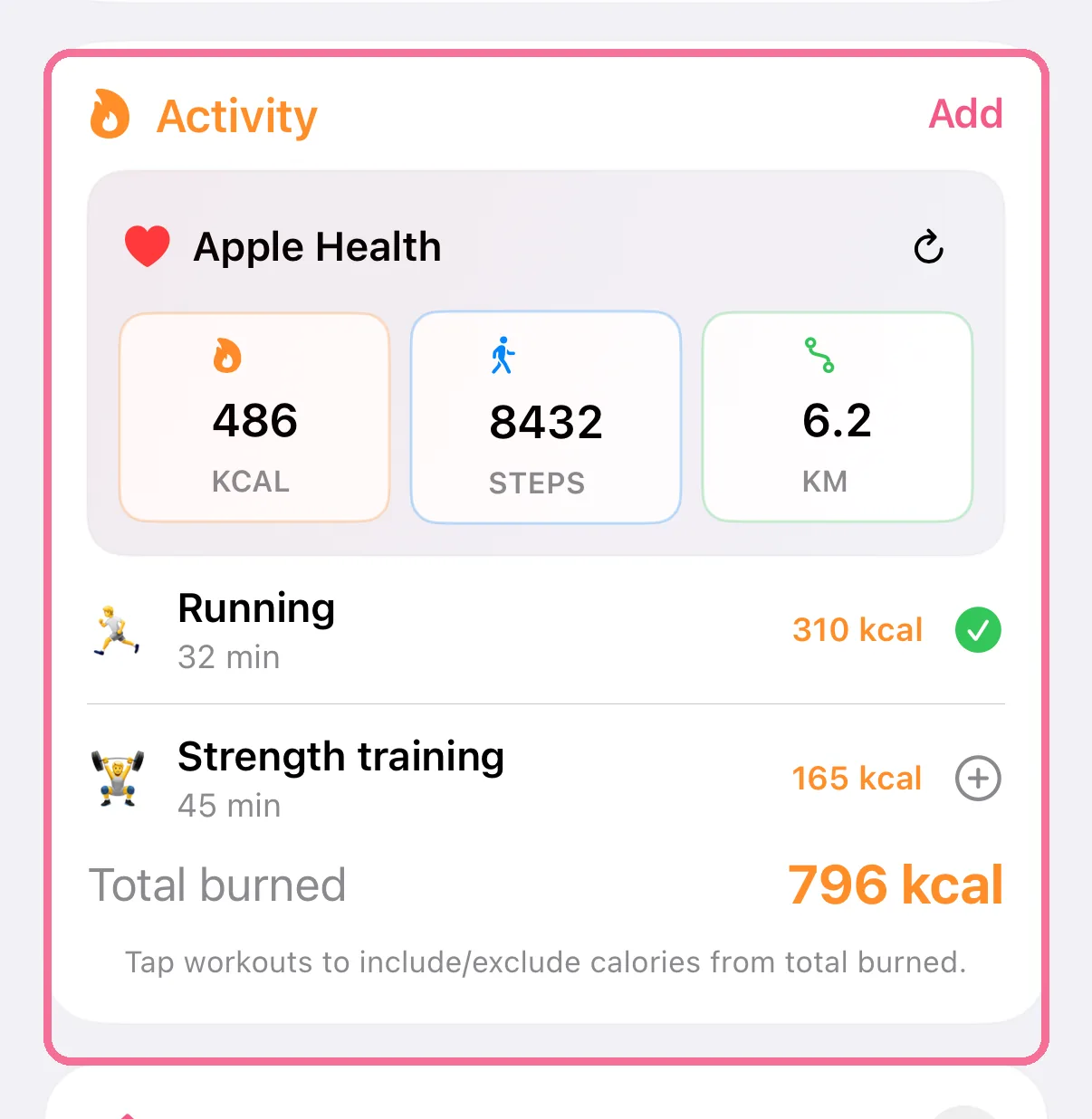
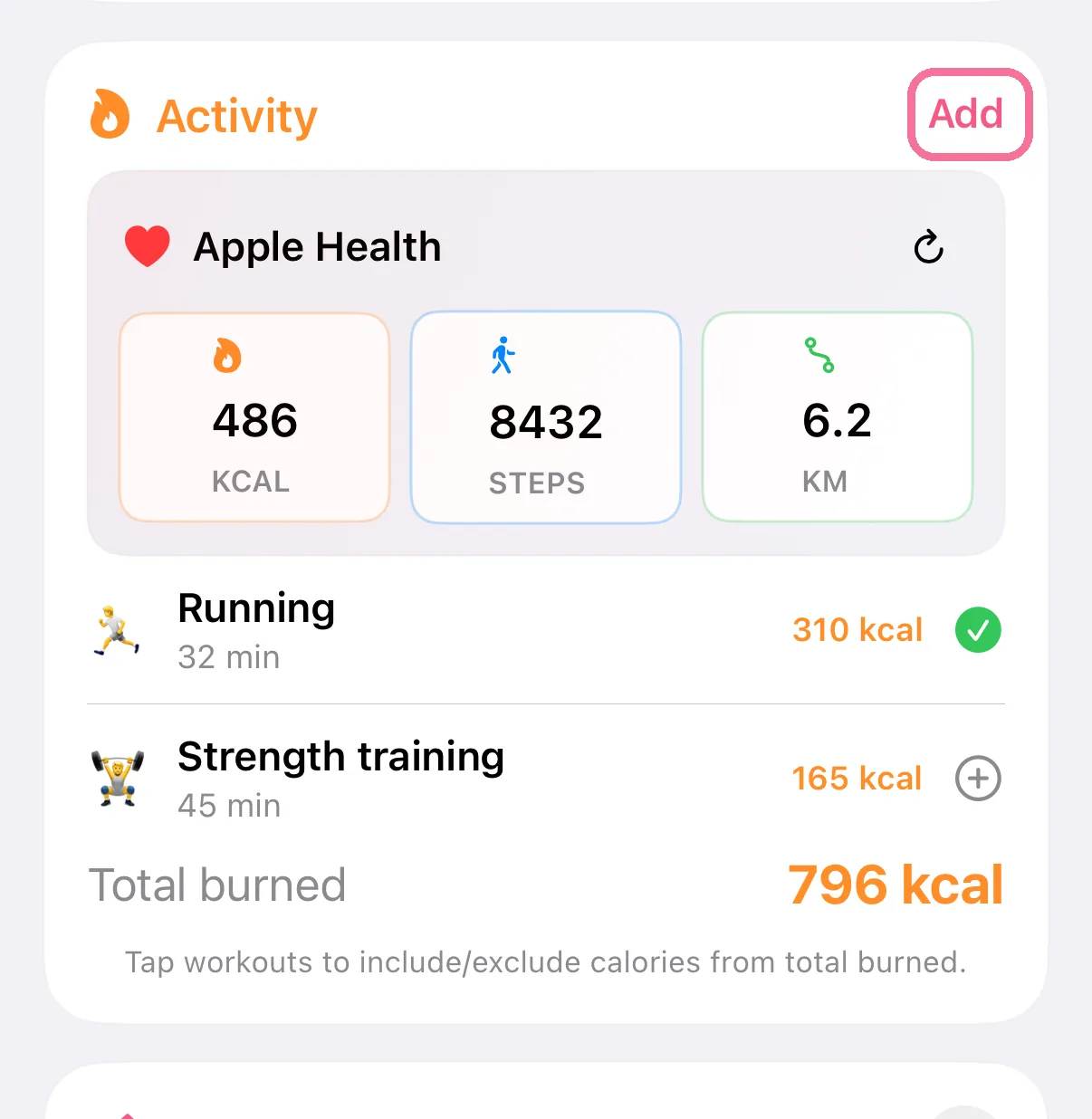
The “Activity” card on Today then shows active calories, steps, distance and your workouts.
-
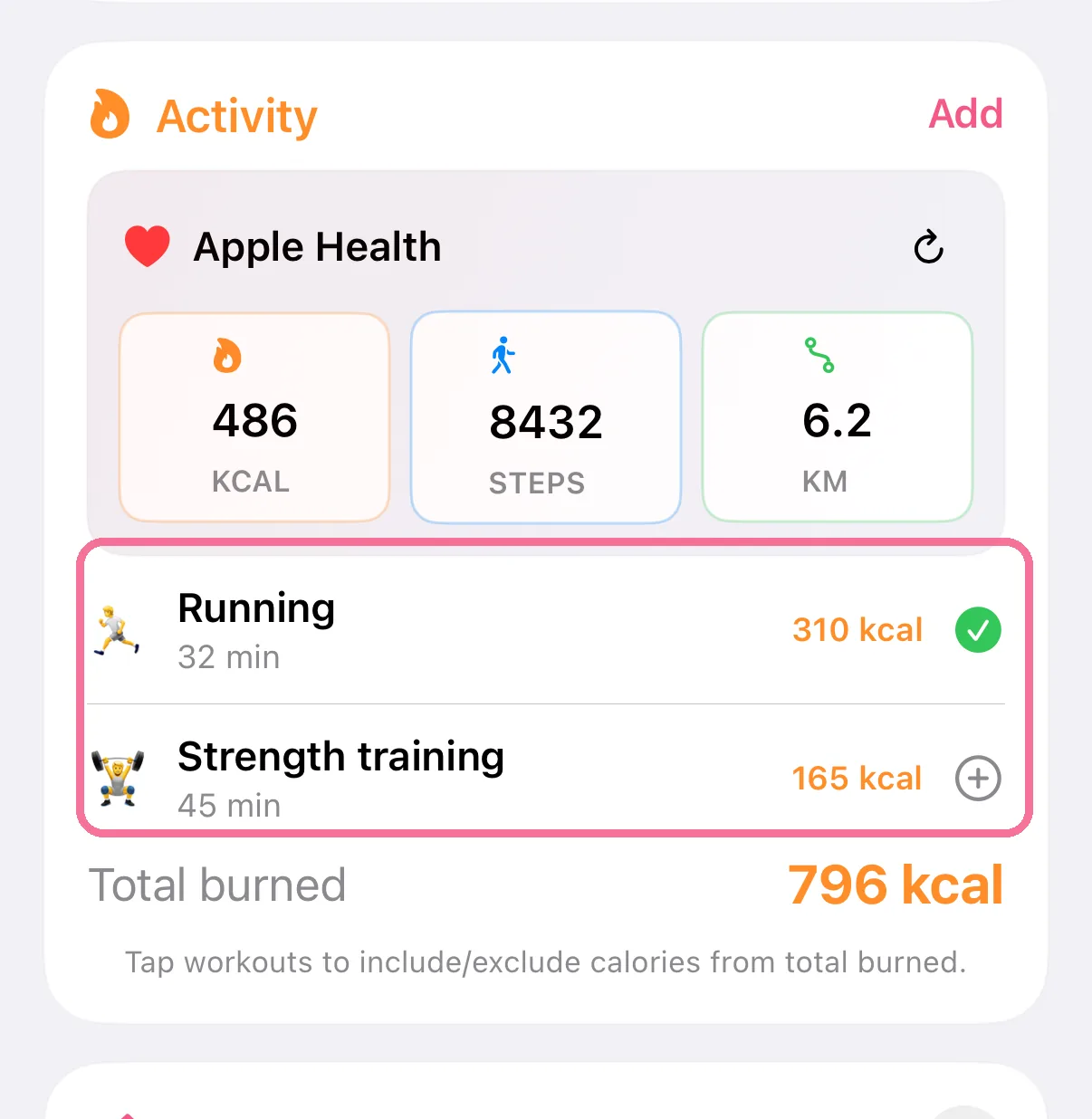
Tap a workout to include or exclude its calories from “Total burned”.
-
No watch? Log a workout yourself with “Add” on the “Activity” card.
-
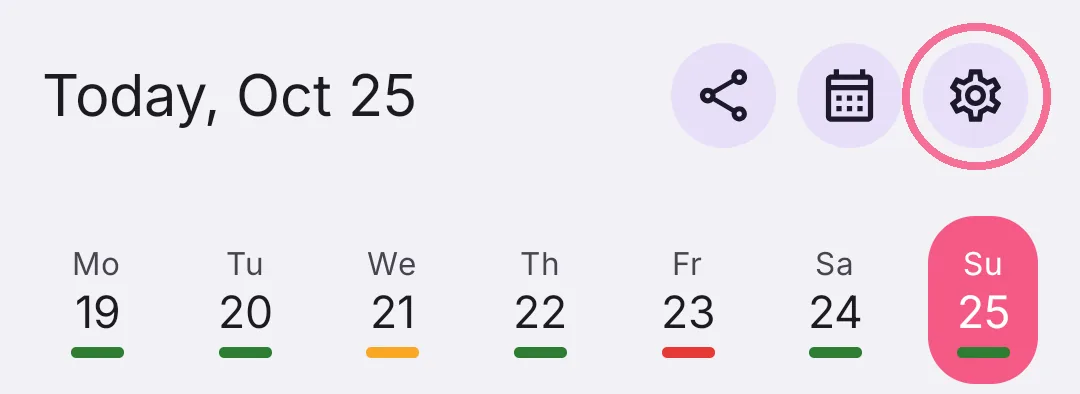
On Today, tap the gear at the top and scroll to “Integrations”.
-
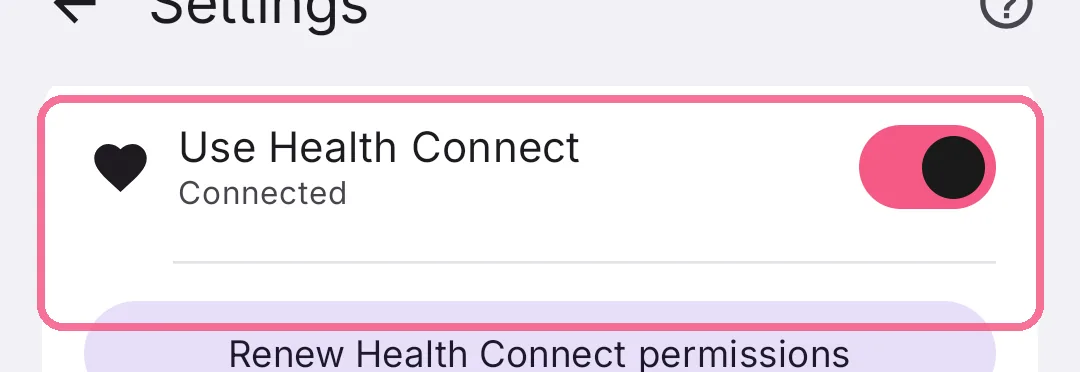
Turn on “Use Health Connect” and allow access in Health Connect.
-
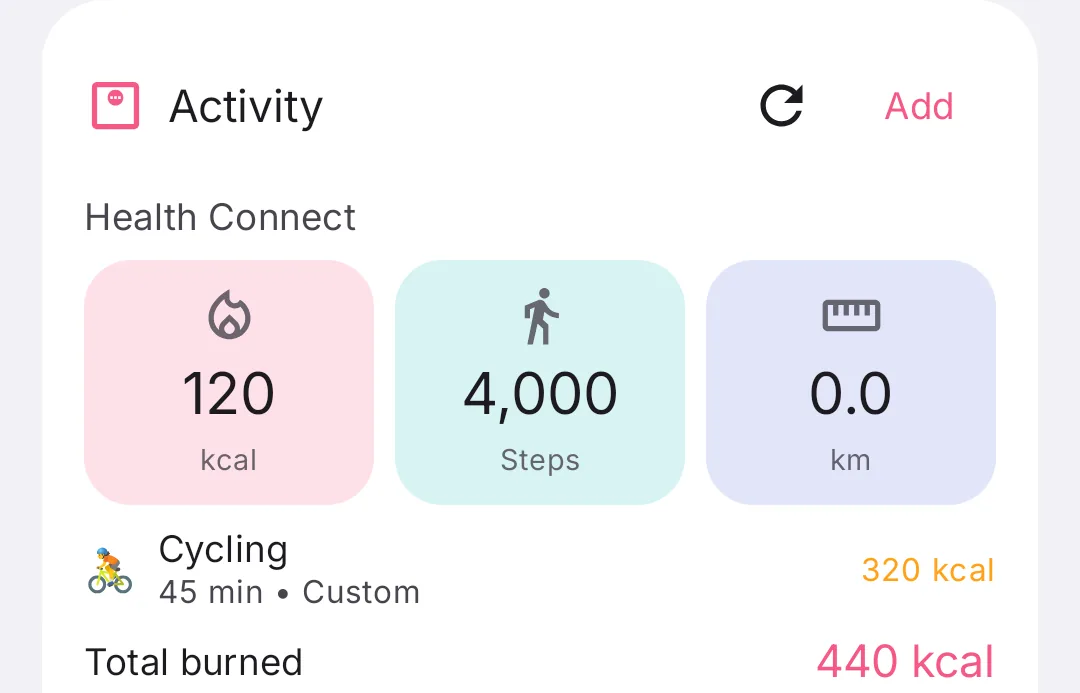
The “Activity” card on Today then shows active calories, steps, distance and your workouts.
-
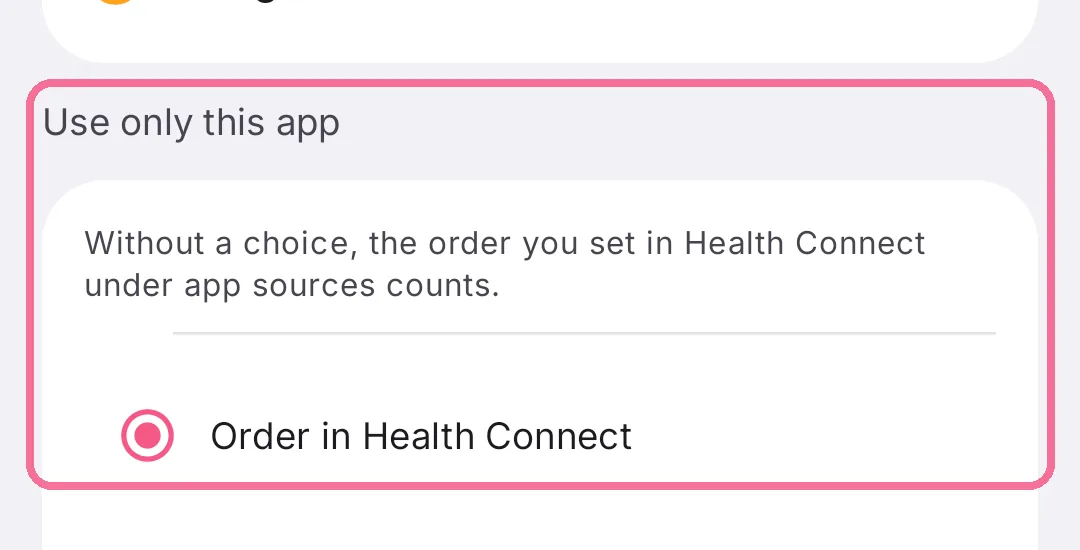
If several apps write your activity, pick the one that counts under Settings > “Health Connect activity” > “Use only this app”.
-
No watch? Log a workout yourself with “Add” on the “Activity” card.
Does activity count toward your goal? You decide under Settings > “Activity”: whether activity raises your daily target, whether all activity or only workouts count, and how much of it.
iPhone: workout counted twice? Apple Health usually already includes workout calories in your active calories. With “Count workouts without overlap”, a workout only adds the calories that are still missing there.
iPhone without Apple Watch: “Estimate calories from steps” under Settings > “Apple Health” steps in when Apple Health reports steps but no active calories.
Android: Intake only counts apps listed in Health Connect under “Data and access” > “Activity” > “Data sources and priority”. If your app writes no active calories, Intake estimates them from total calories or steps, see “Why Health Connect calories are shown as an estimate”.