
Customize Stats
Edit Stats to choose which cards appear and in which order. There are cards for single nutrients too, such as fibre, vitamins or caffeine.
-
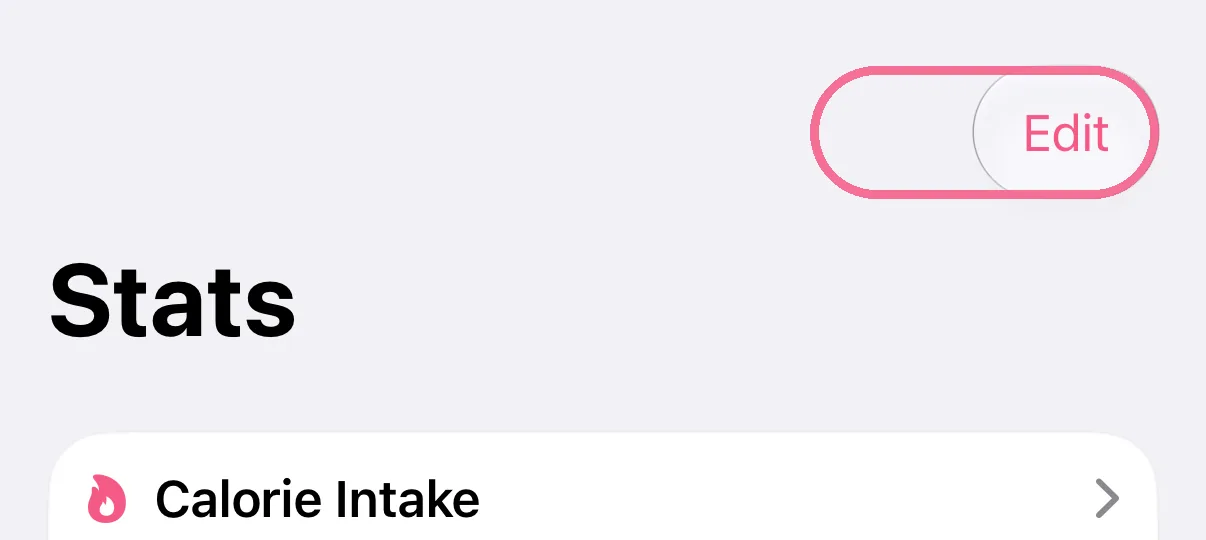
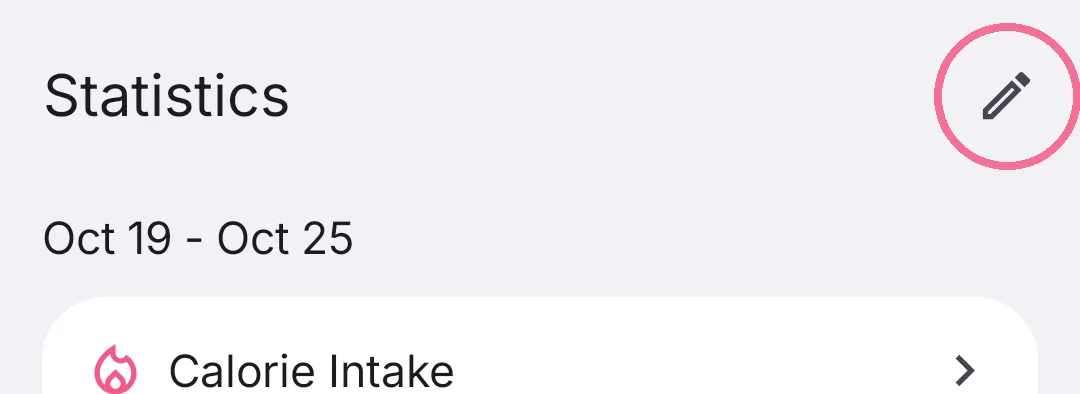
In Stats, tap “Edit” at the top right.
-
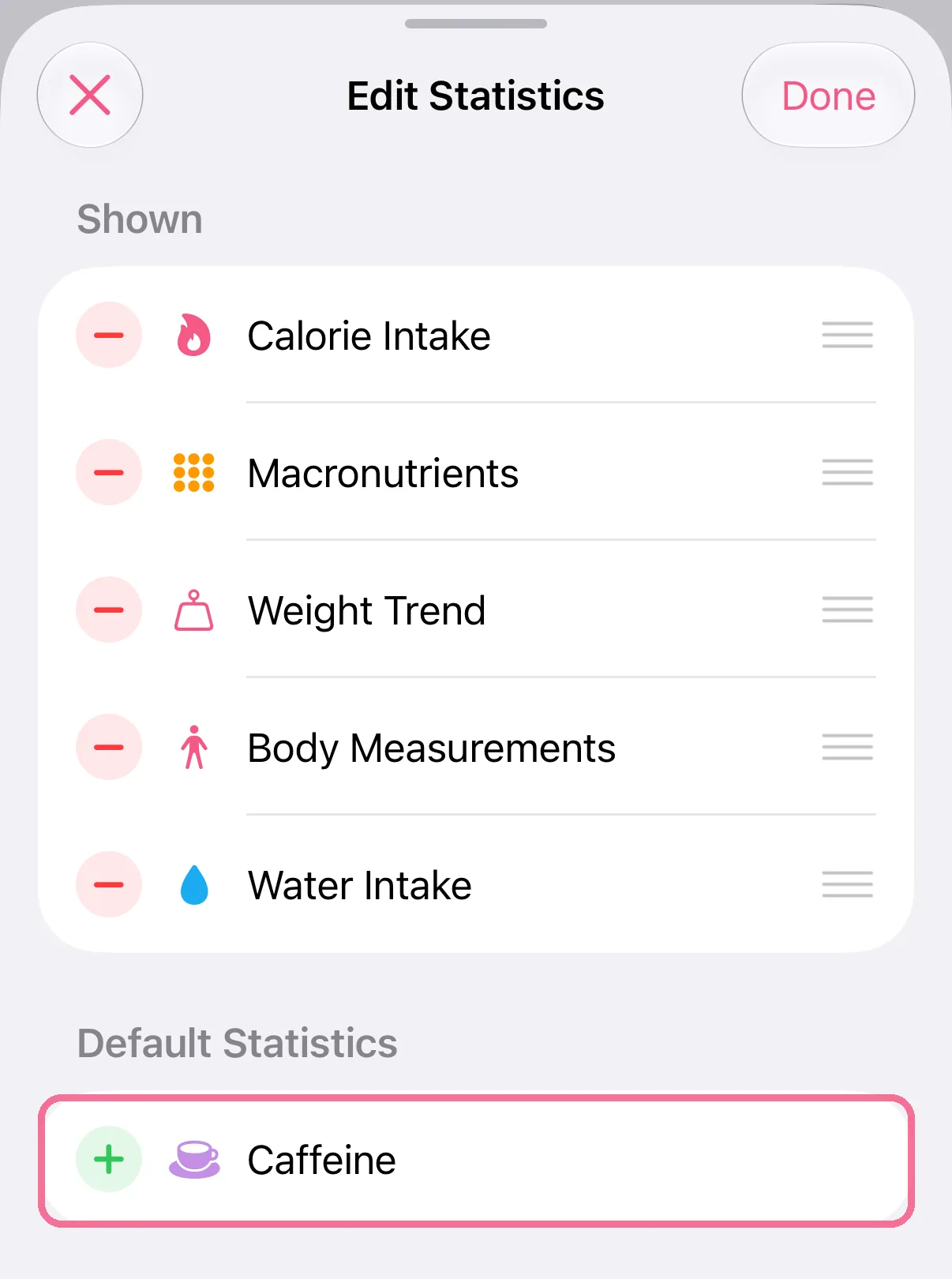
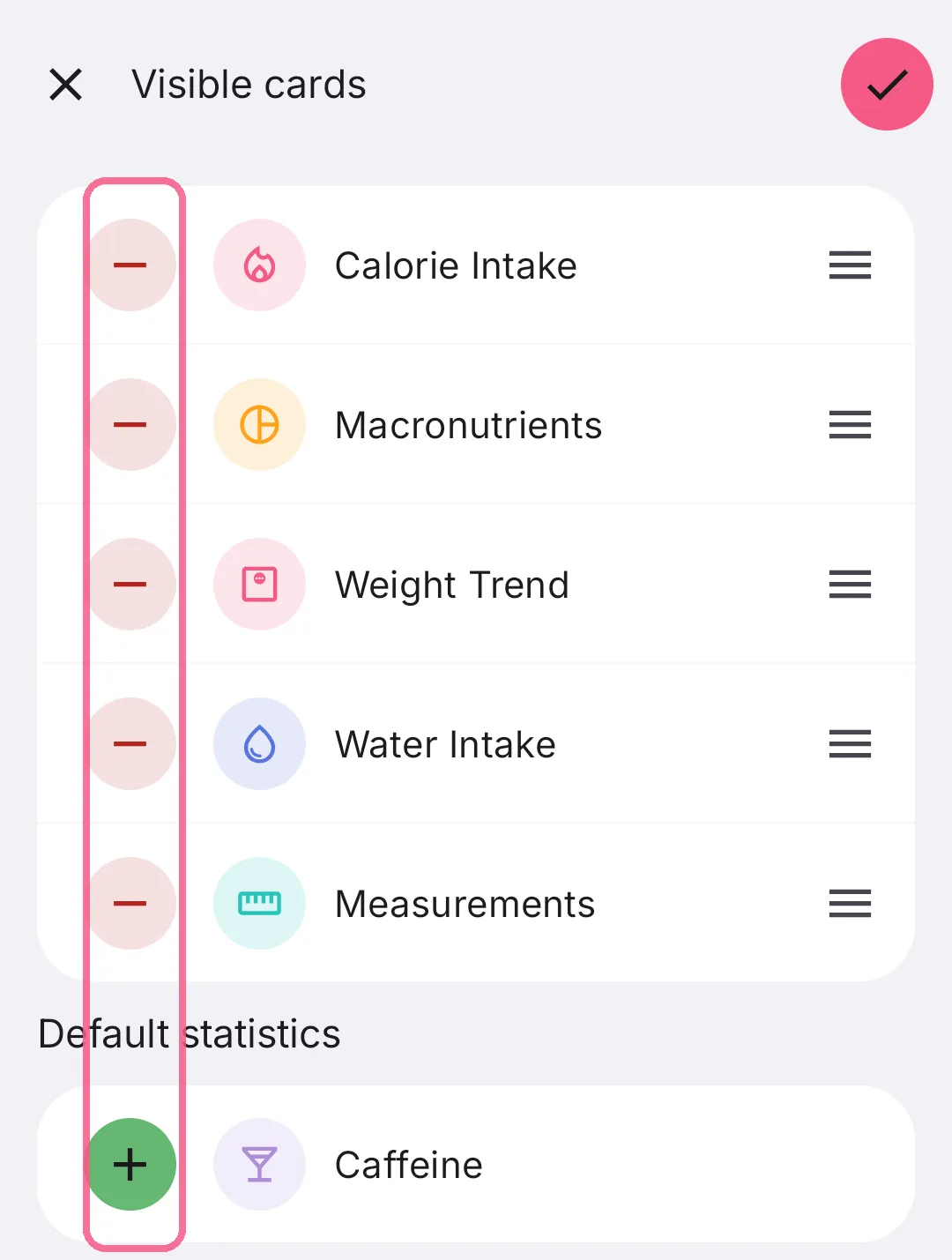
Minus hides a card, plus adds one.
-
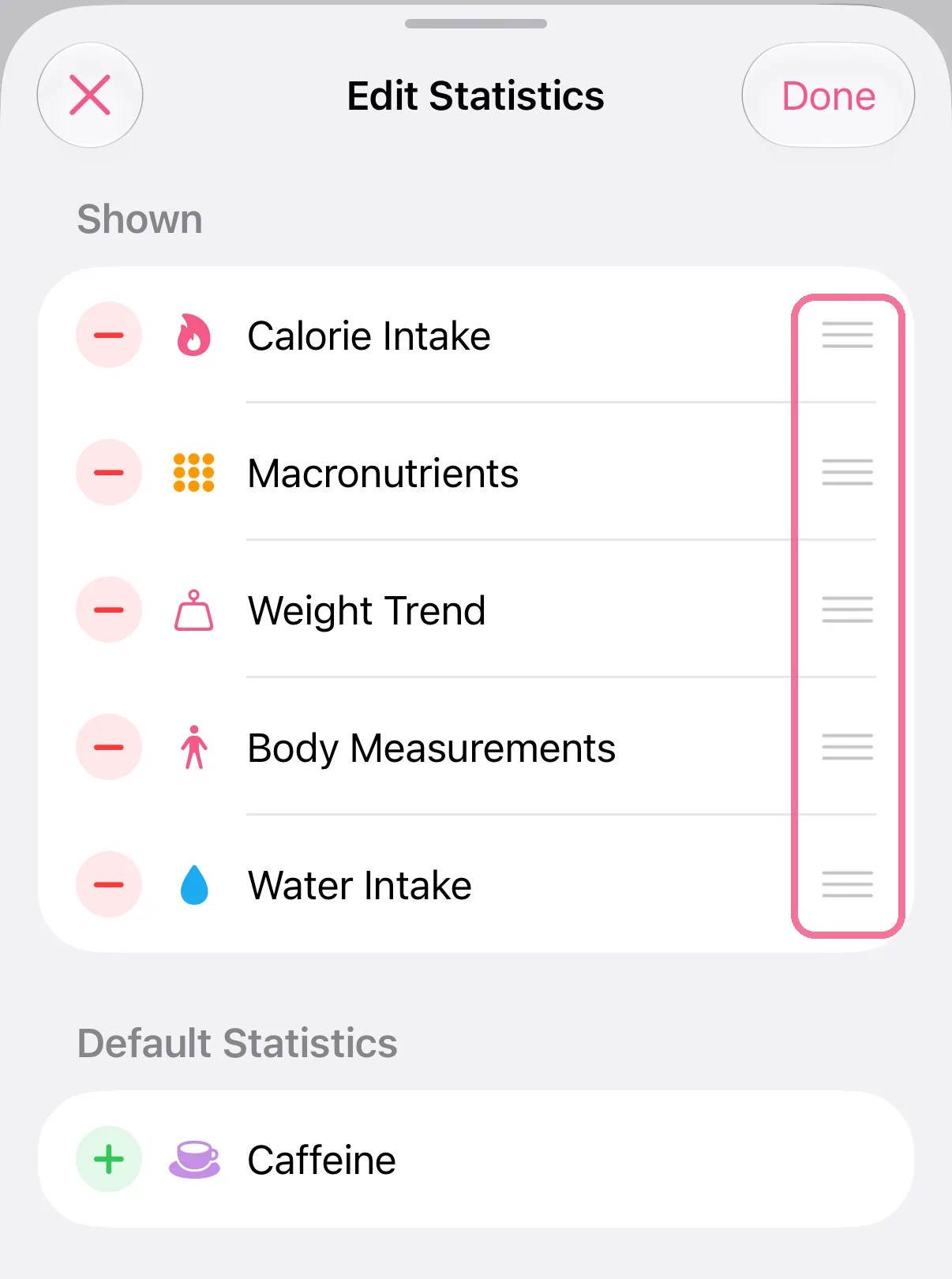
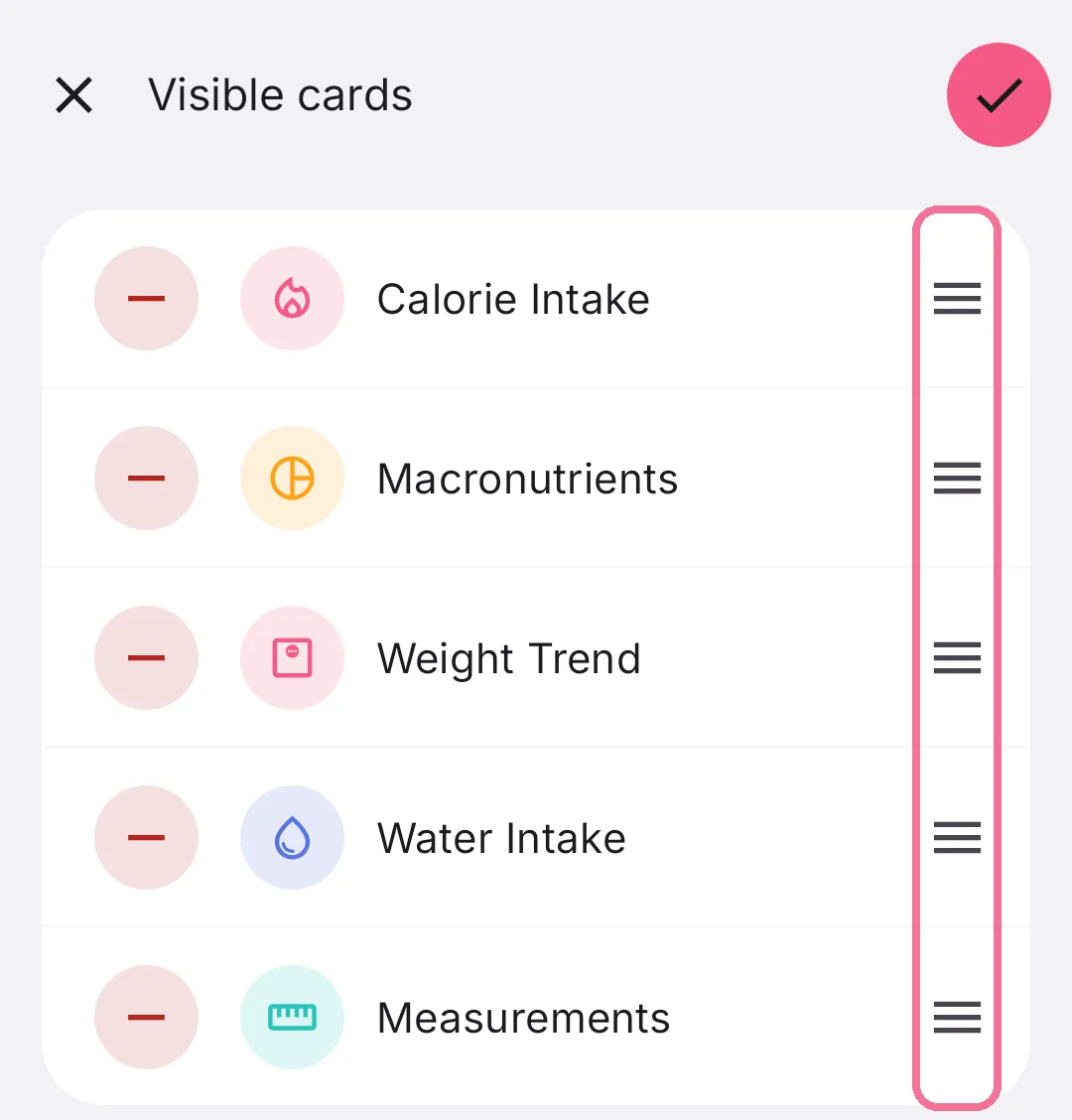
Drag a card by the handle on the right to another place.
-
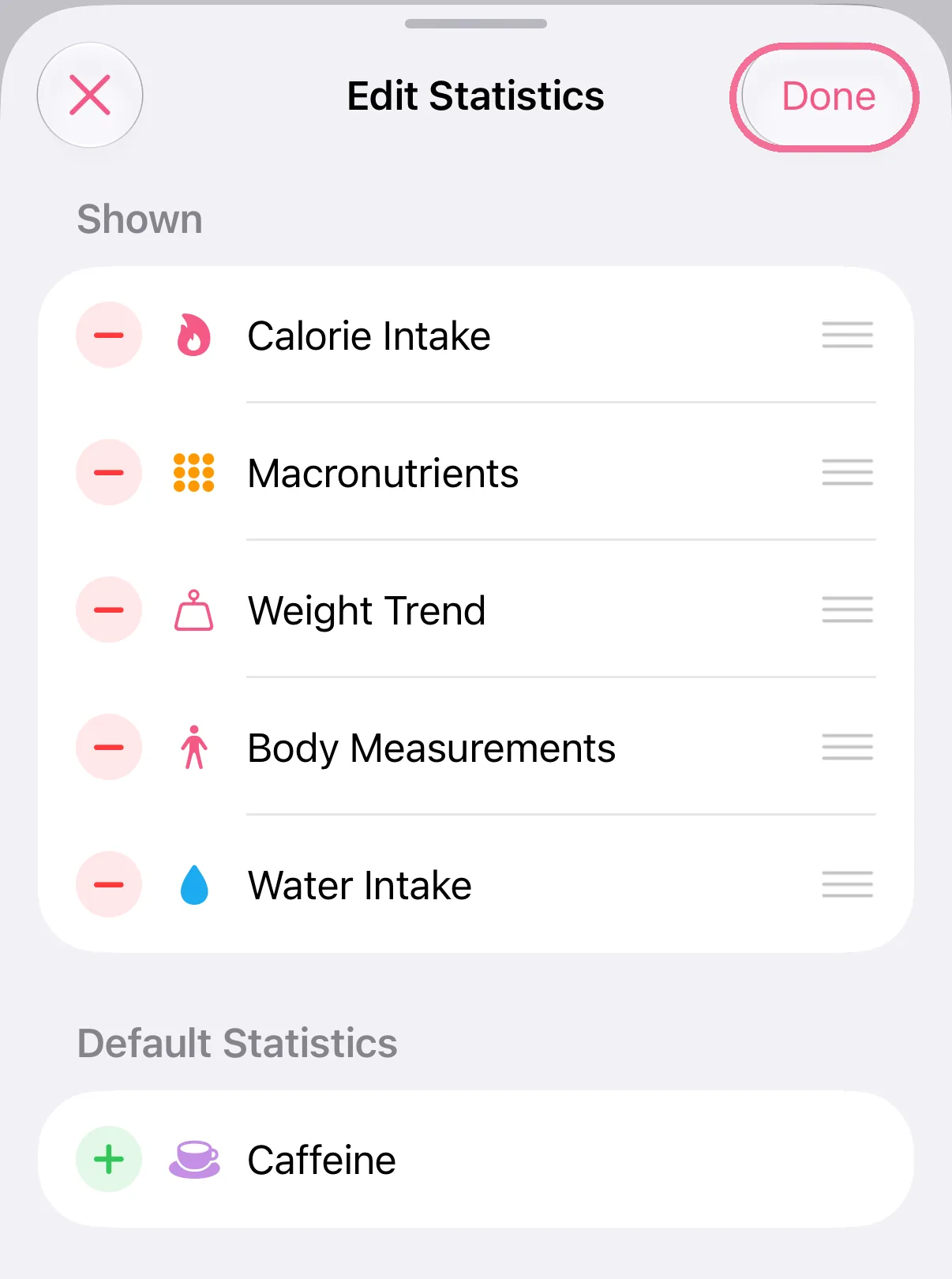
Tap “Done” at the top right.
-
In Stats, tap “Edit” at the top right.
-
Minus hides a card, plus adds one.
-
Drag a card by the handle on the right to move it.
-
Tap the checkmark at the top right.

Nutrient cards work out the daily average only from days where that nutrient was logged. On iPhone, caffeine is an estimate, because not every product lists its caffeine.