
Log your first food
Tap the plus on a meal, search for the food or scan it, and choose the portion. That’s your first entry.
-
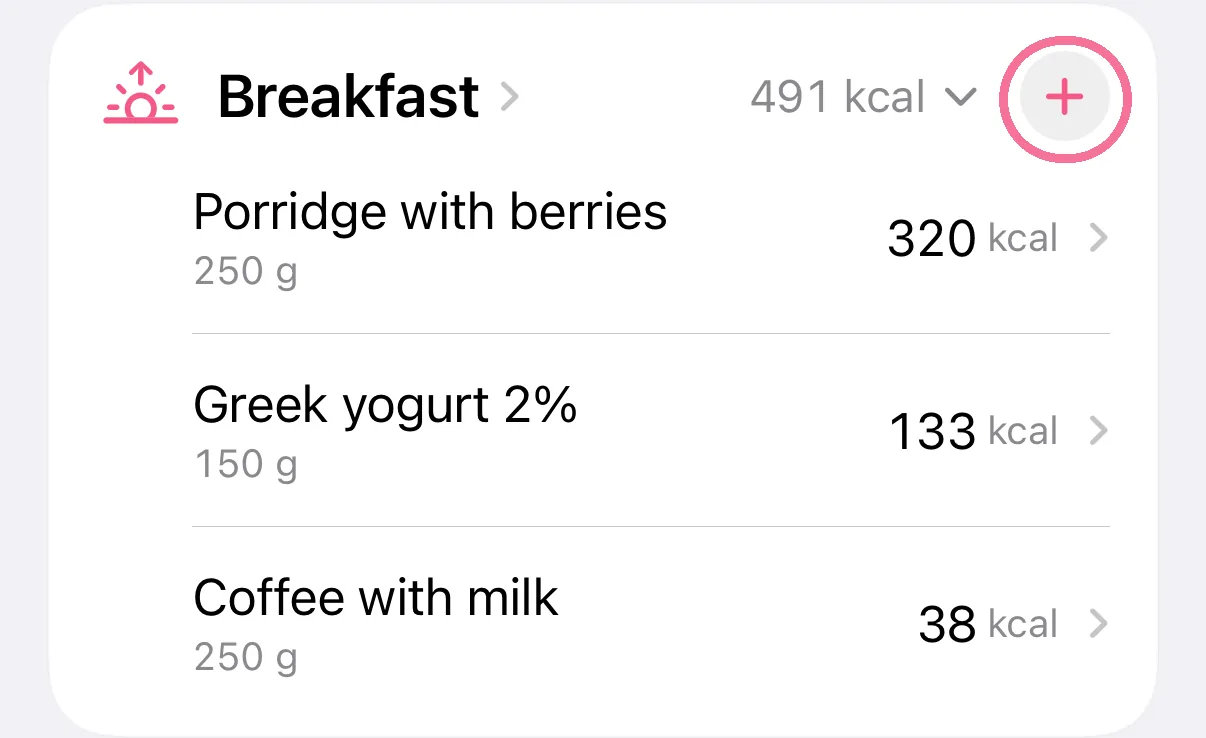
On Today, tap the plus on a meal.
-
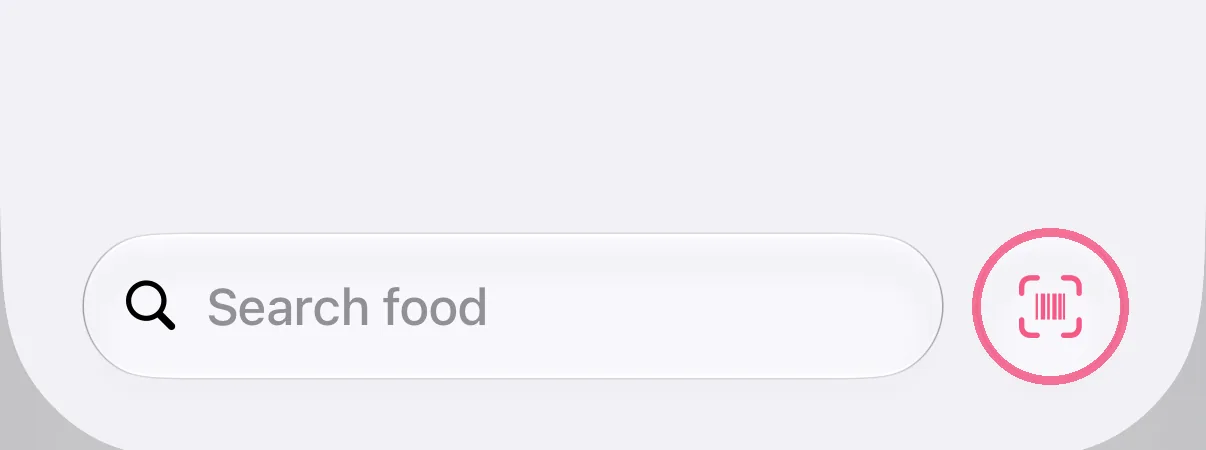
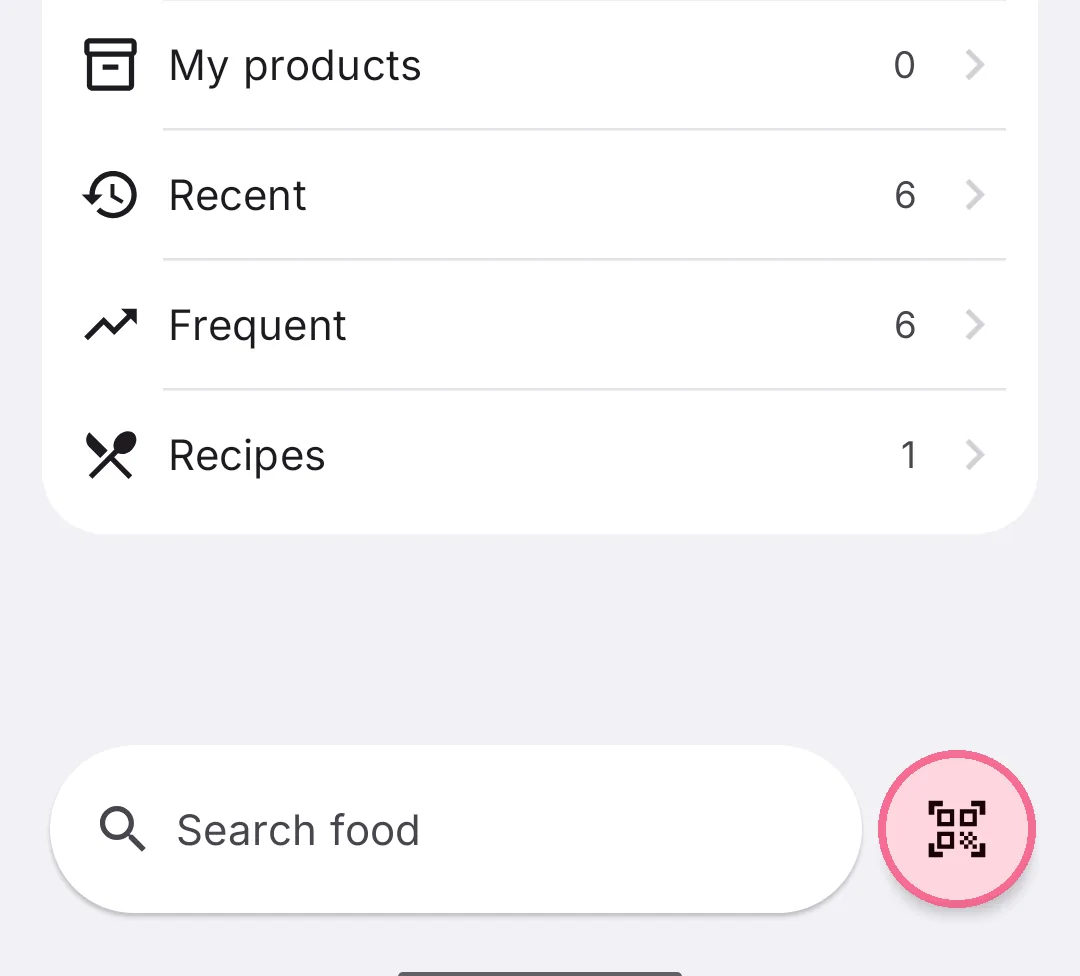
Type a name or brand into the search field at the bottom. Or tap the barcode button next to it and scan the pack.
-
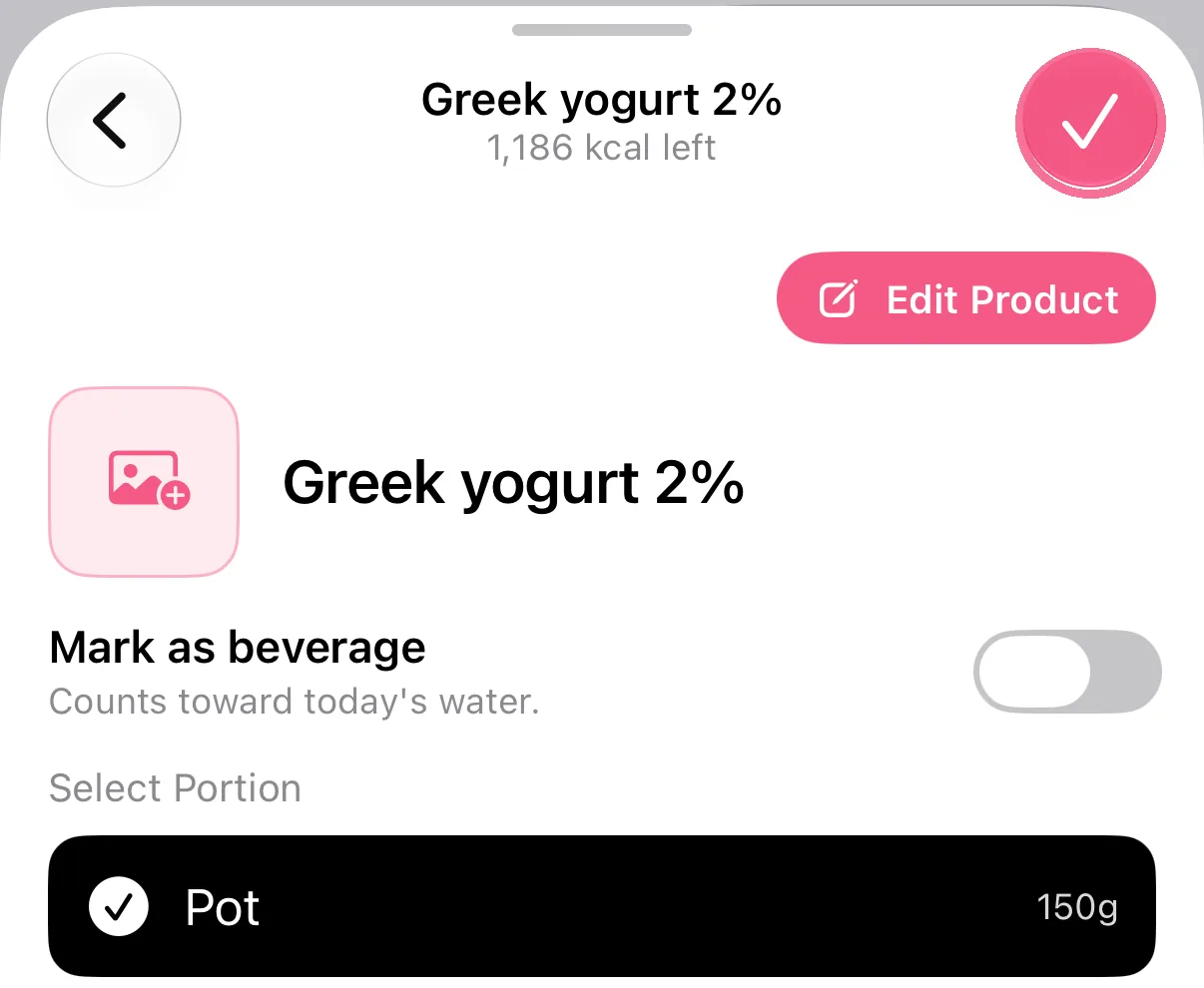
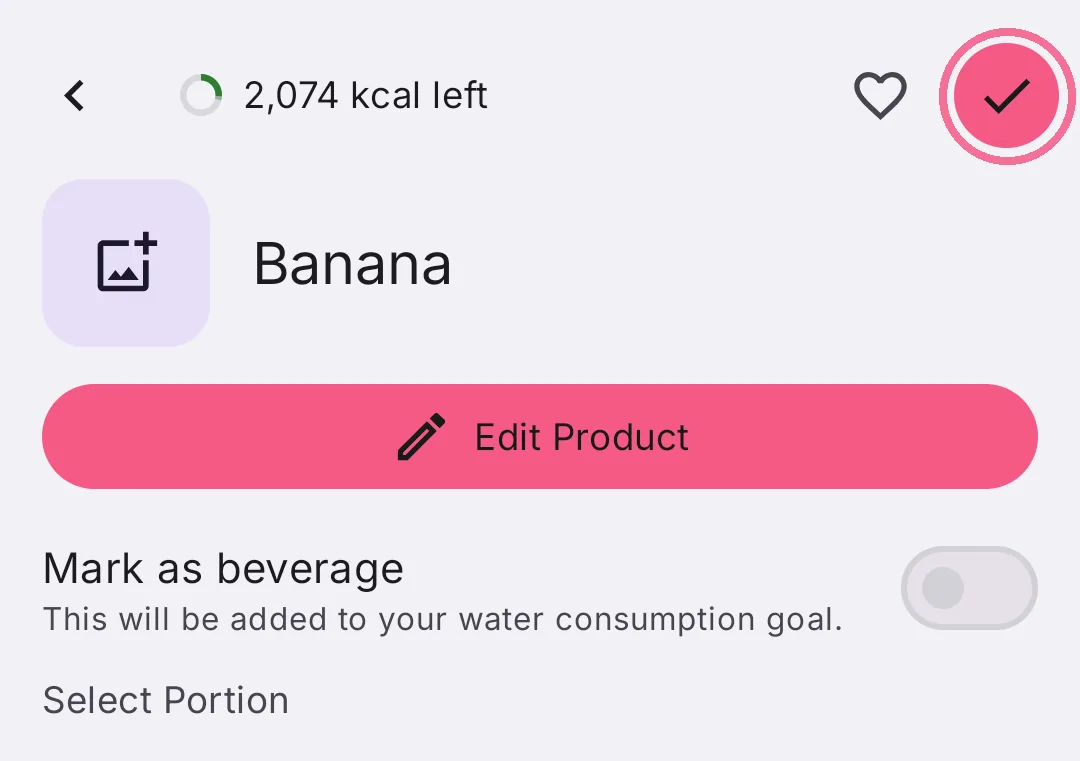
Tap the food, choose the portion and tap the checkmark at the top right.
-
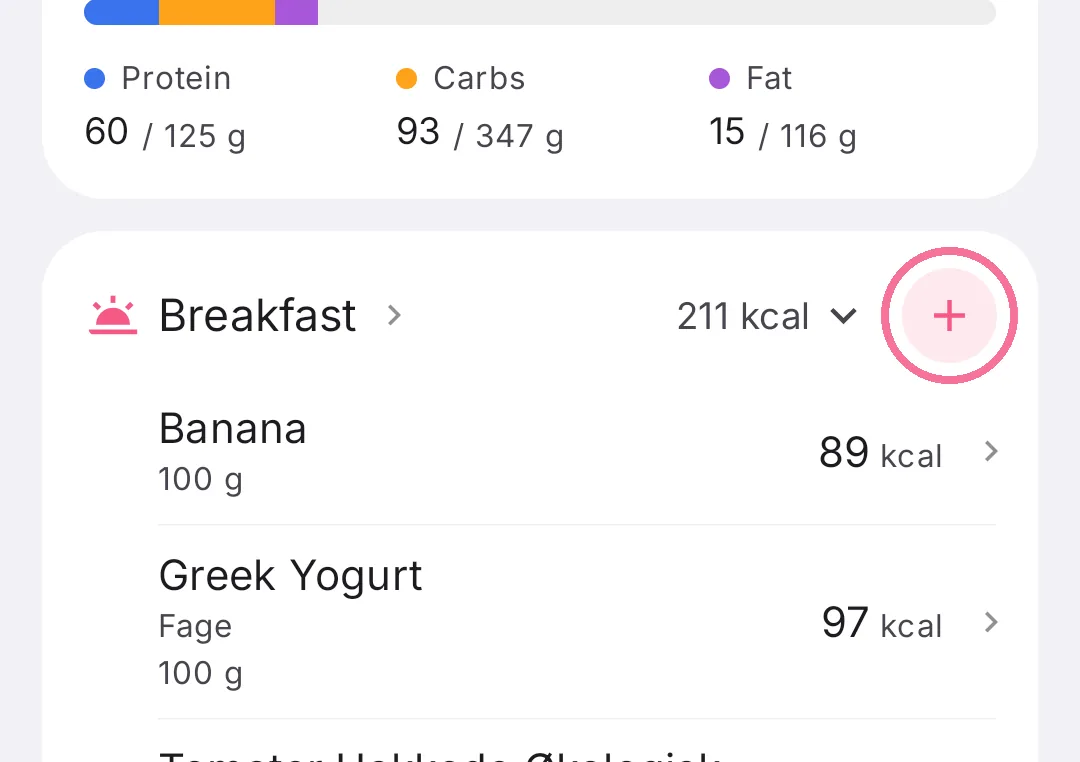
On Today, tap the plus on a meal.
-
Type a name or brand into the search field at the bottom. Or tap the barcode button next to it and scan the pack.
-
Tap the food, choose the portion and tap the checkmark at the top right.
If you only know the calories, leave the search field empty, tap “Create” and choose “Quick add only”, see Quick-add calories.
You log the amount in portions or as a custom amount, see Portions and units. Foods you’ve eaten before are quicker to find next time, see Recent foods and favorites.