
Scan a nutrition label
When you create a product, Intake AI fills in the form from a photo of the nutrition label. This comes with the Intake AI subscription, even if you otherwise use your own API key.
-
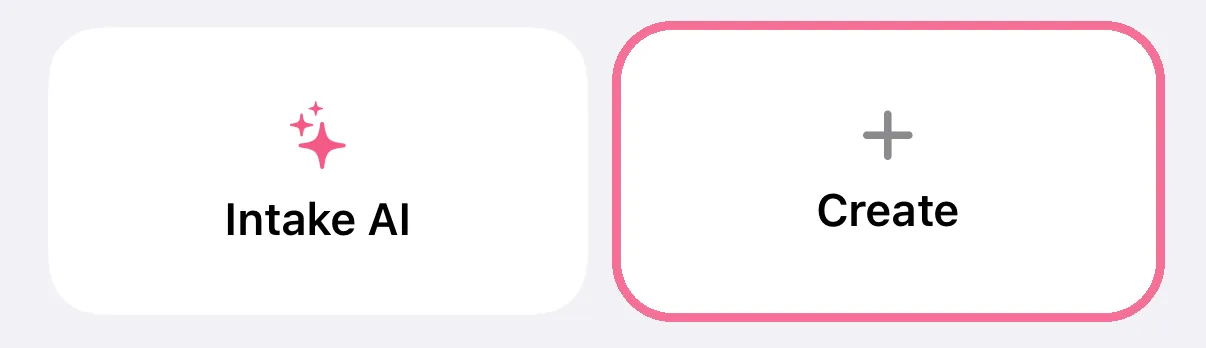
While adding food, tap “Create” at the top.
-
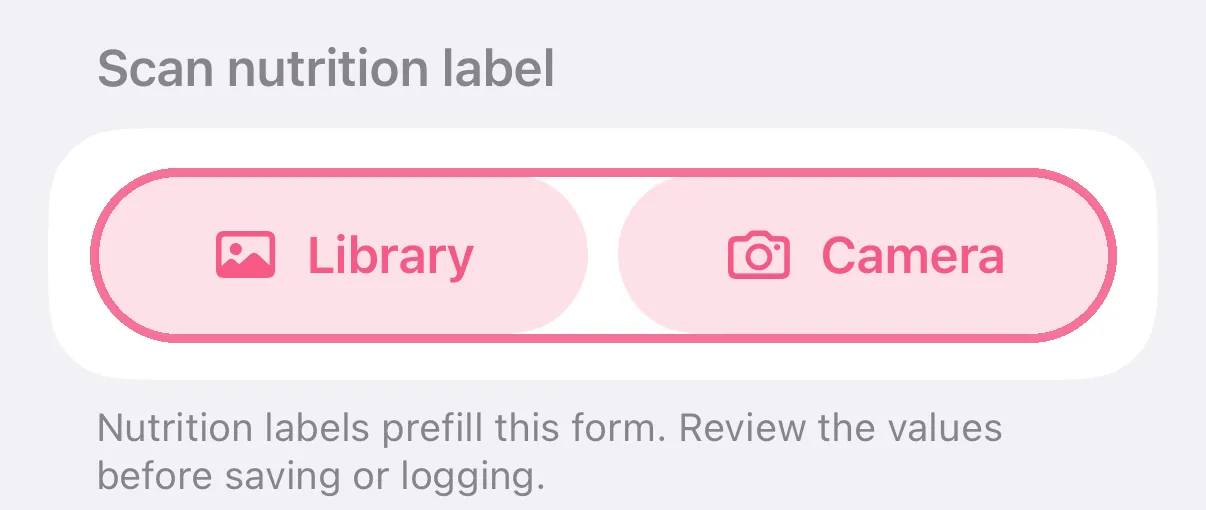
Under “Scan nutrition label”, tap “Camera” or “Library”.
-
Check the values in the form and tap the checkmark at the top right.

-
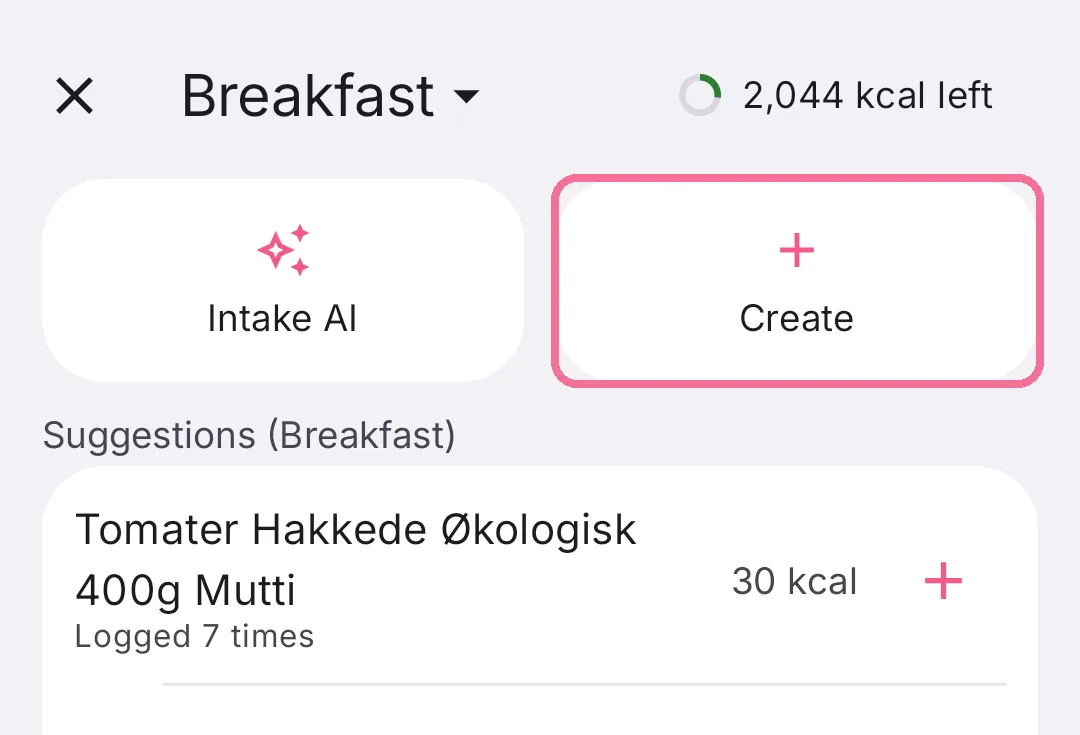
While adding food, tap “Create” at the top.
-
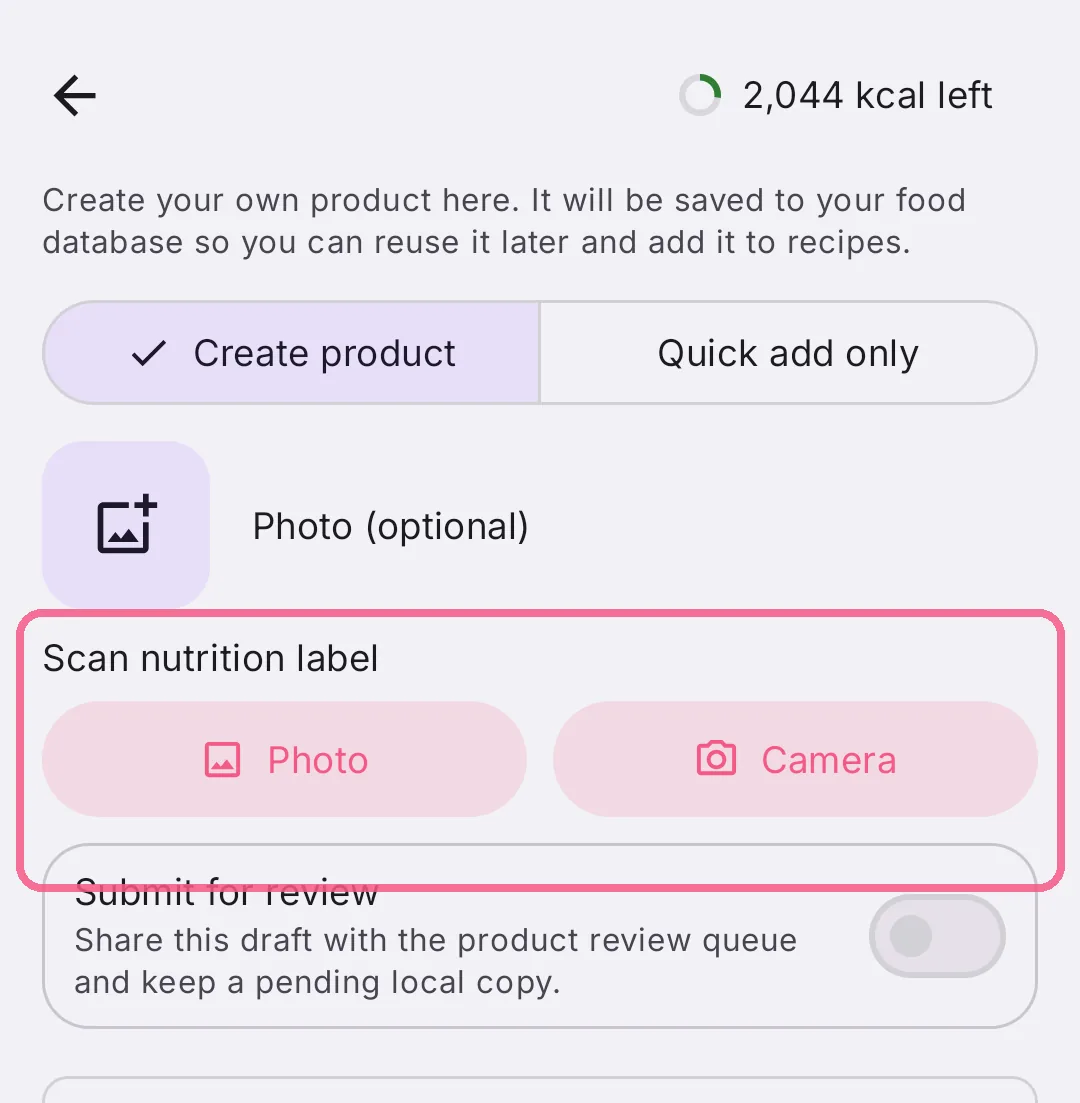
Under “Scan nutrition label”, tap “Photo” or “Camera”.
-
Check the values in the form and tap “Save & add” at the bottom.
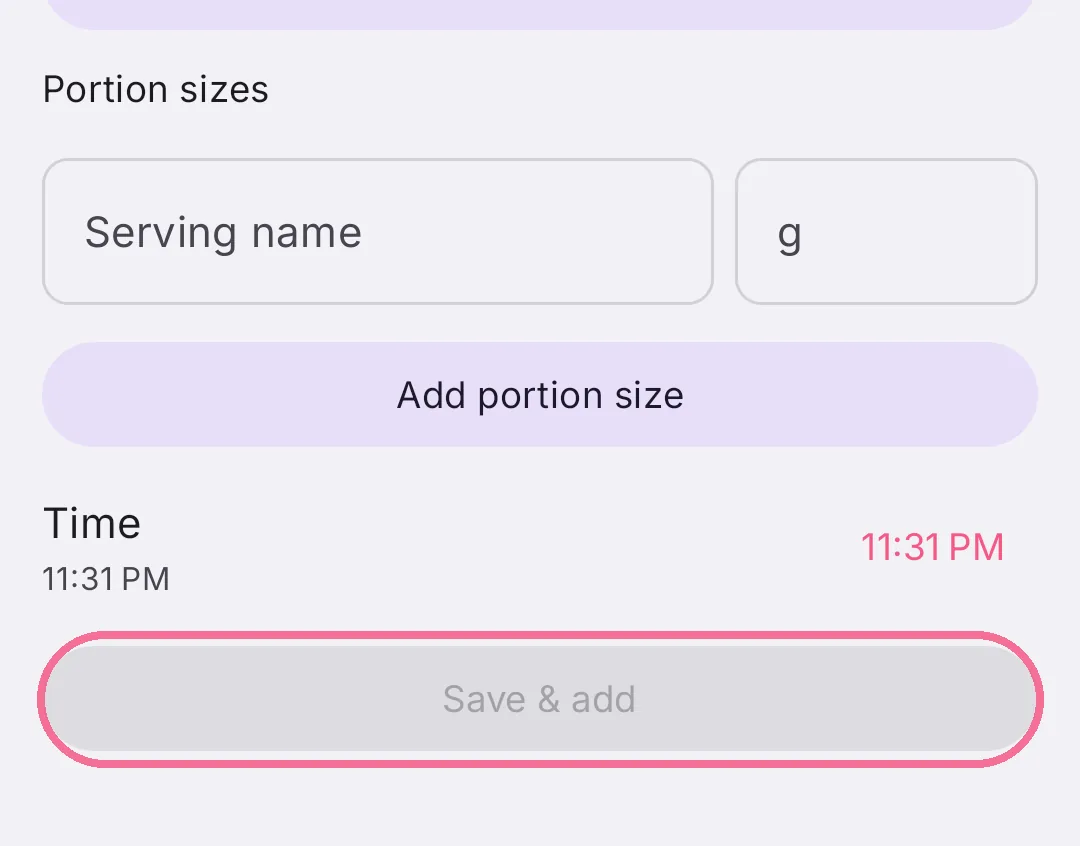
Intake AI fills in the nutrition values and the serving size. Check them and give the product a proper name before you save.
On iPhone, the section shows up once Intake AI is set up. Without an active subscription, the buttons show a lock and open the subscription offer.