
The Intake AI subscription
Intake AI is an optional subscription for the AI features only. Everything else, fasting included, works without it. For AI without a subscription, use your own API key.
-
In Settings, tap “Intake AI”, then “Intake AI” at the top.
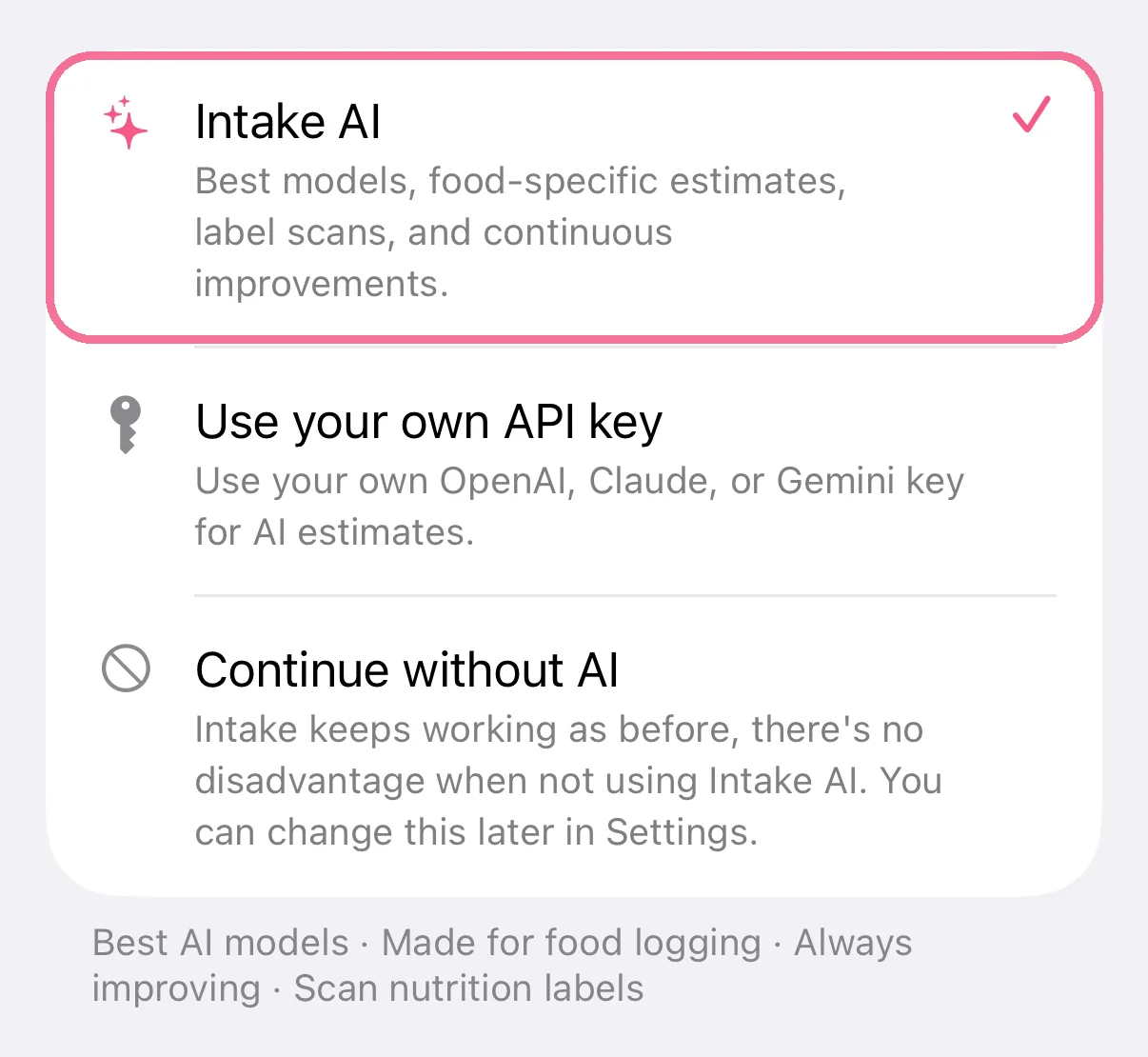
-
“Subscription status” says “Active” or “Not active”. “View subscription” opens the offer; with an active one it’s “Manage subscription”.
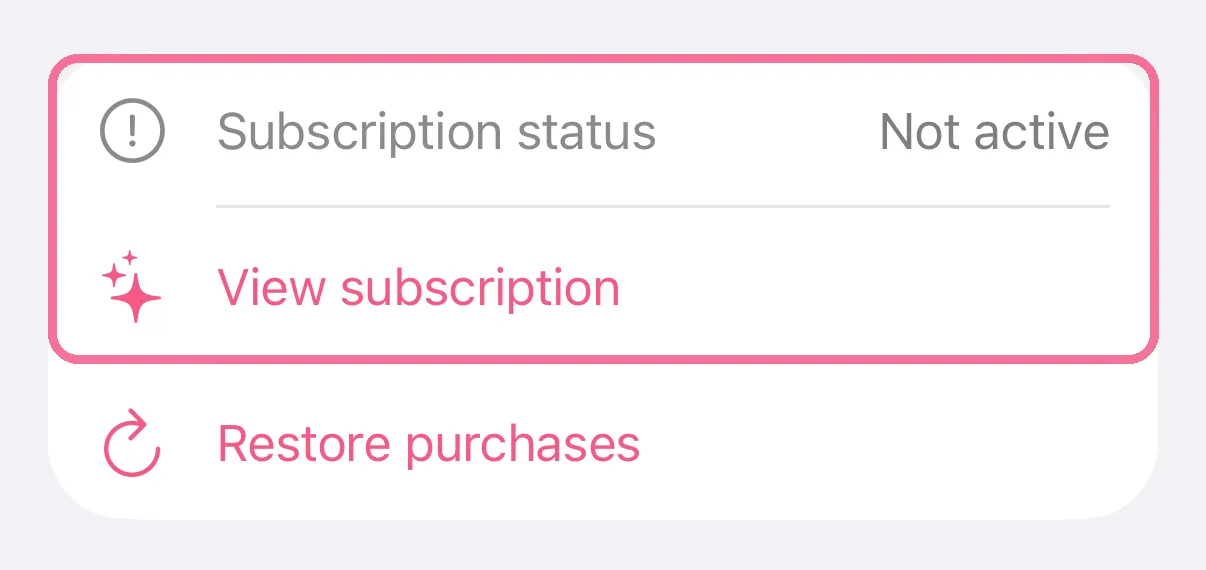
-
Tap “Restore purchases” to do that.
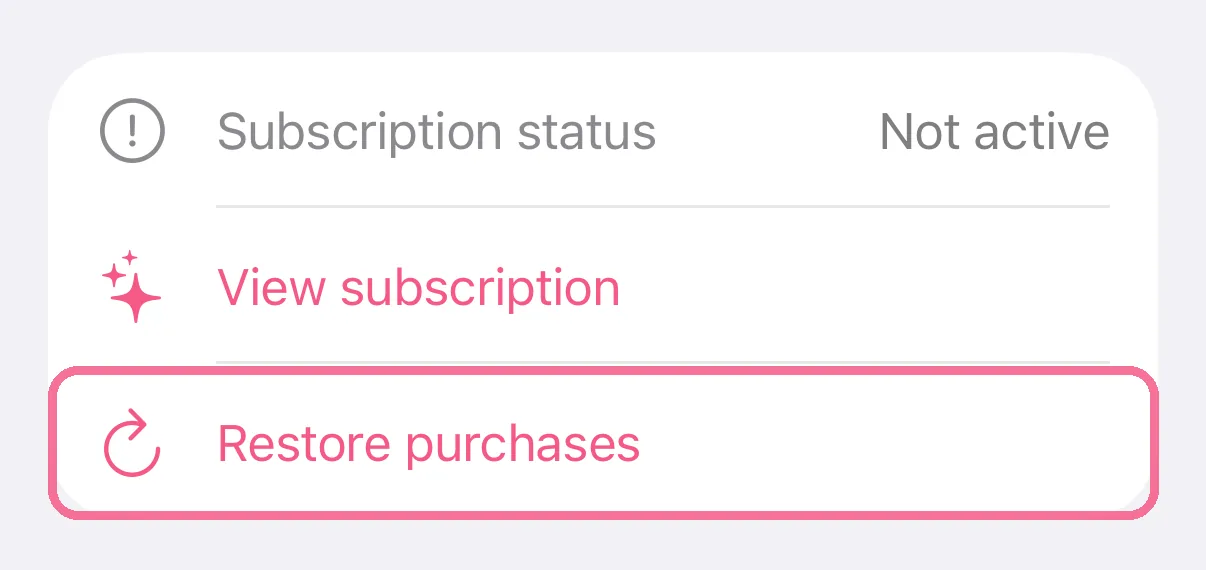
-
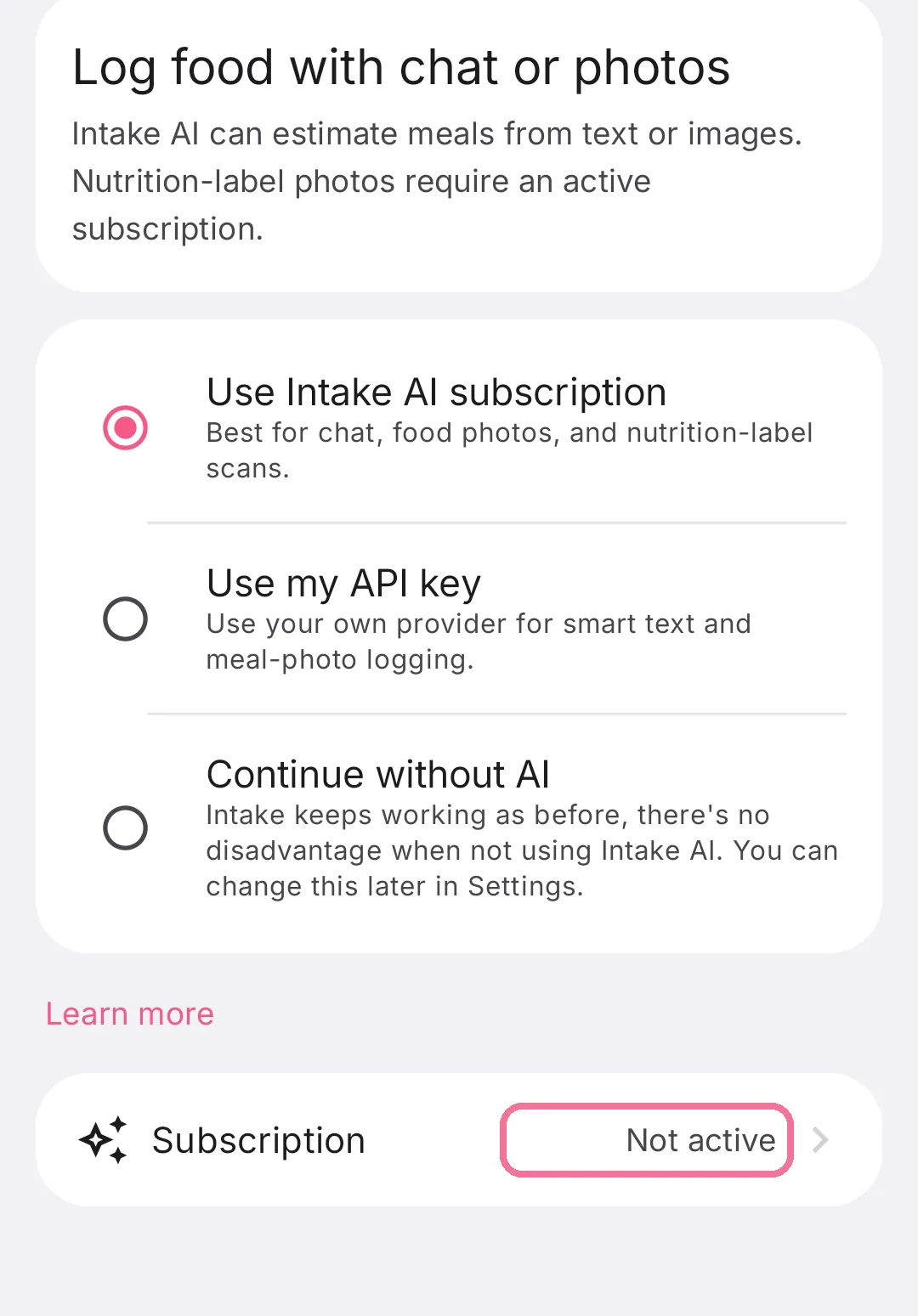
In Settings, tap “Intake AI”. The “Subscription” row is at the bottom.
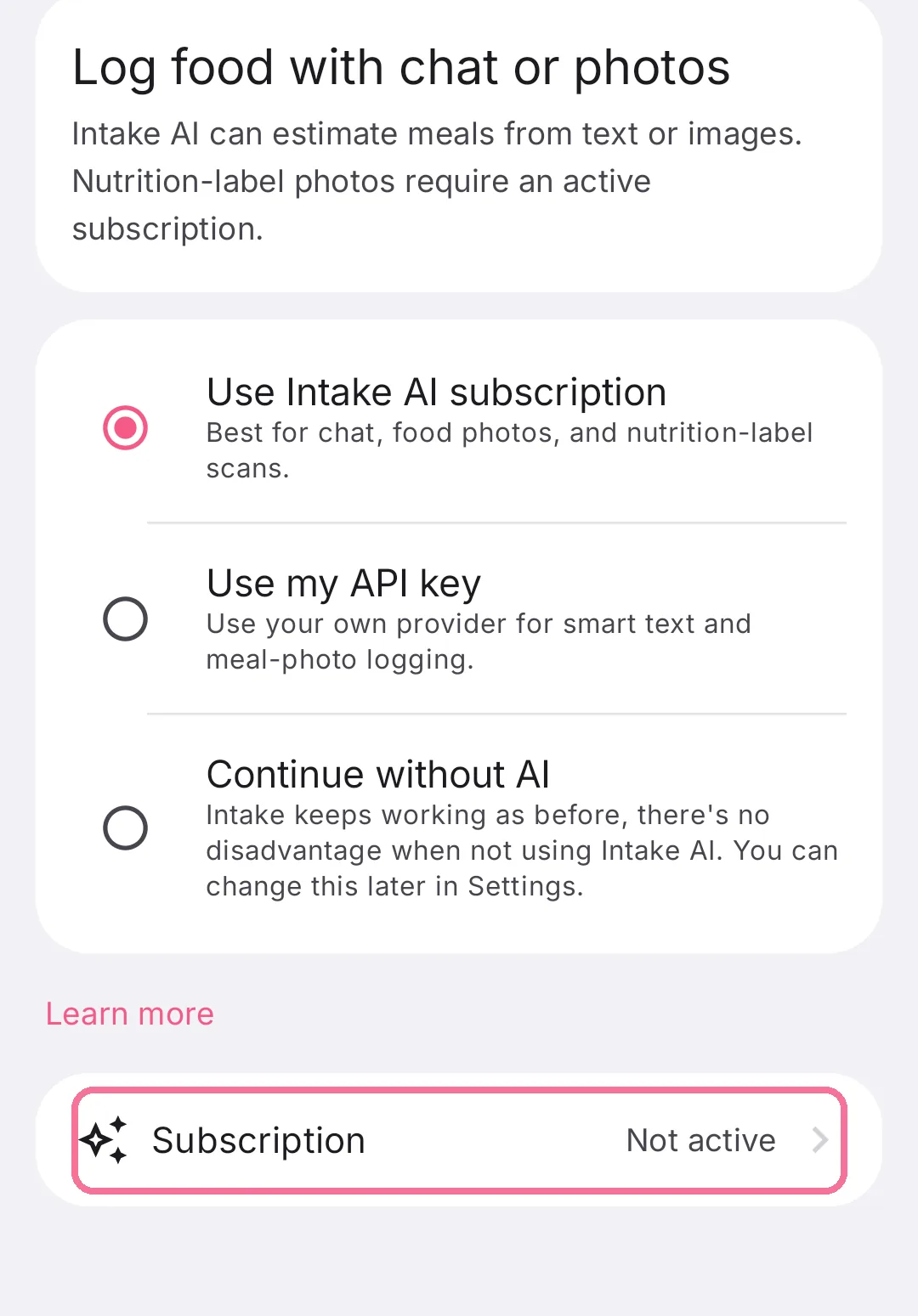
-
It says “Active” or “Not active”. Tap it to open the offer.
-
Tap “Restore purchases” at the bottom of it.
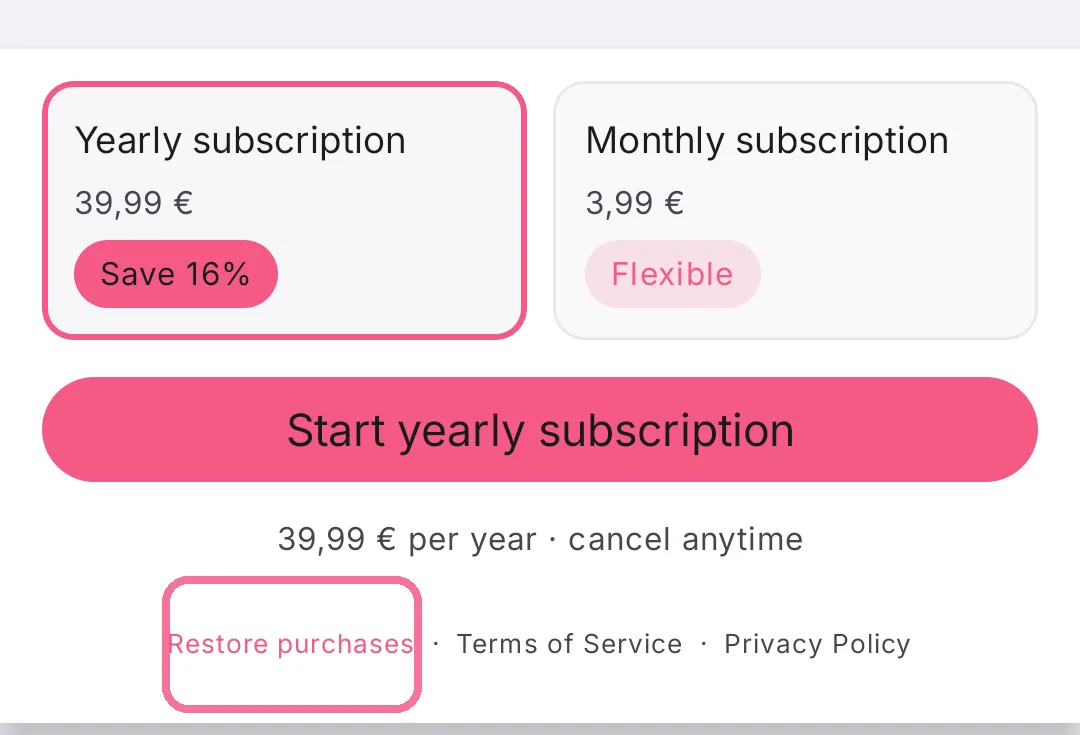
The subscription covers estimates from text and photos, photographing nutrition labels and “Correct”. Choose monthly or yearly; the first time, you can try it free for 3 days. Cancel any time in your App Store or Google Play subscription settings.
On iPhone, Intake itself is a one-time purchase; the subscription only covers the cost of AI requests.