
Set up Intake AI
In Settings under “Intake AI” you choose: the Intake AI subscription, your own API key with no subscription, or no AI. Intake works fully without AI too.
-
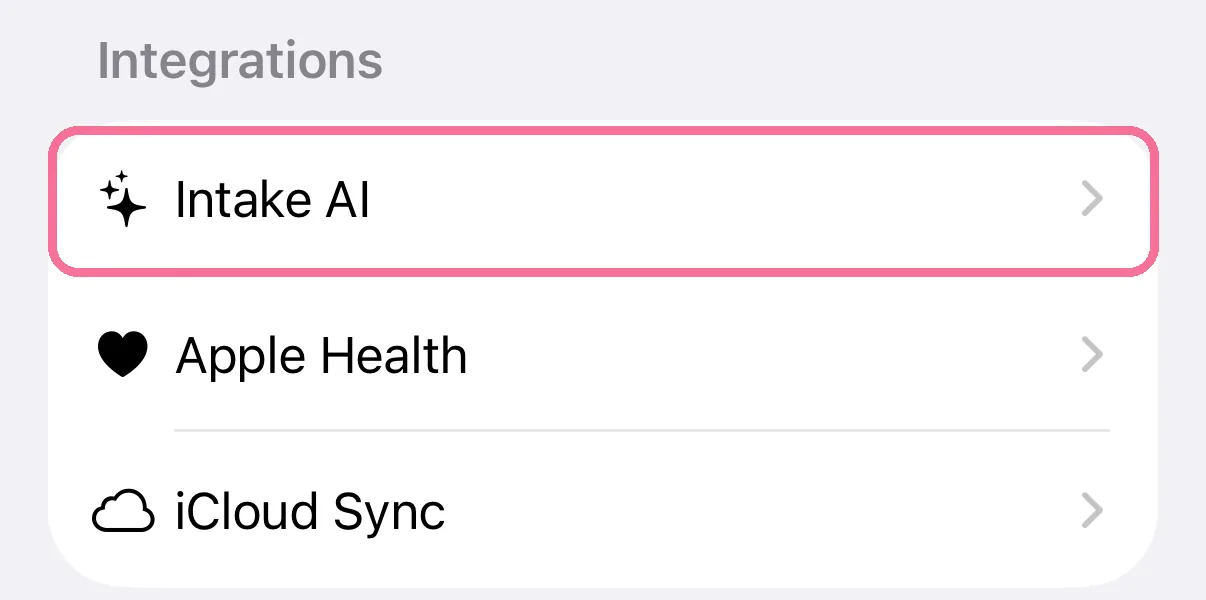
On Today, tap the gear at the top, then “Intake AI” under “Integrations”.
-
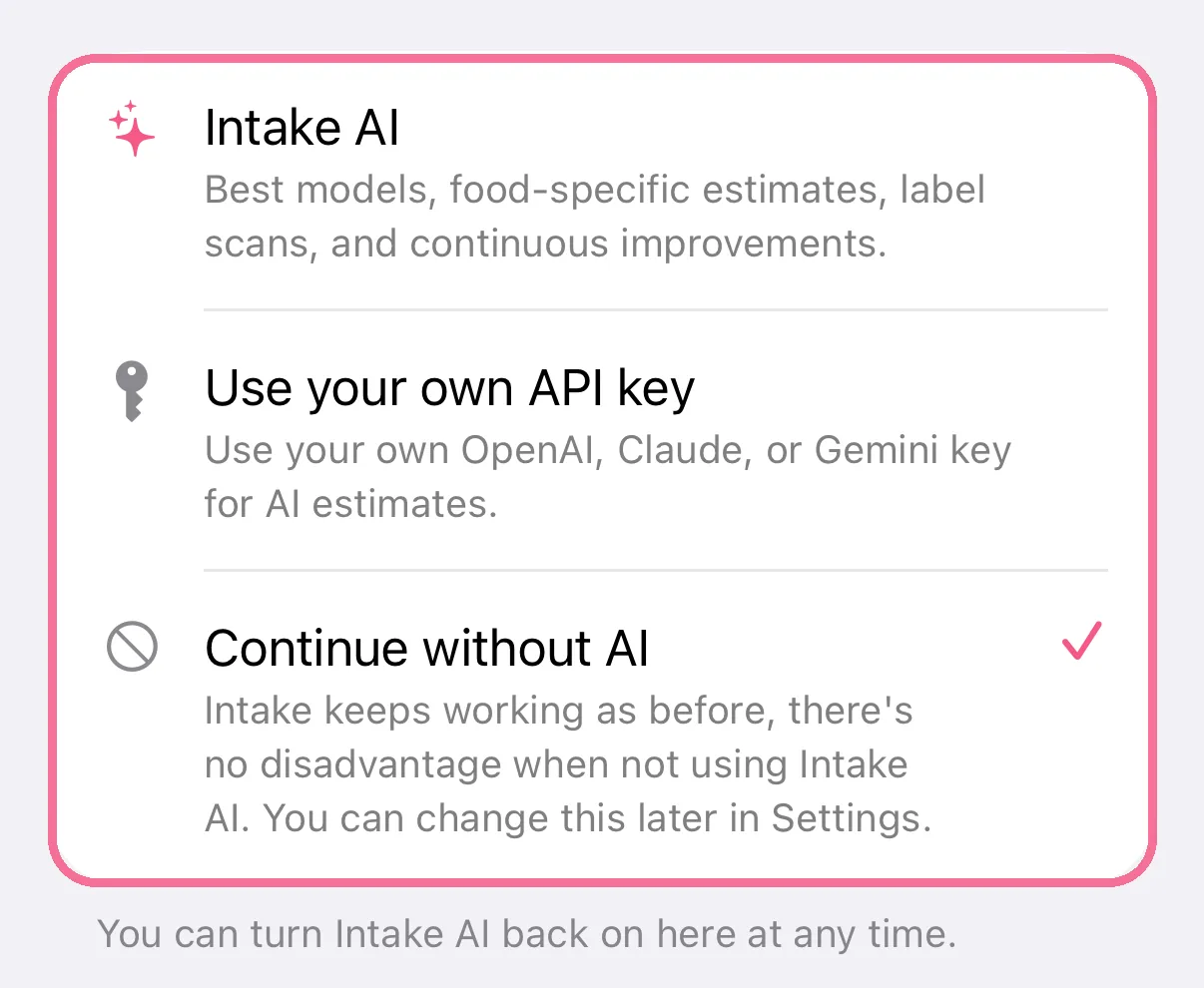
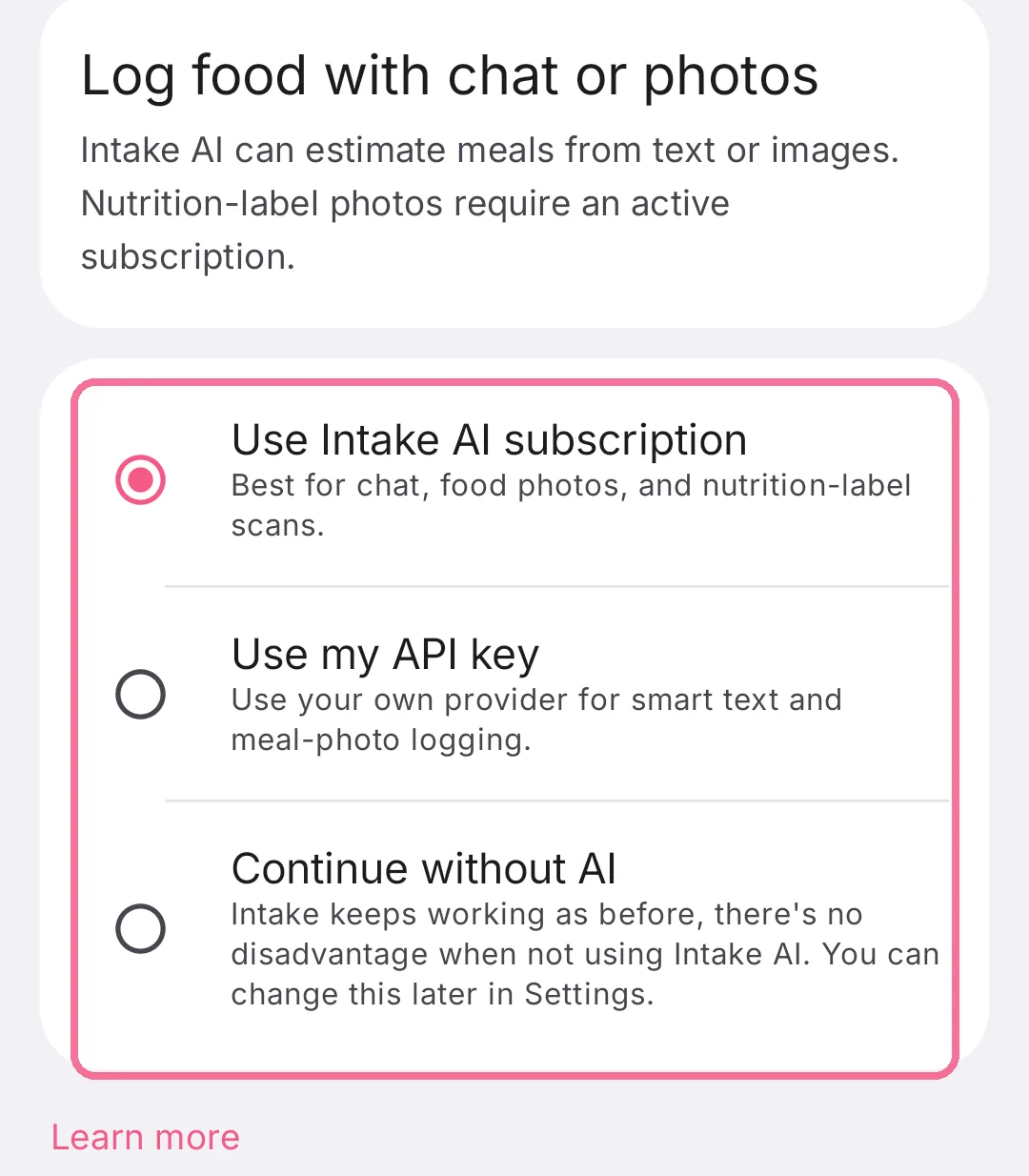
Choose “Intake AI” for the subscription, “Use your own API key” or “Continue without AI”.
-
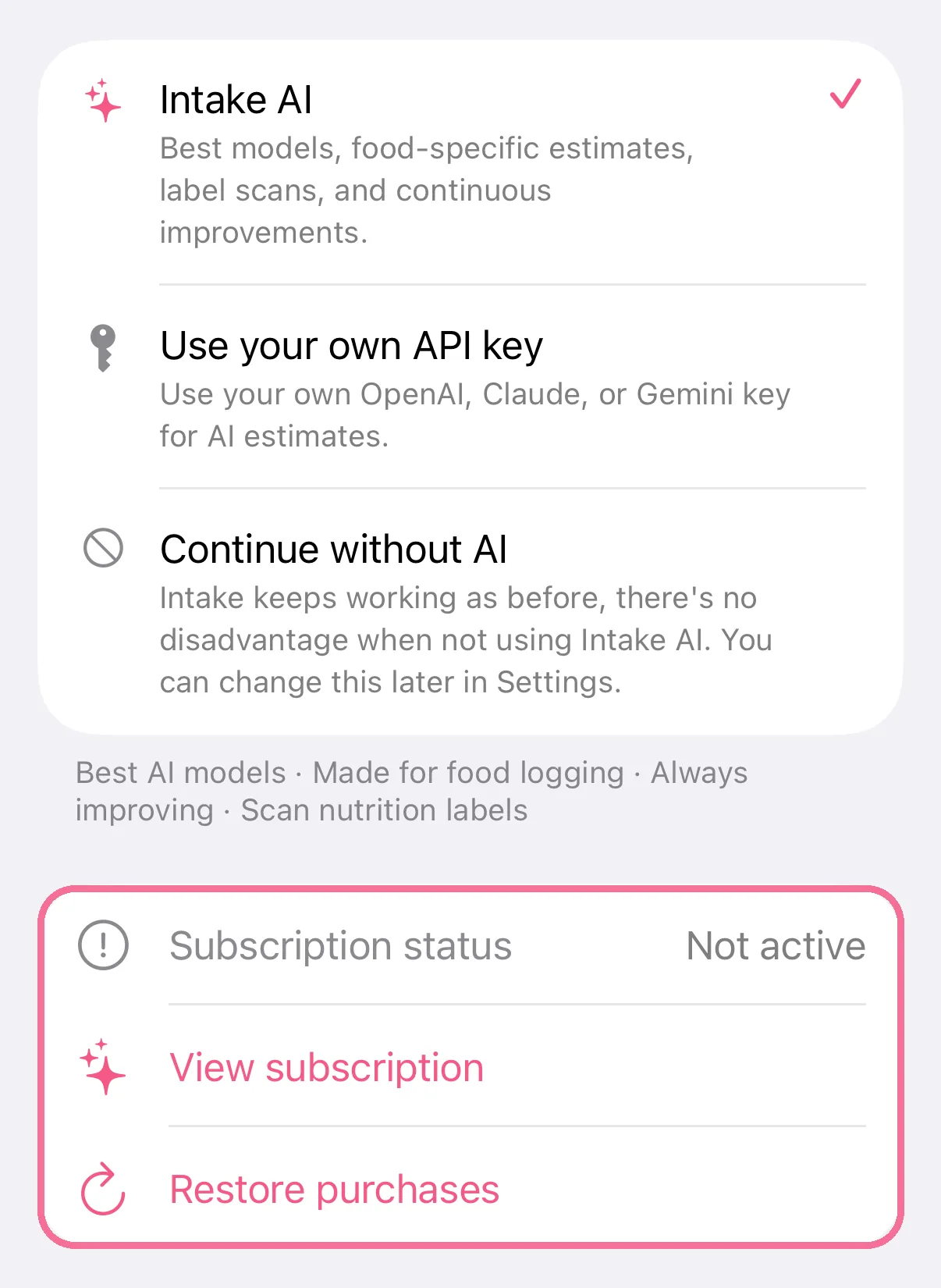
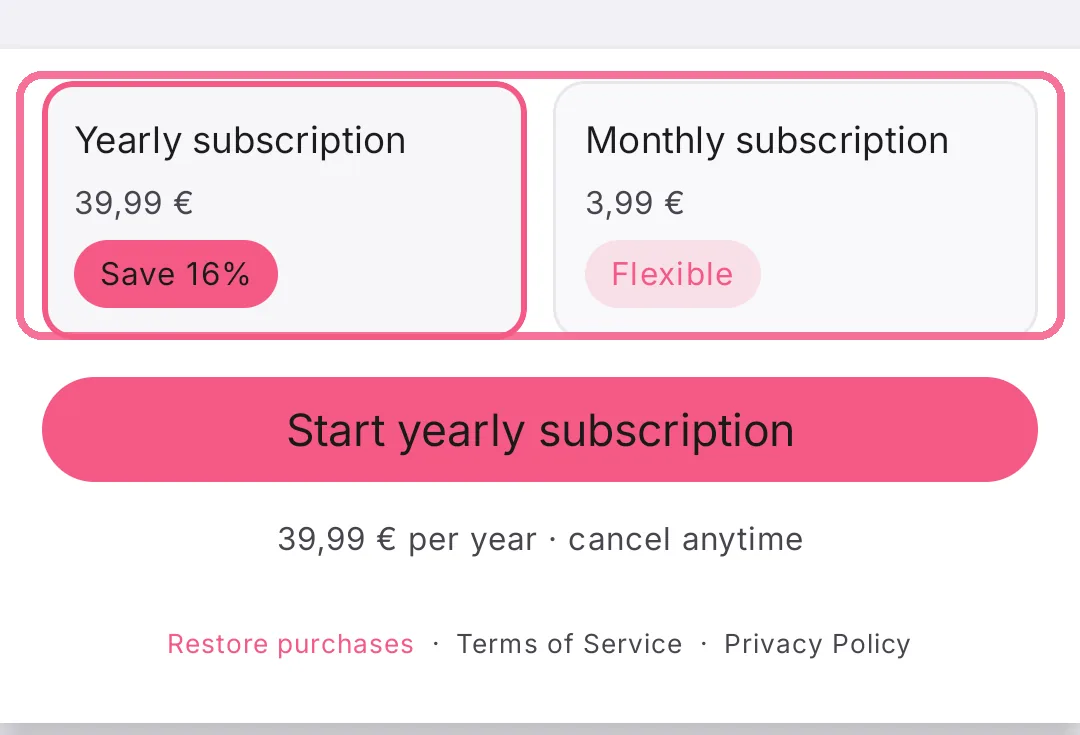
With “Intake AI”, the subscription opens. Afterwards “Subscription status” shows whether it’s active.
-
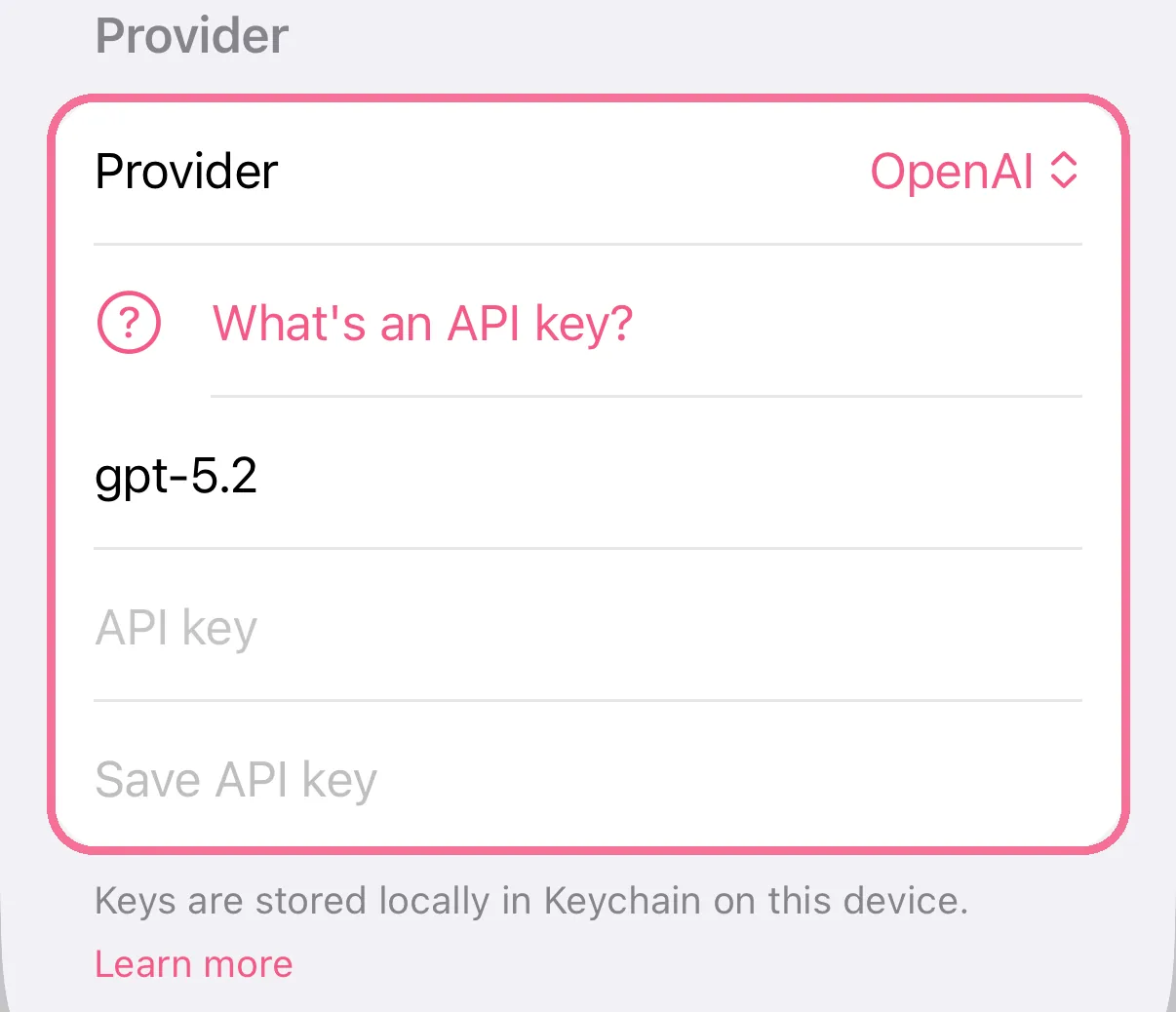
Under “Provider”, pick OpenAI, Claude or Gemini, paste your key and tap “Save API key”.
-
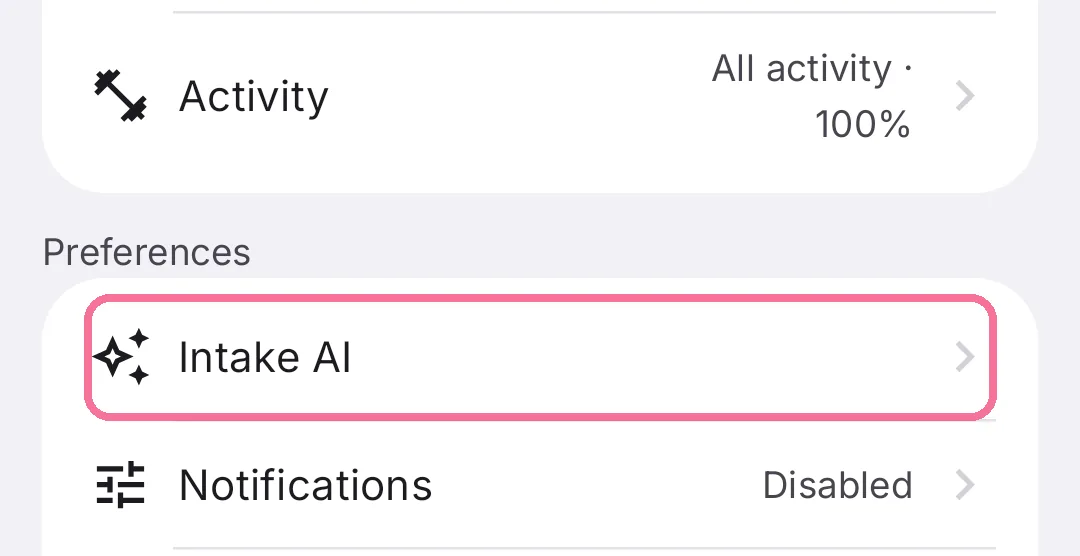
On Today, tap the gear at the top, then “Intake AI” under “Preferences”.
-
Tap the circle next to “Use Intake AI subscription”, “Use my API key” or “Continue without AI”.
-
For the subscription, tap “Subscription” below and pick the yearly or the monthly plan.
-
For your own key, choose the provider, paste the key and tap “Save API key”.
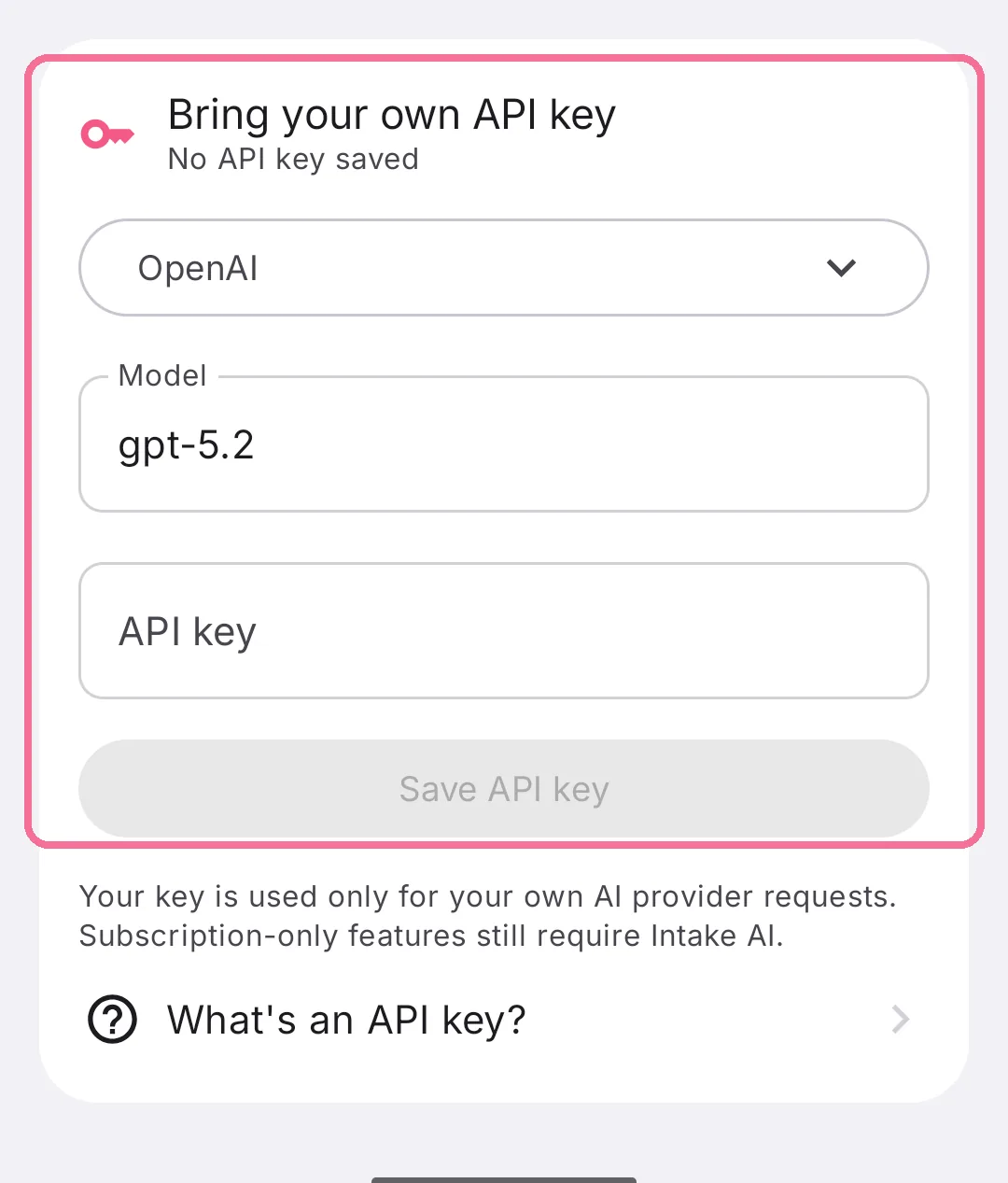
With your own key you pay the provider directly; to get one, see Set up your own API key for Intake AI.