
Language and units
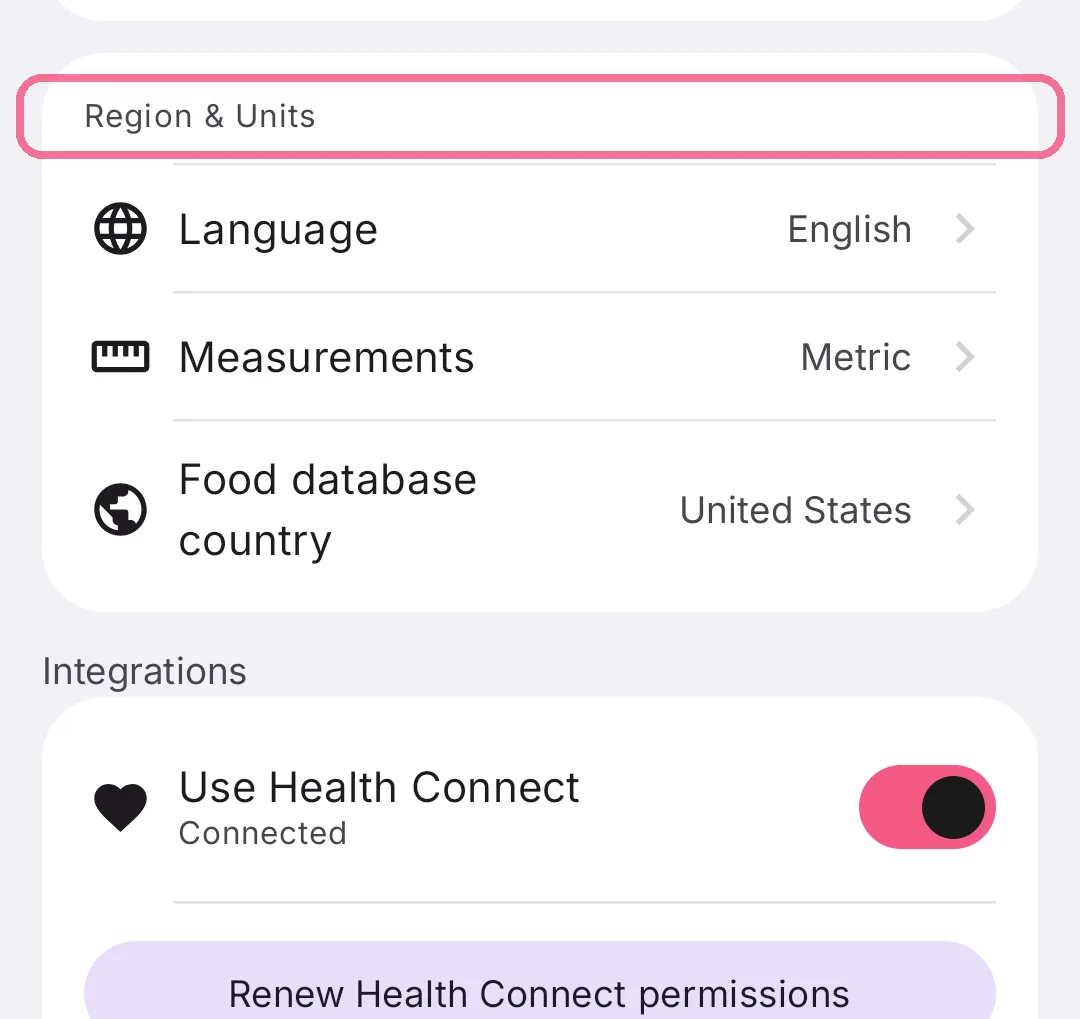
Under “Region & Units” you choose the app’s language, metric or imperial units and the country whose products the food search shows first.
-
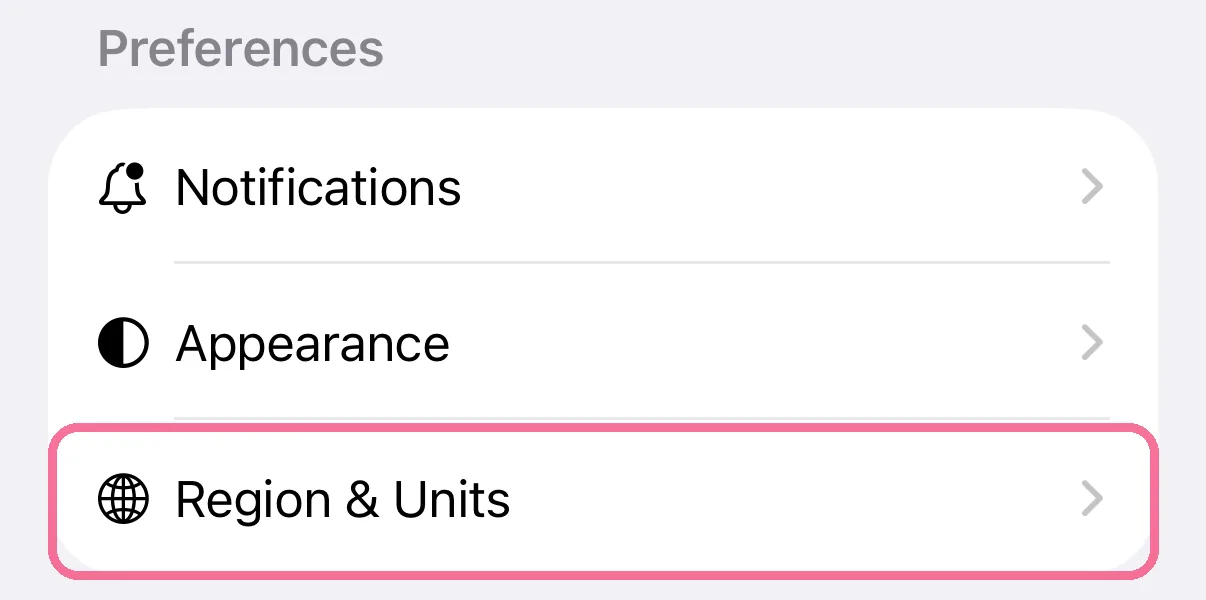
On Today, tap the gear at the top, then “Region & Units”.
-
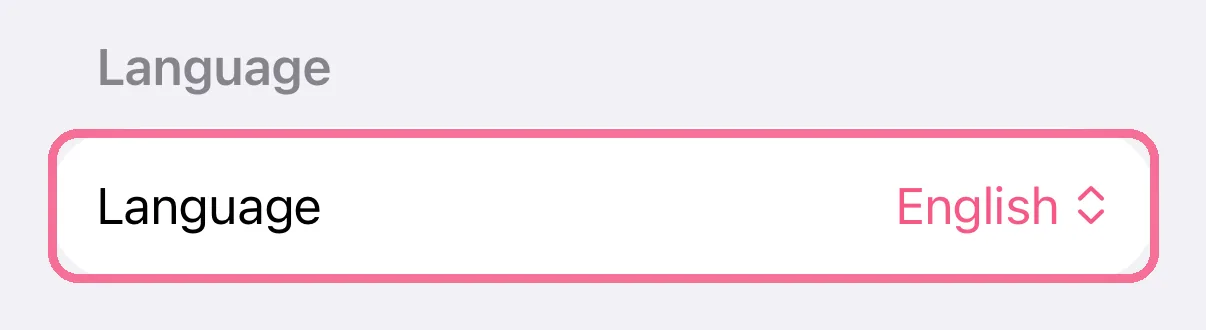
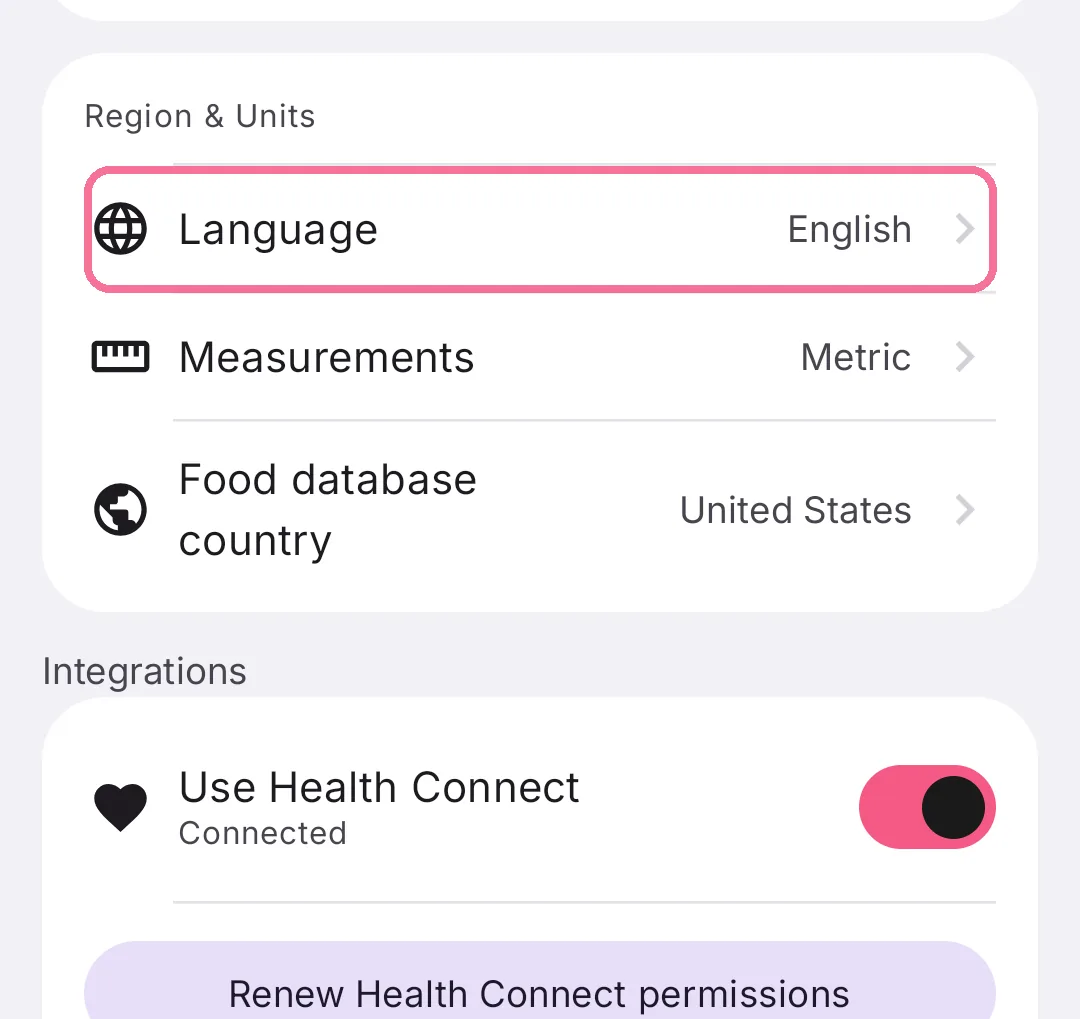
Under “Language”, choose the app’s language.
-
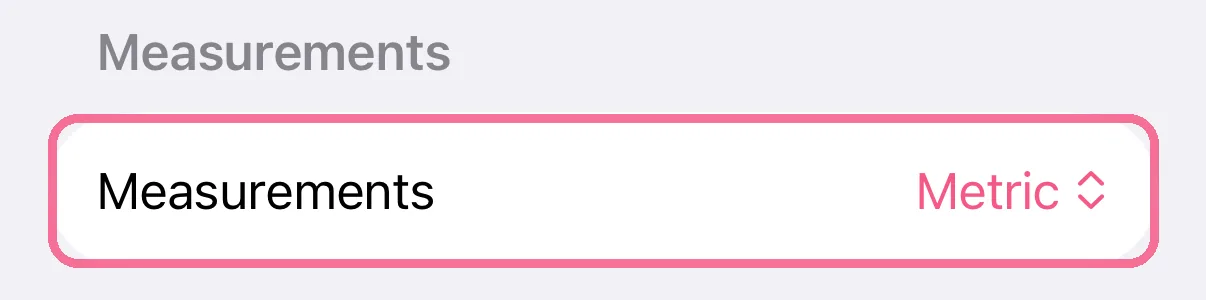
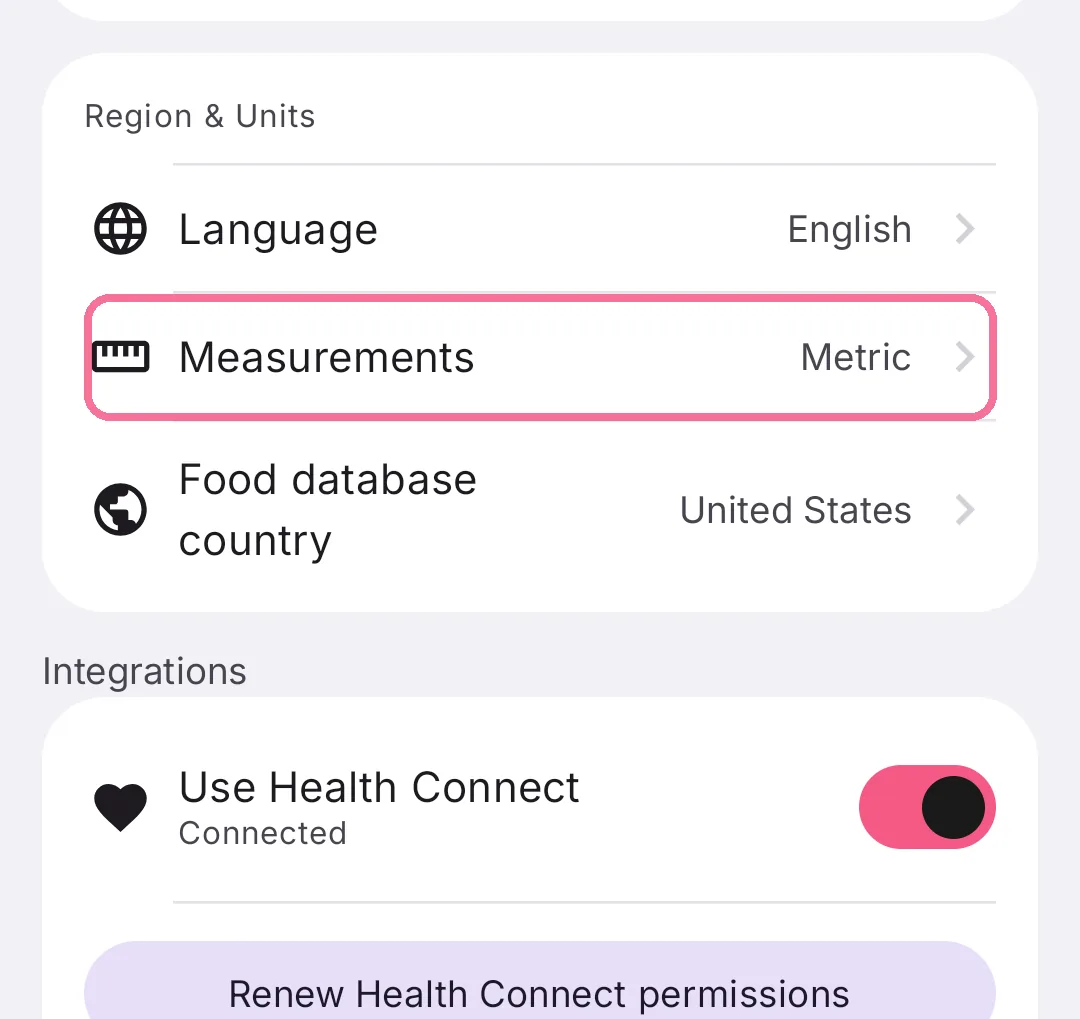
Under “Measurements”, set “Metric” or “Imperial”.
-
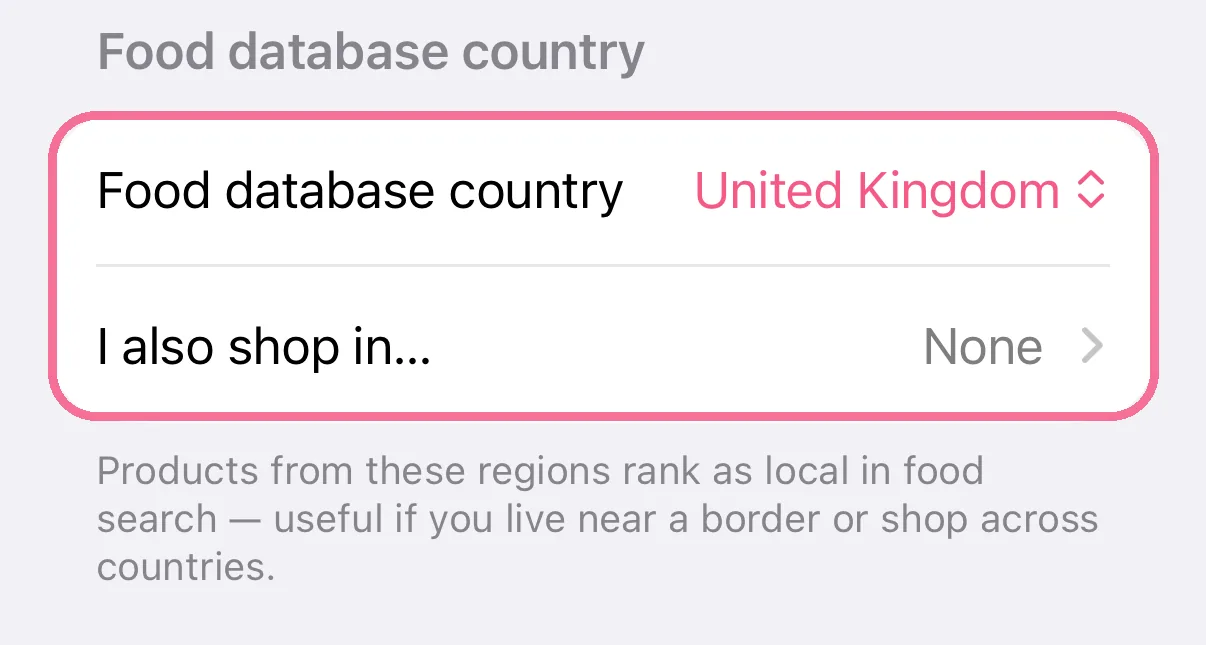
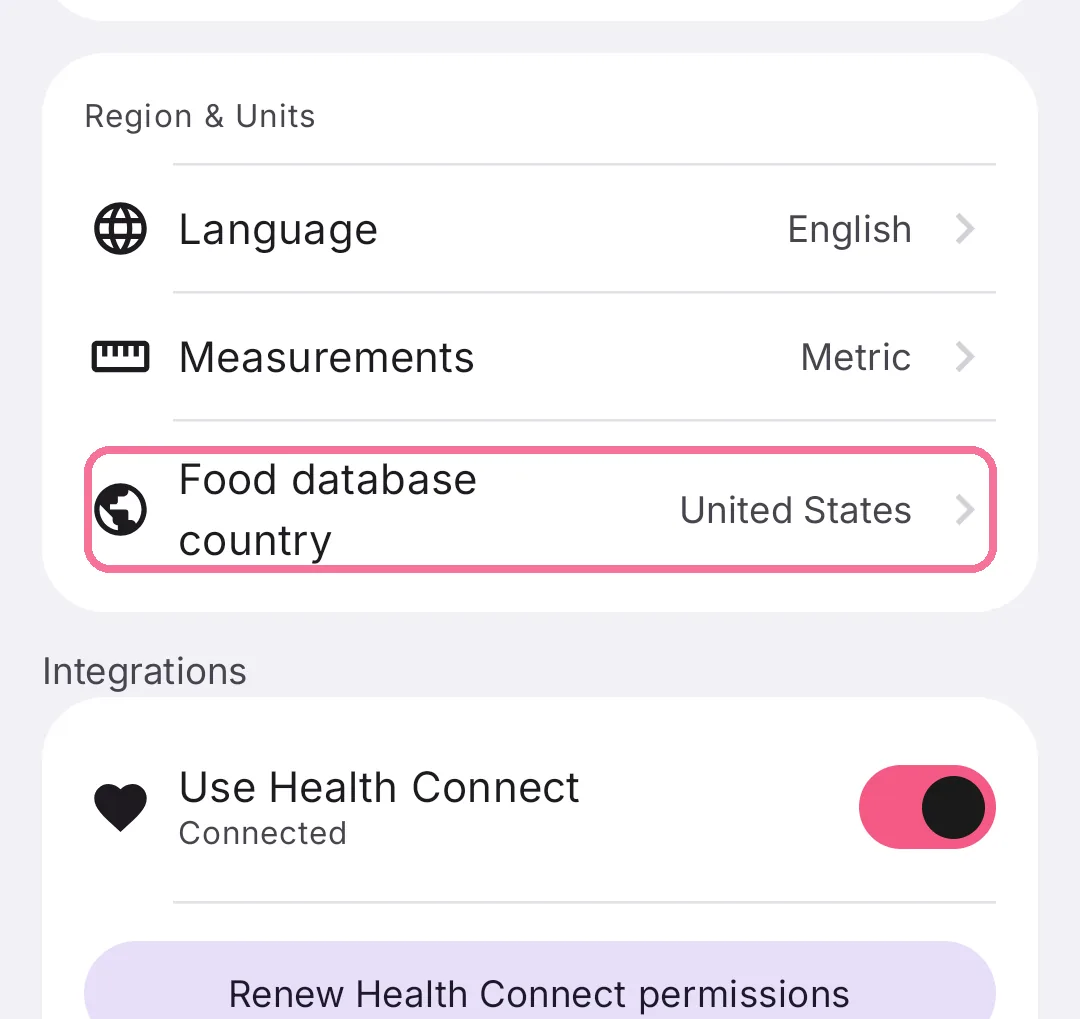
Choose your country under “Food database country” and add more under “I also shop in…”.
-
On Today, tap the gear at the top and scroll to “Region & Units”.
-
Under “Language”, choose the app’s language.
-
Under “Measurements”, choose “Metric” or “Imperial”.
-
Under “Food database country”, choose your country and, under “I also shop in”, more countries.
Intake comes in English, German, Spanish, French, Portuguese, Italian, Dutch and Japanese. The language applies to the whole app, whatever language your phone uses. On iPhone, widgets and the Apple Watch follow it too.
The search treats products from the extra countries like products from your own. That helps if you live near a border.