
What’s new
After an update, Intake shows once what’s new. Later you’ll find it in Settings: “What’s New” at the top and “Feature Tour”.
-
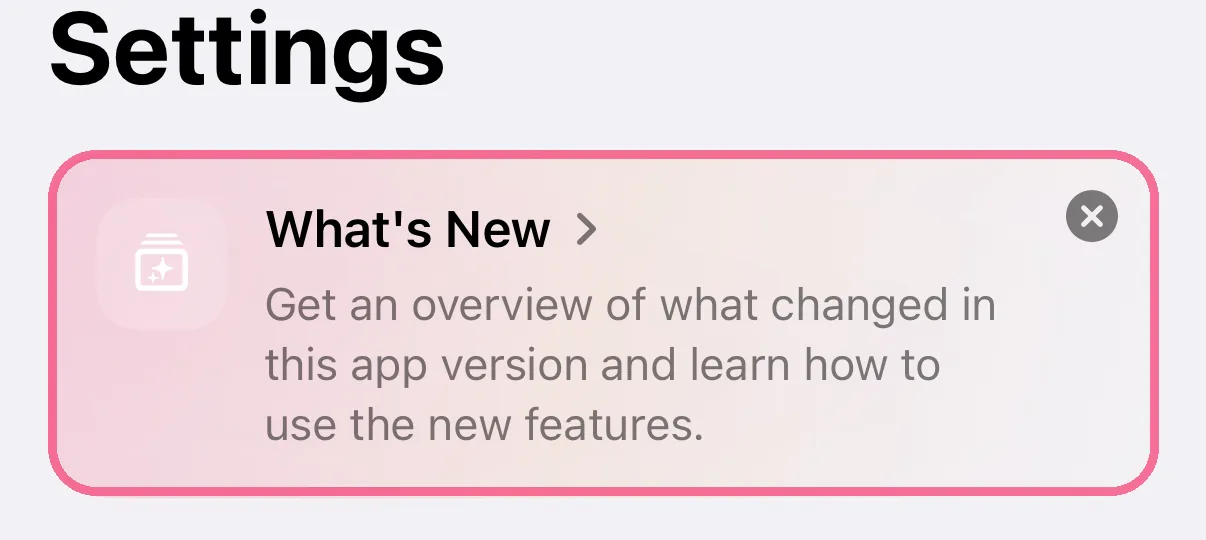
In Settings, tap “What’s New” at the top. Its page opens on getintake.de.
-
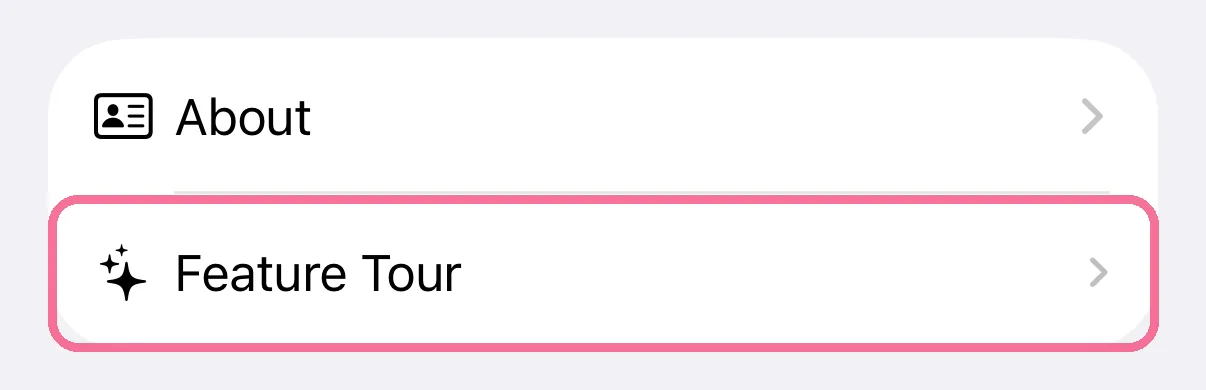
“Feature Tour” shows the overview from the app again.
-
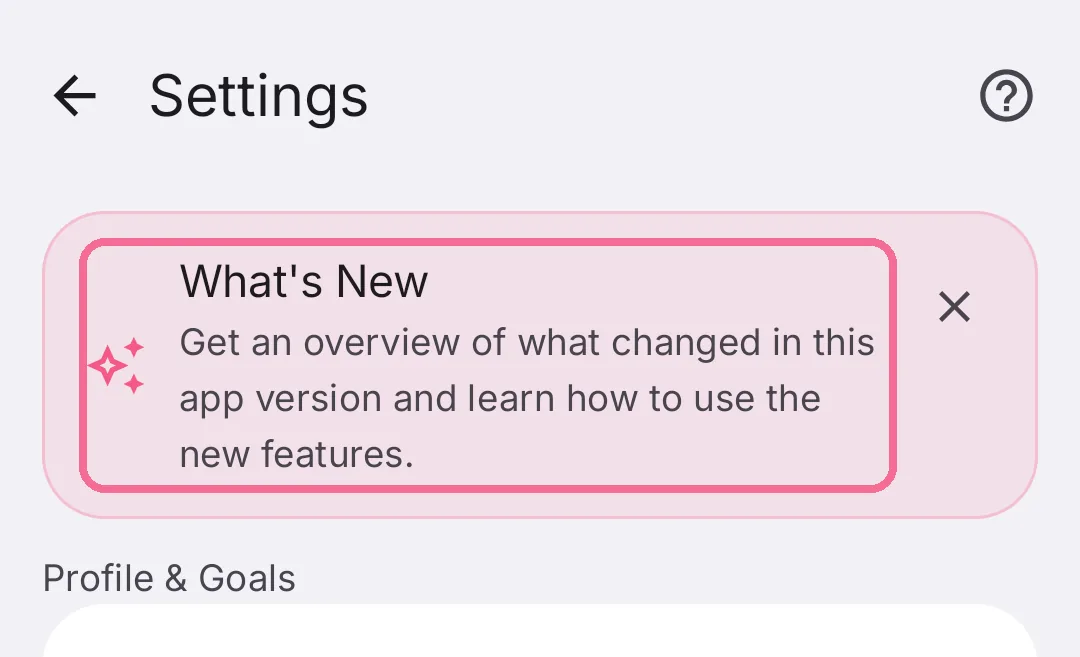
In Settings, tap “What’s New” at the top. Its page opens inside Intake.
-
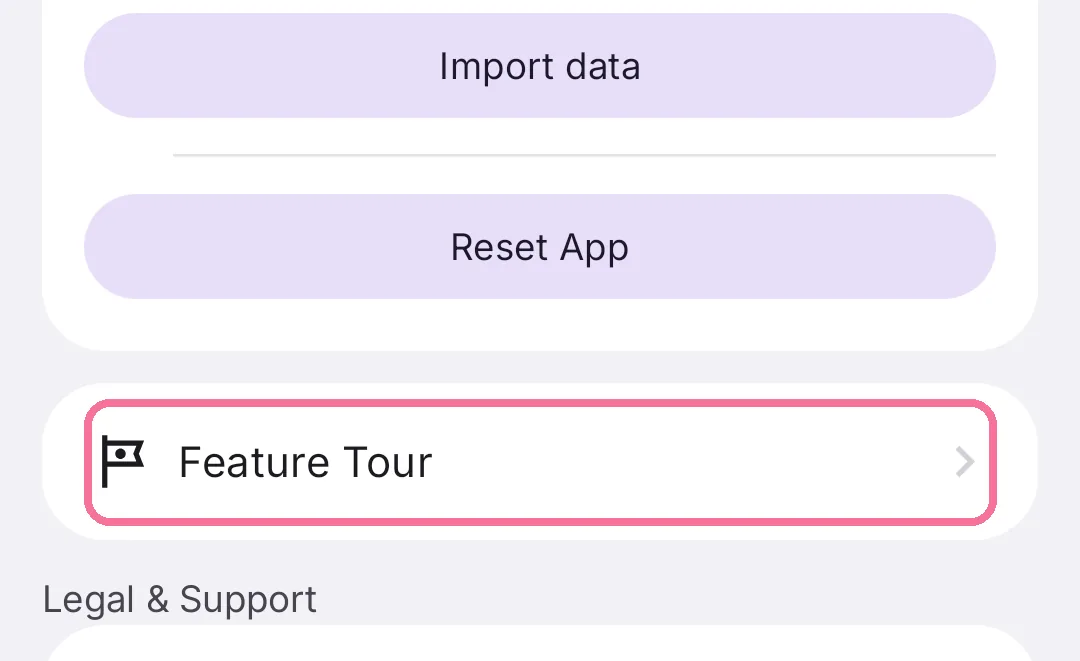
“Feature Tour” under “Data” shows the overview from the app again.
The overview appears once after an update, not after a fresh install. If you dismissed the card at the top, you’ll find the page under “Legal & Support” as “What’s New”.