
Reset Intake
“Reset app” under “Data” deletes your profile, diary, recipes and products on this device. Back up your data first if you want to keep it.
-
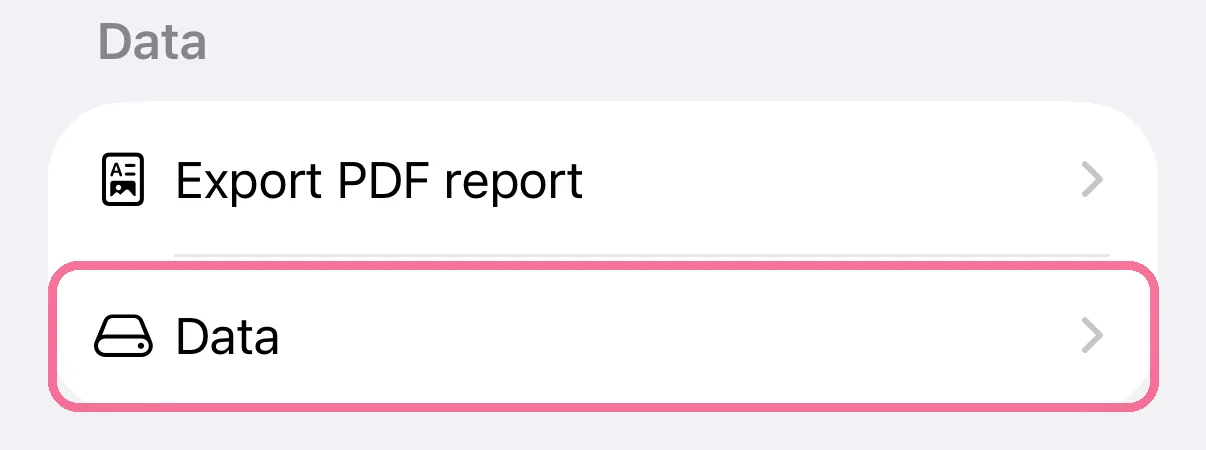
On Today, tap the gear at the top, then “Data” under “Data”.
-
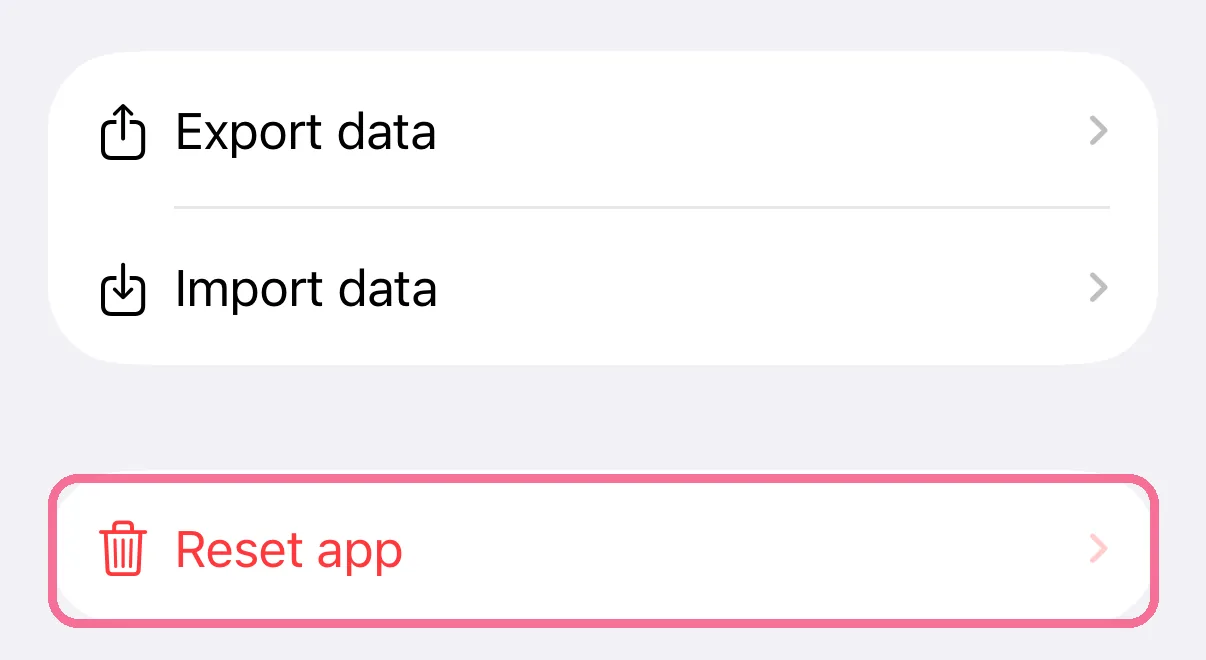
Tap “Reset app”.
-
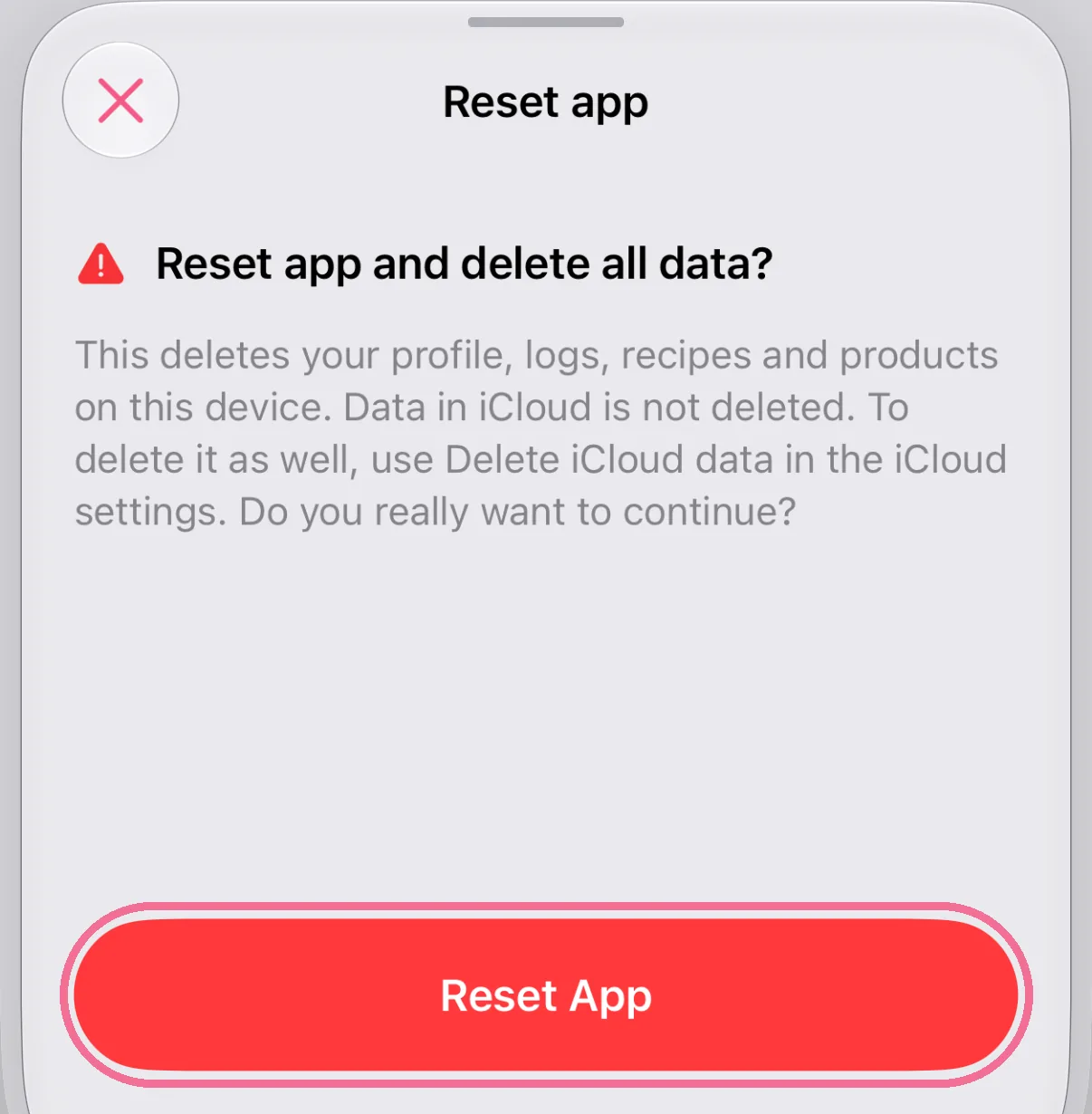
Confirm with “Reset App” at the bottom.
-
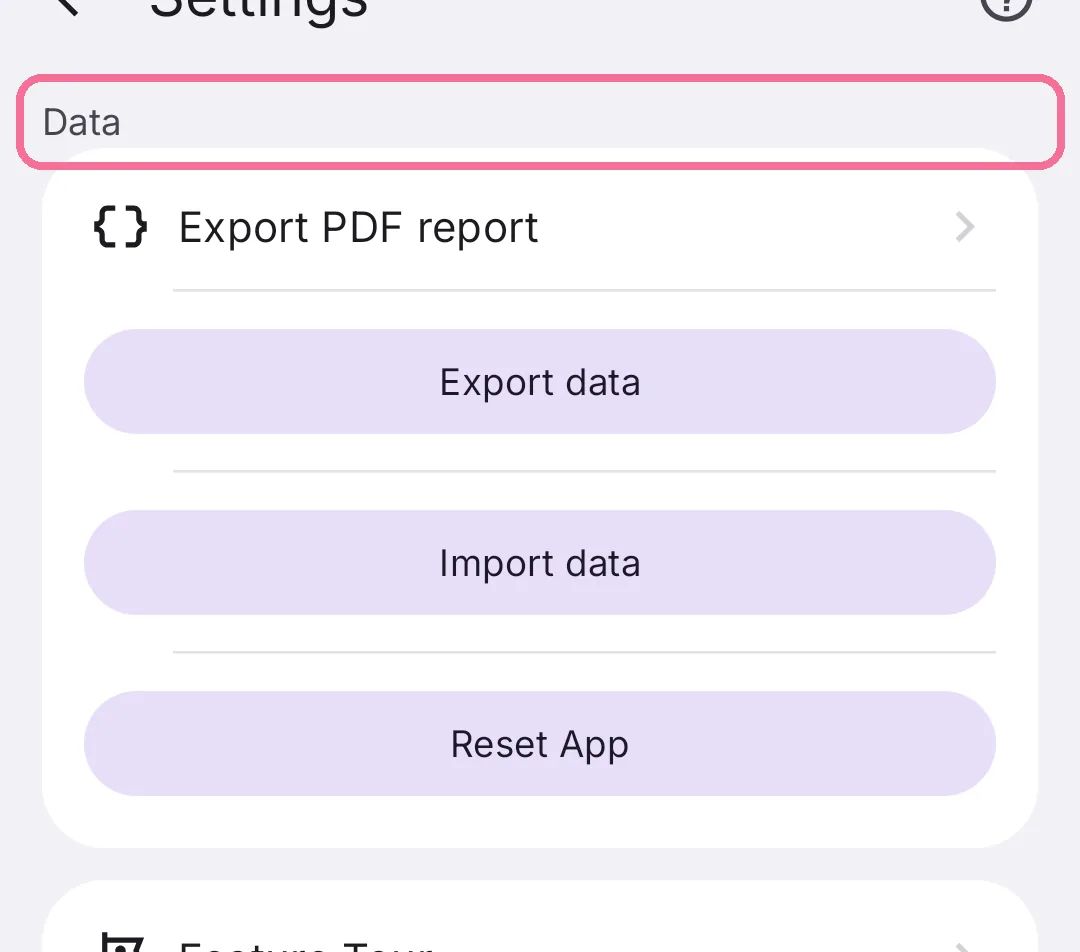
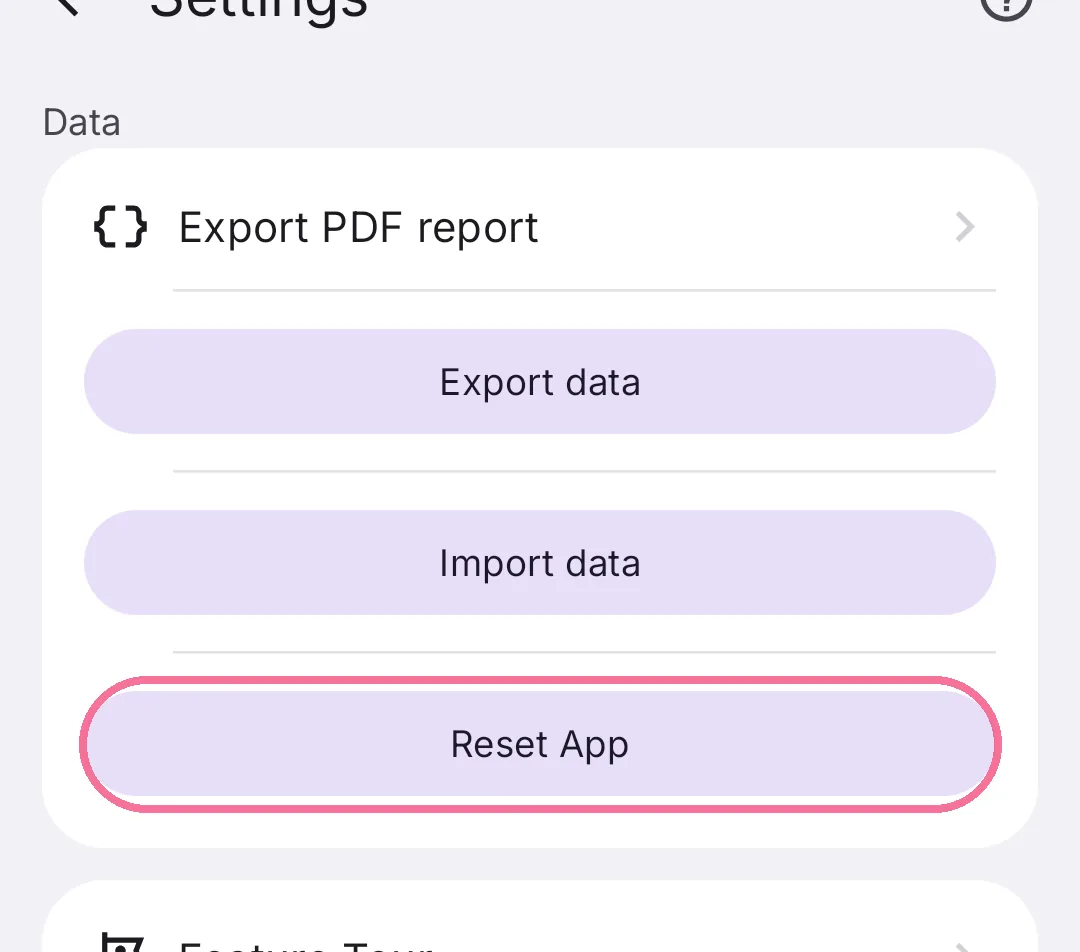
On Today, tap the gear at the top and scroll to “Data”.
-
Tap “Reset app”.
-
Confirm with “Reset app”.
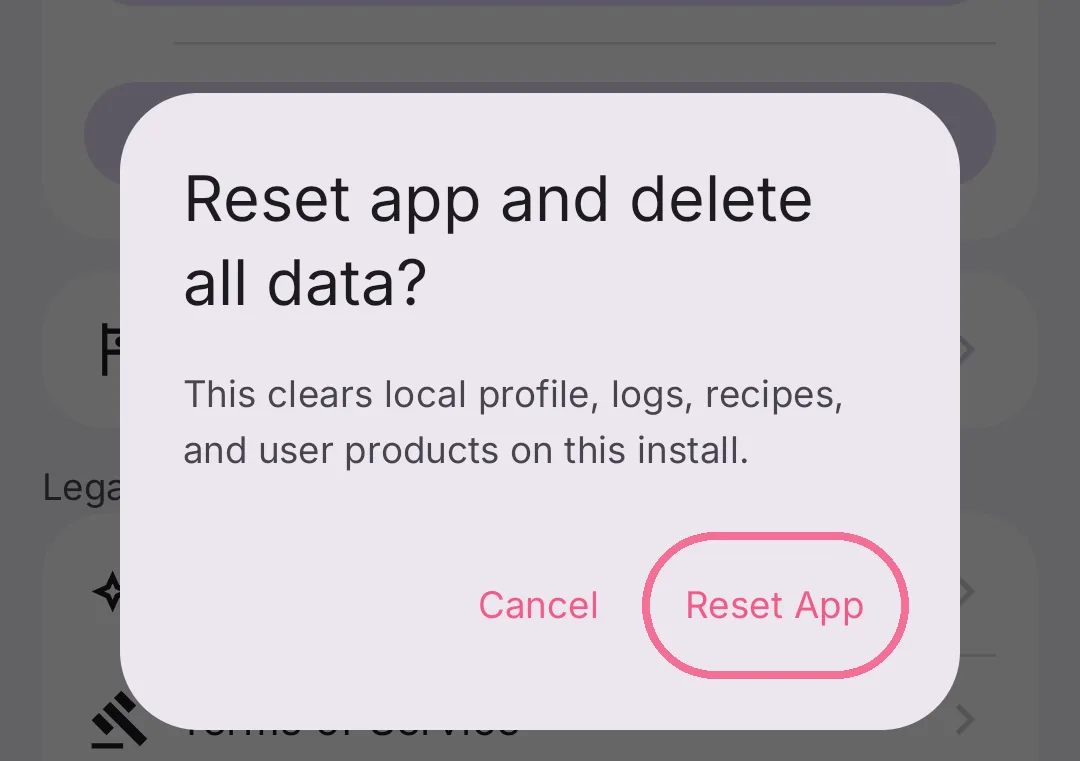
This can’t be undone. How to make a backup first is explained in Export your data and import it again.
On iPhone, Intake then starts with the setup again. Data in iCloud is kept; to delete it too, see Delete your iCloud data.