
Appearance
Under “Appearance” you choose light, dark or system, an accent color and a different app icon. It’s also where you set how Today looks and whether Intake shows photos.
-
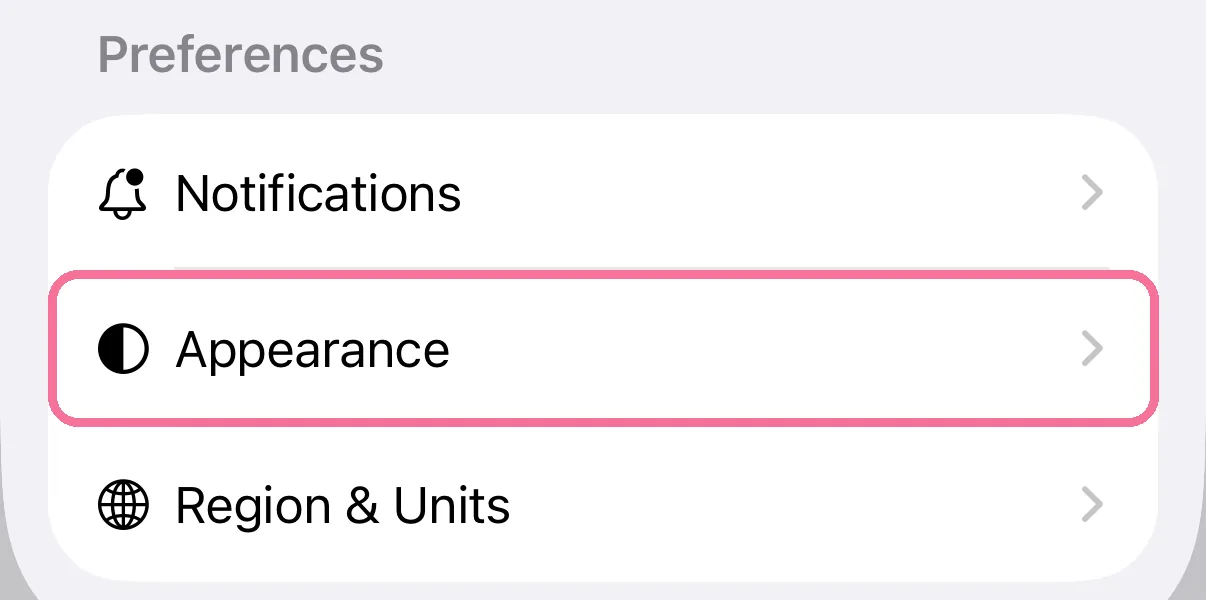
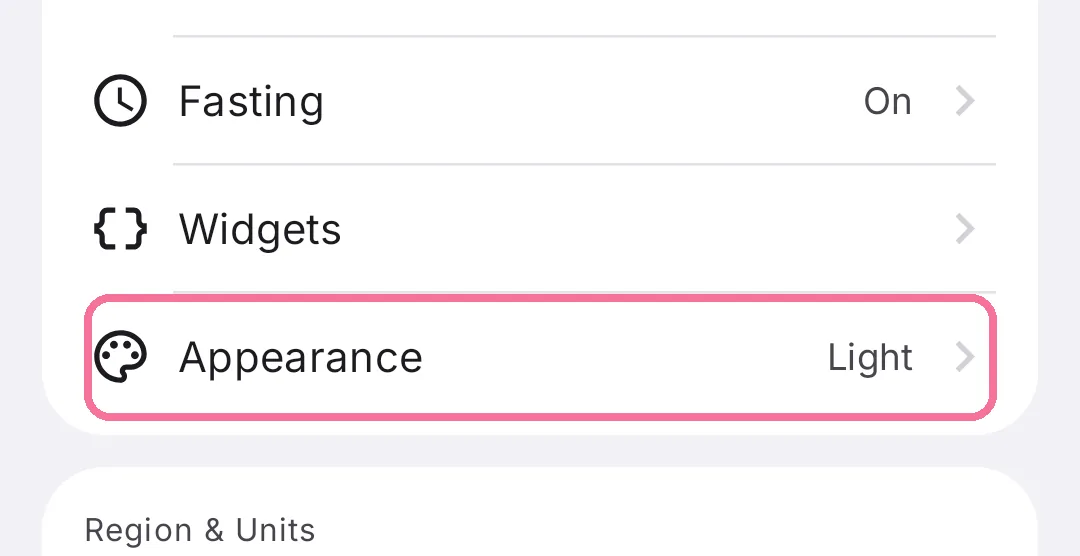
On Today, tap the gear at the top, then “Appearance”.
-
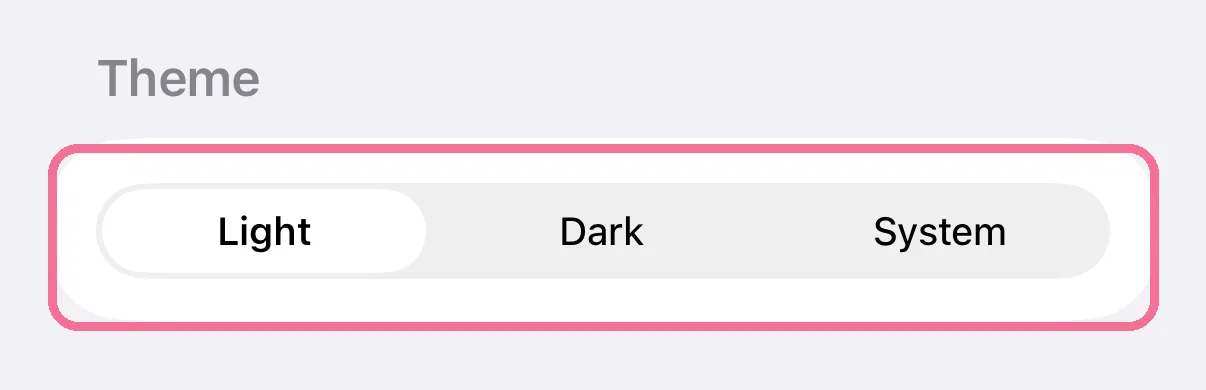
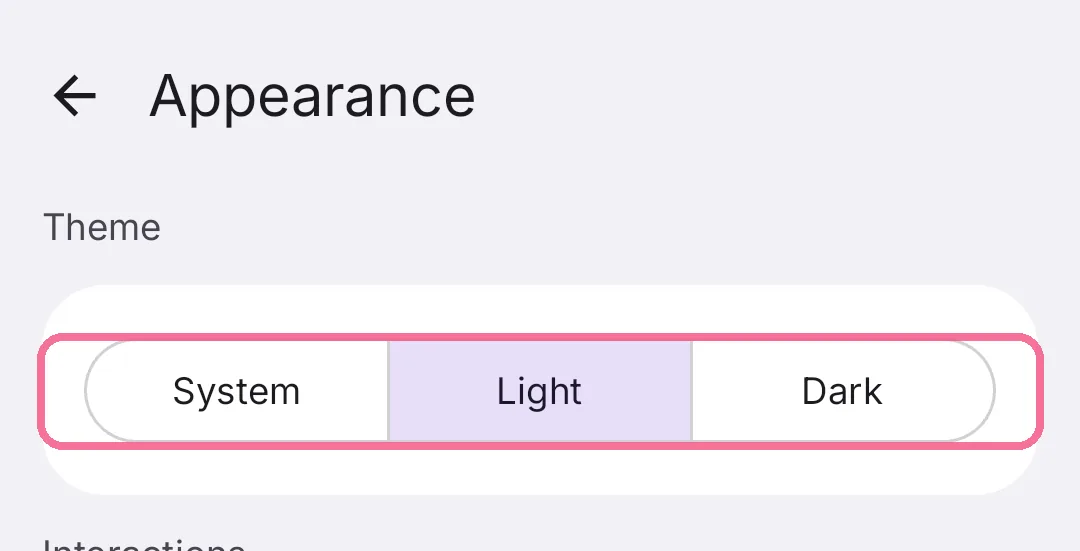
Under “Theme”, choose “Light”, “Dark” or “System”.
-
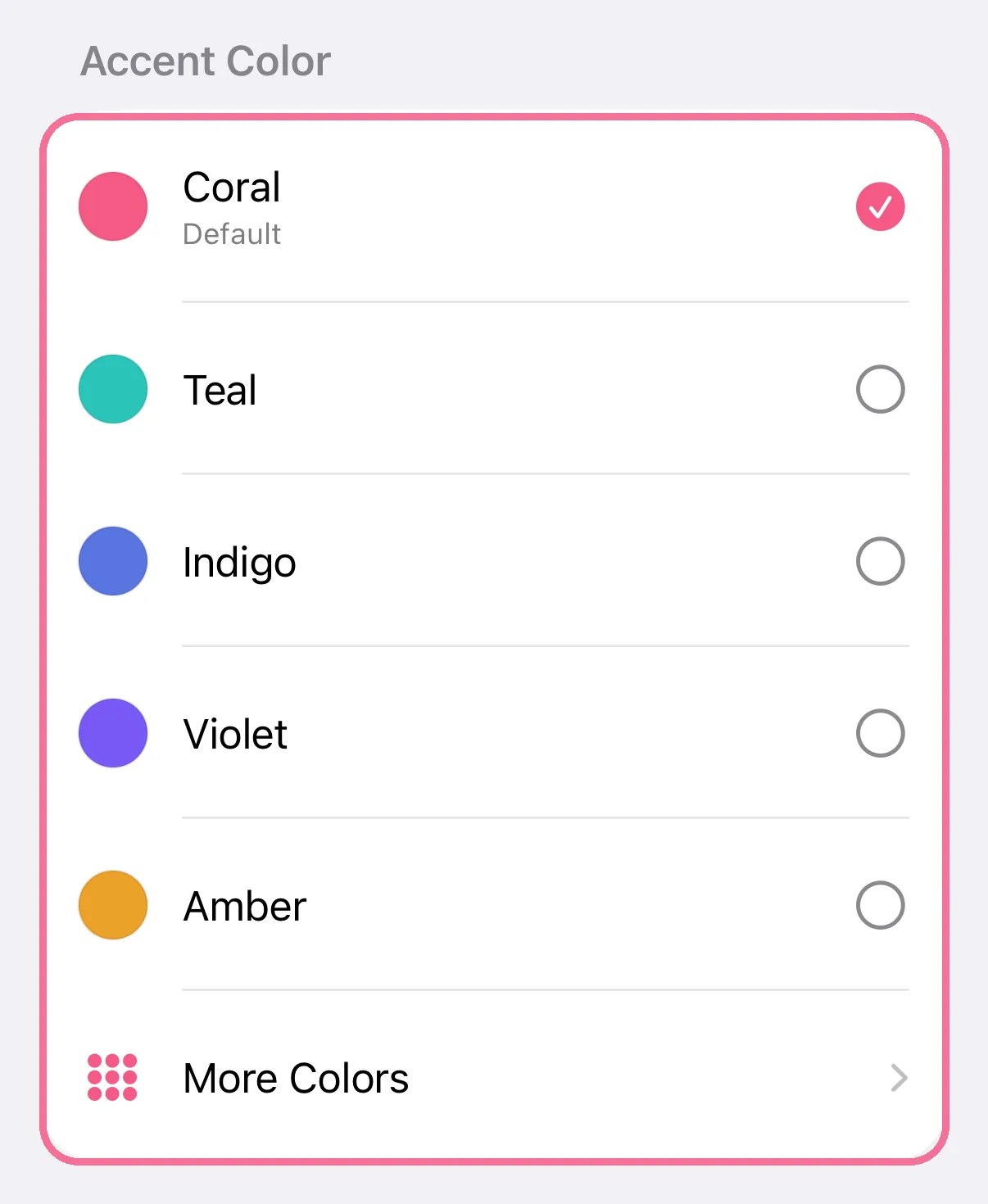
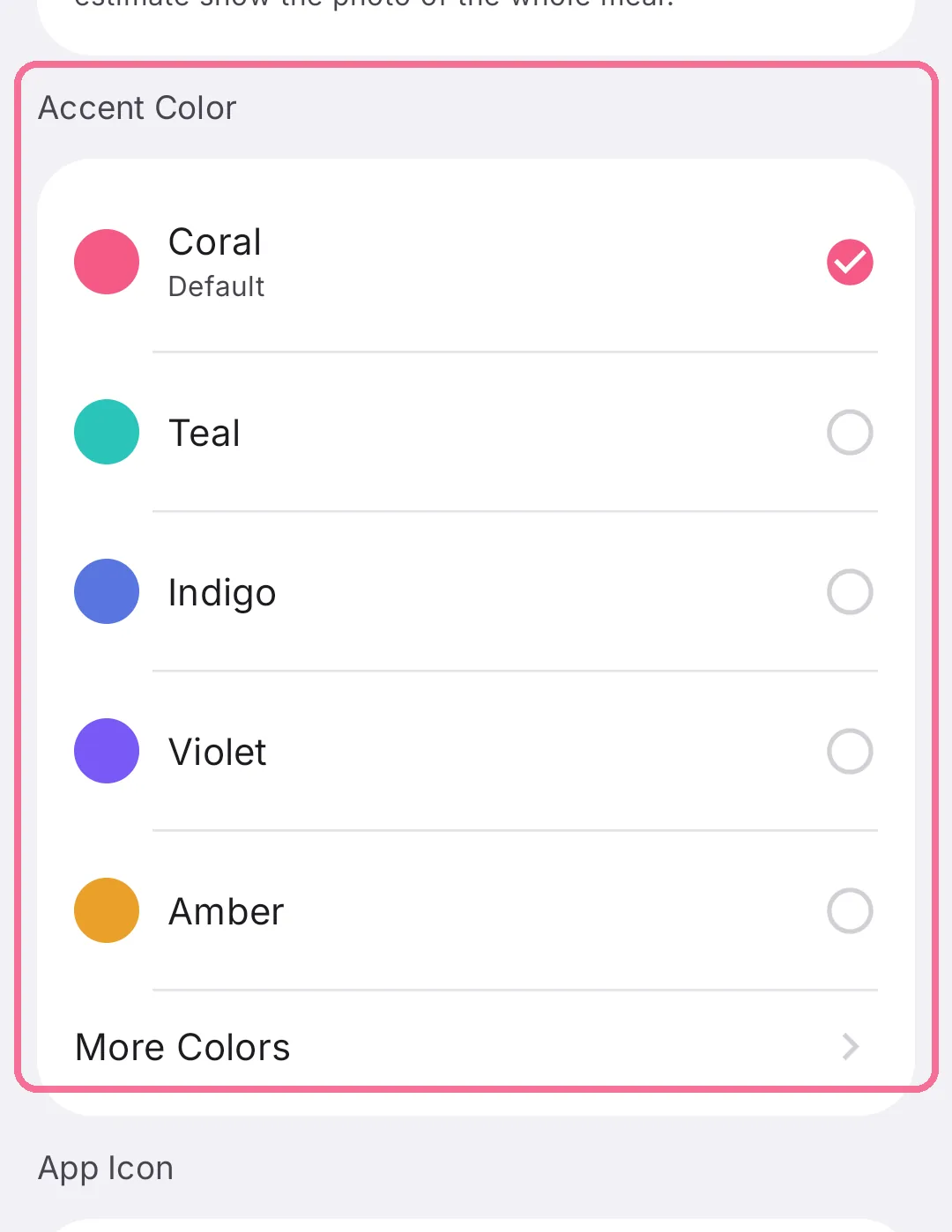
Pick an accent color; there are more under “More Colors”.
-
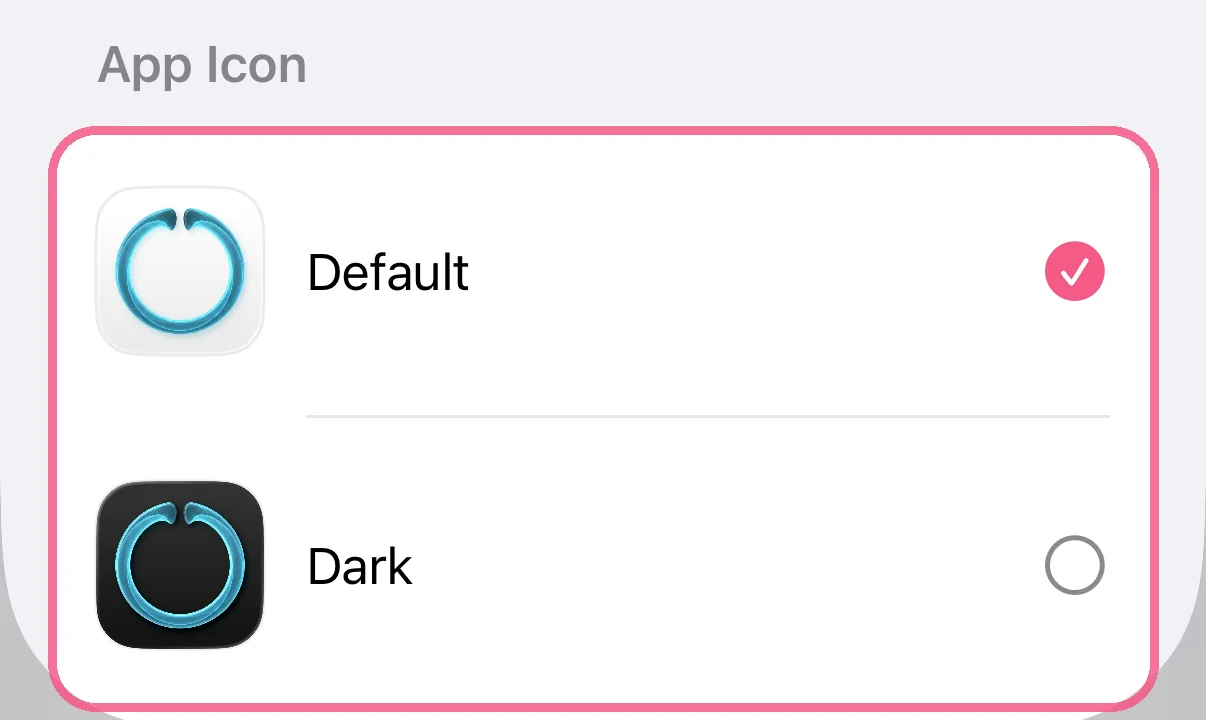
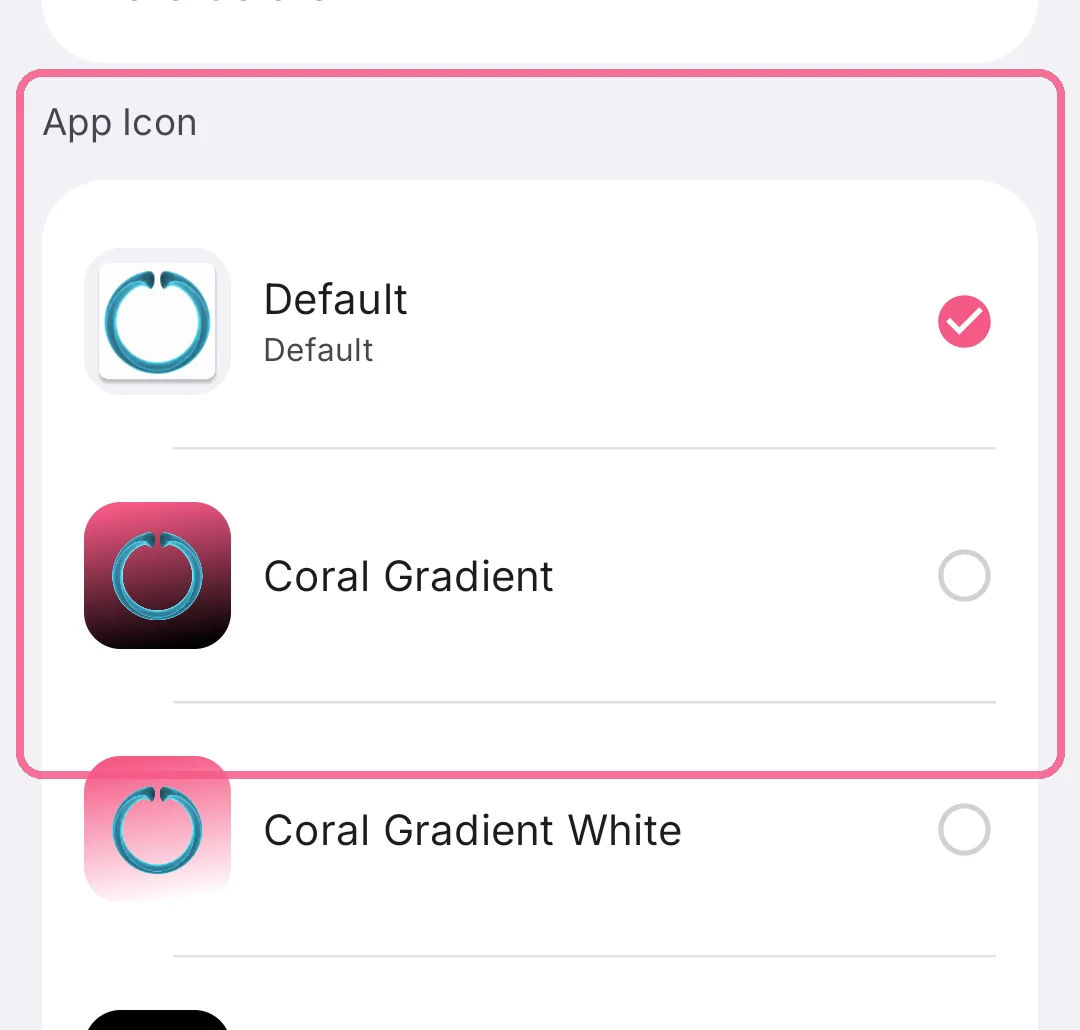
Under “App Icon”, pick a different icon.
-
On Today, tap the gear at the top, then “Appearance”.
-
Under “Theme”, choose “Light”, “Dark” or “System”.
-
Pick an accent color; there are more under “More Colors”.
-
Choose a different icon under “App Icon”.
This is also where you turn “Swipe between days” and the status colors of the calorie ring and day strip on or off, and set whether Intake uses photos and shows them on Today.
On iPhone, you’ll find guides for the widgets and the Apple Watch App at the very bottom.