
Log a meal by text
Describe what you ate in Intake AI. You get an estimate with calories, macros and ingredients that you check and then log.
-
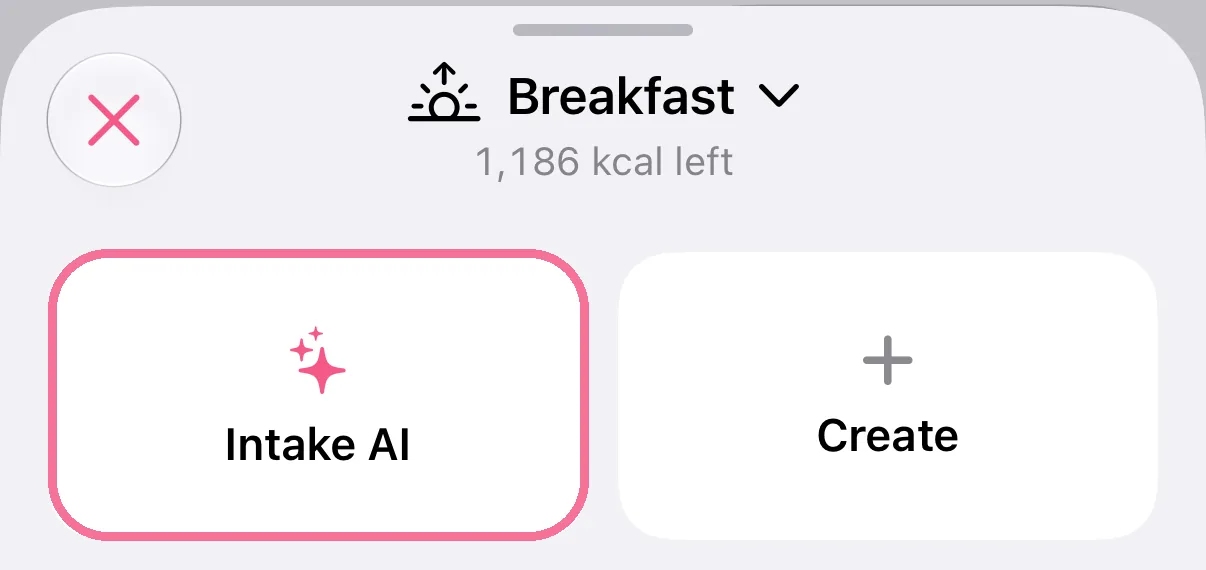
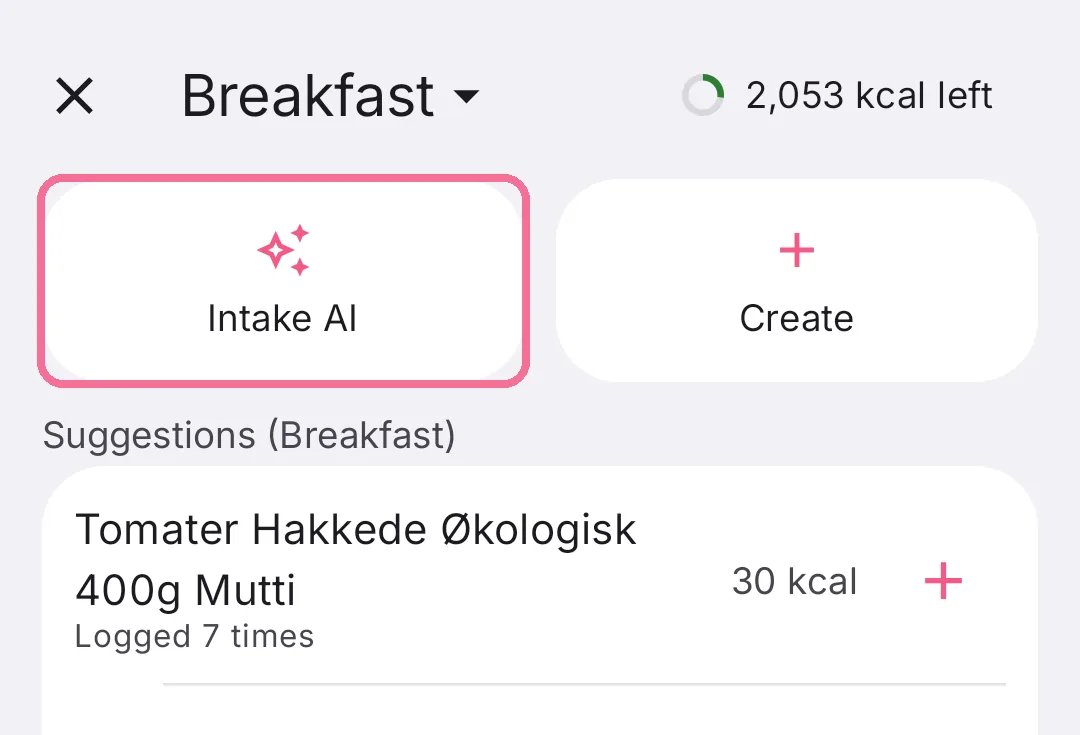
On Today, tap the plus next to the meal, then “Intake AI”.
-
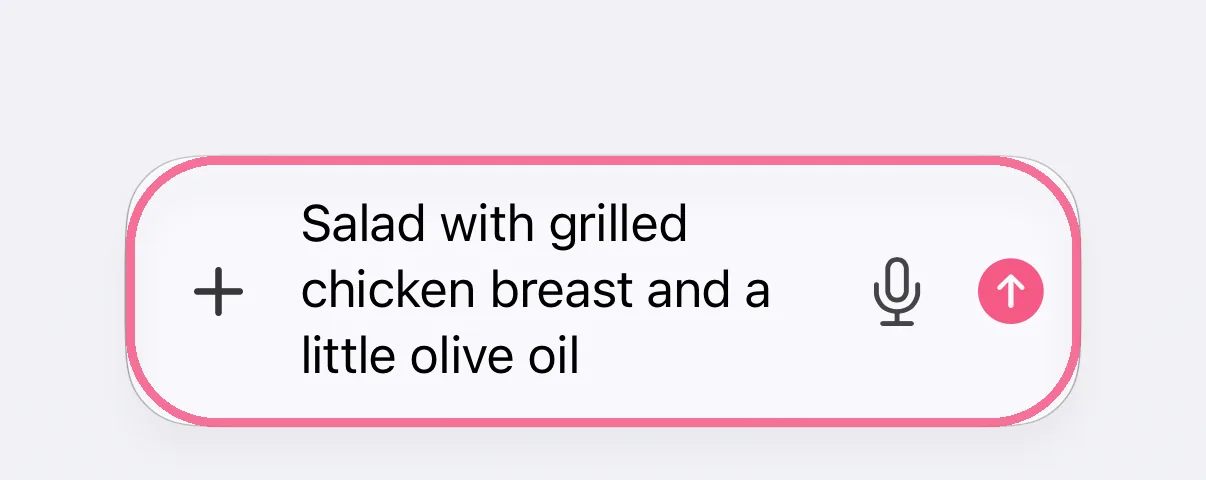
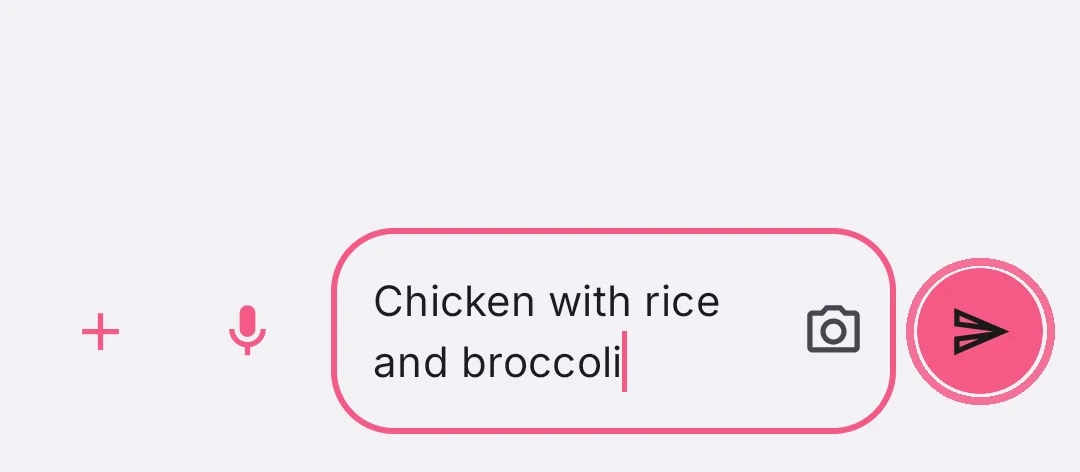
Describe what you ate and tap the arrow.
-
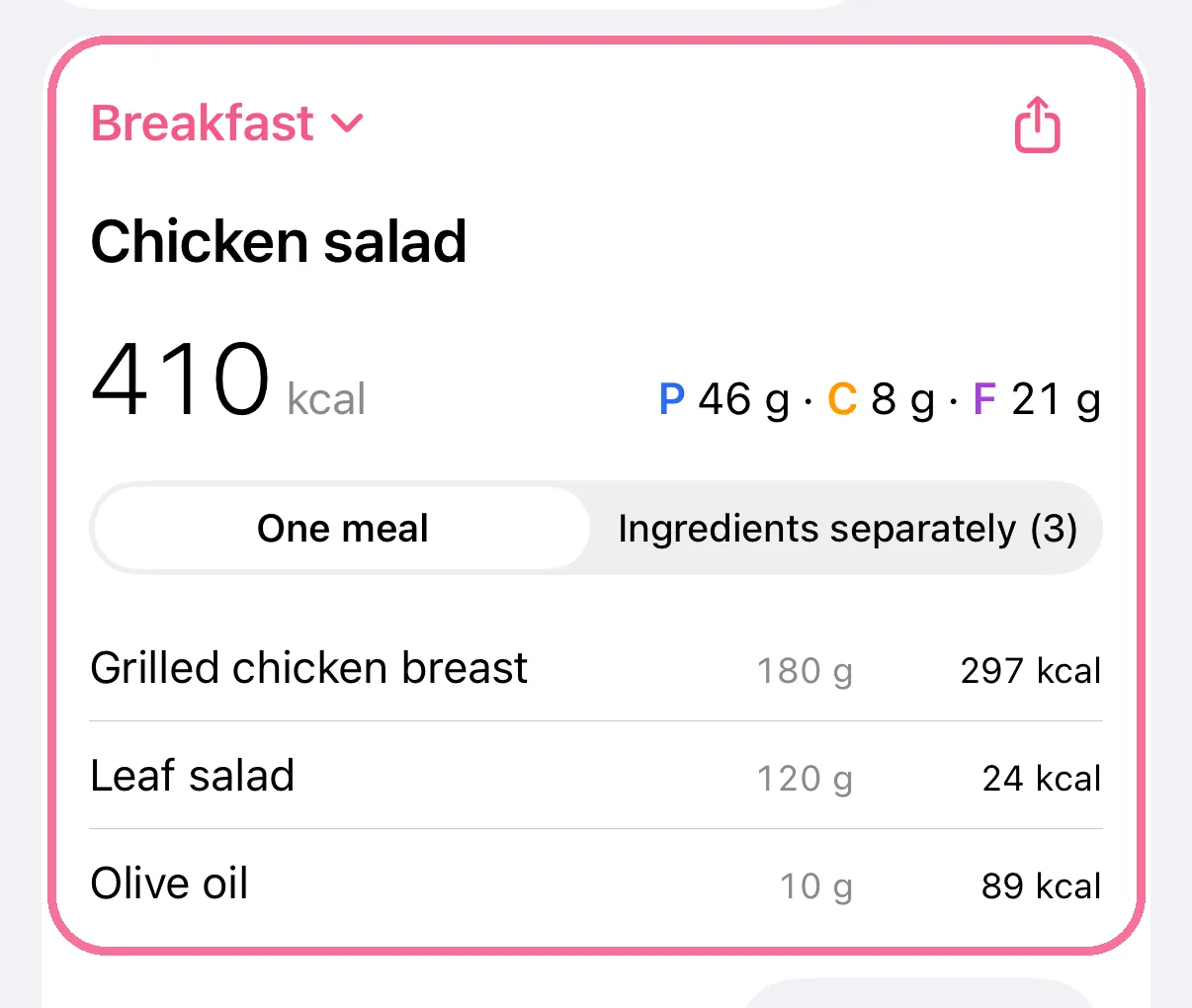
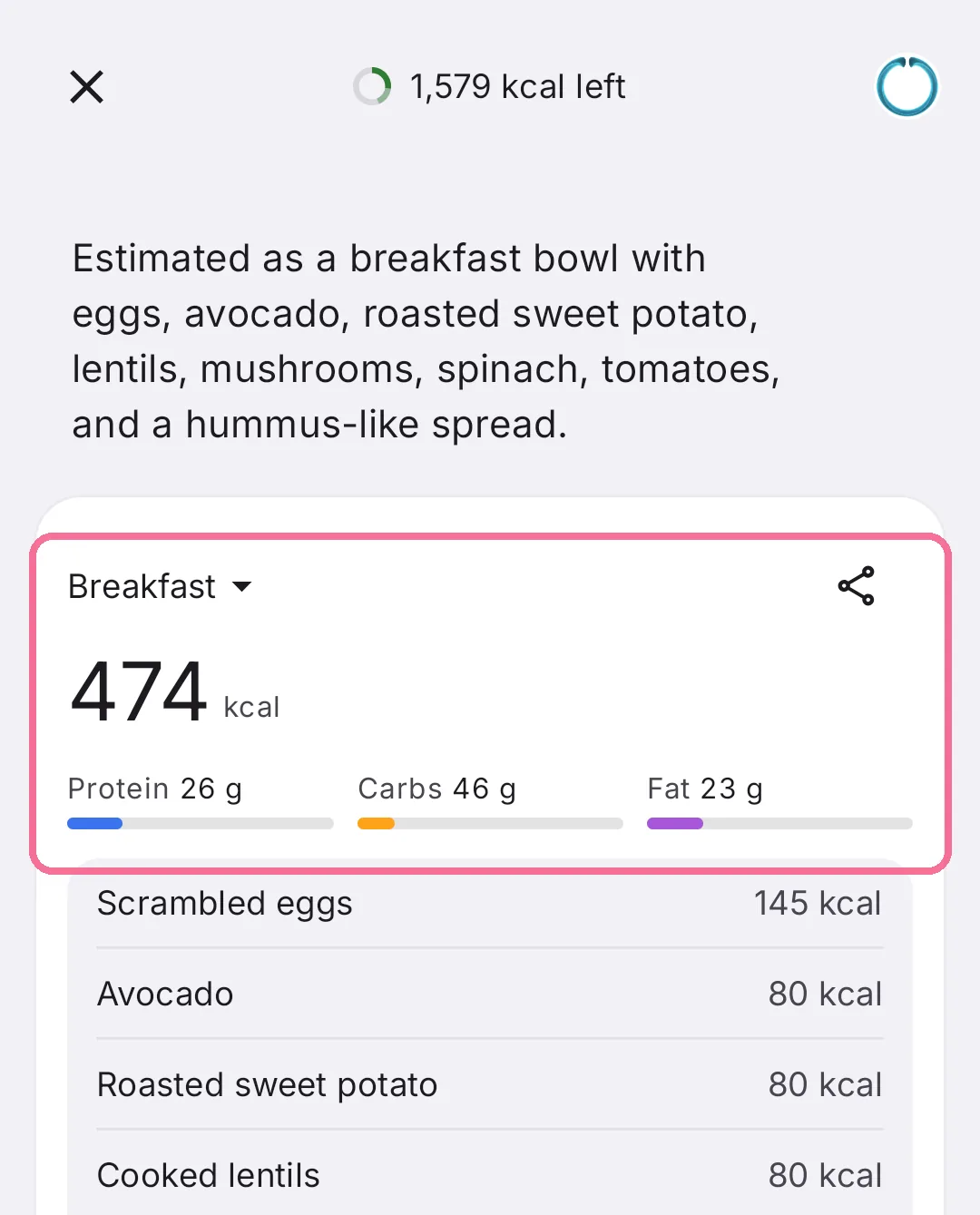
Check the estimate: calories, macros and each ingredient.
-
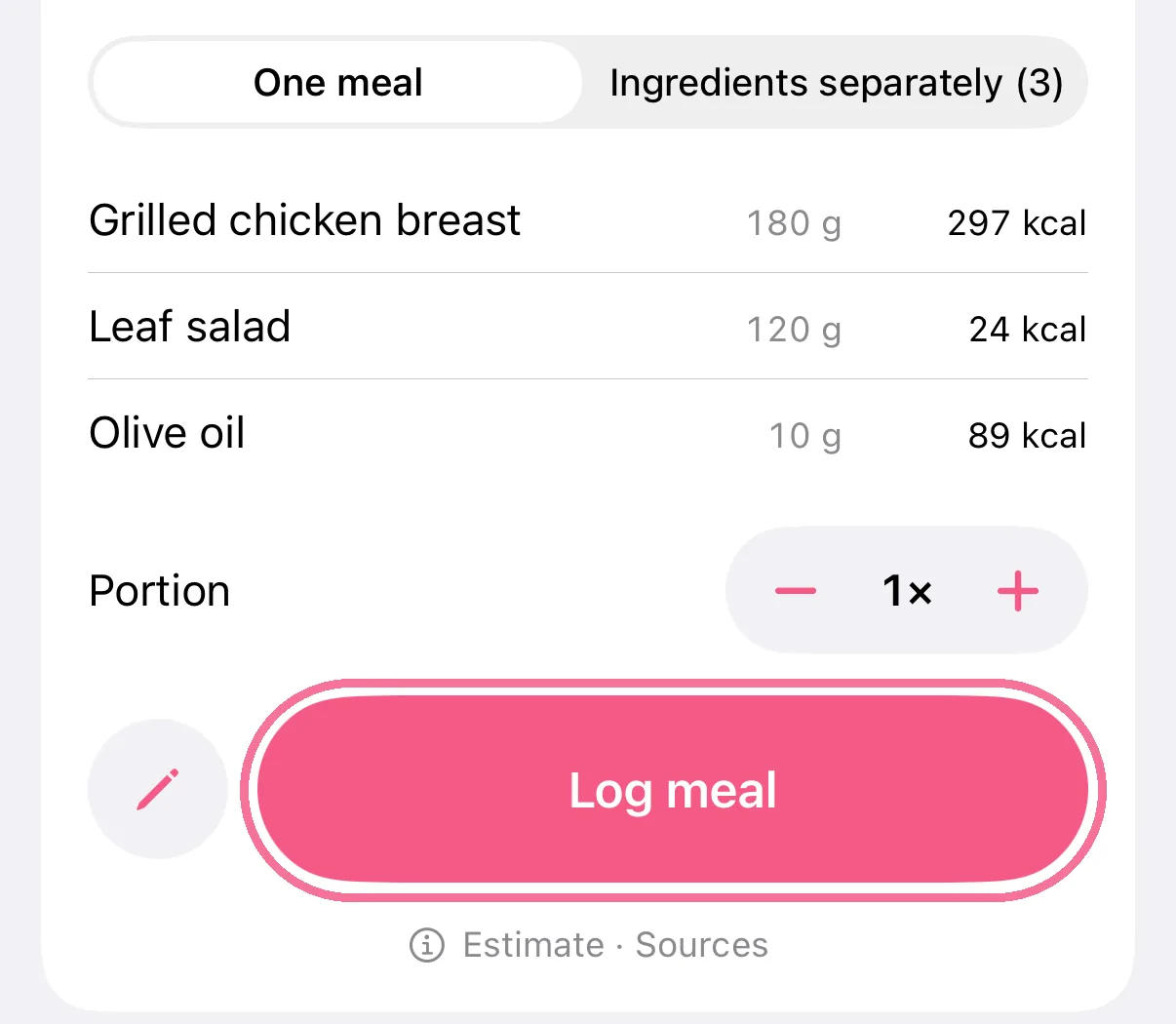
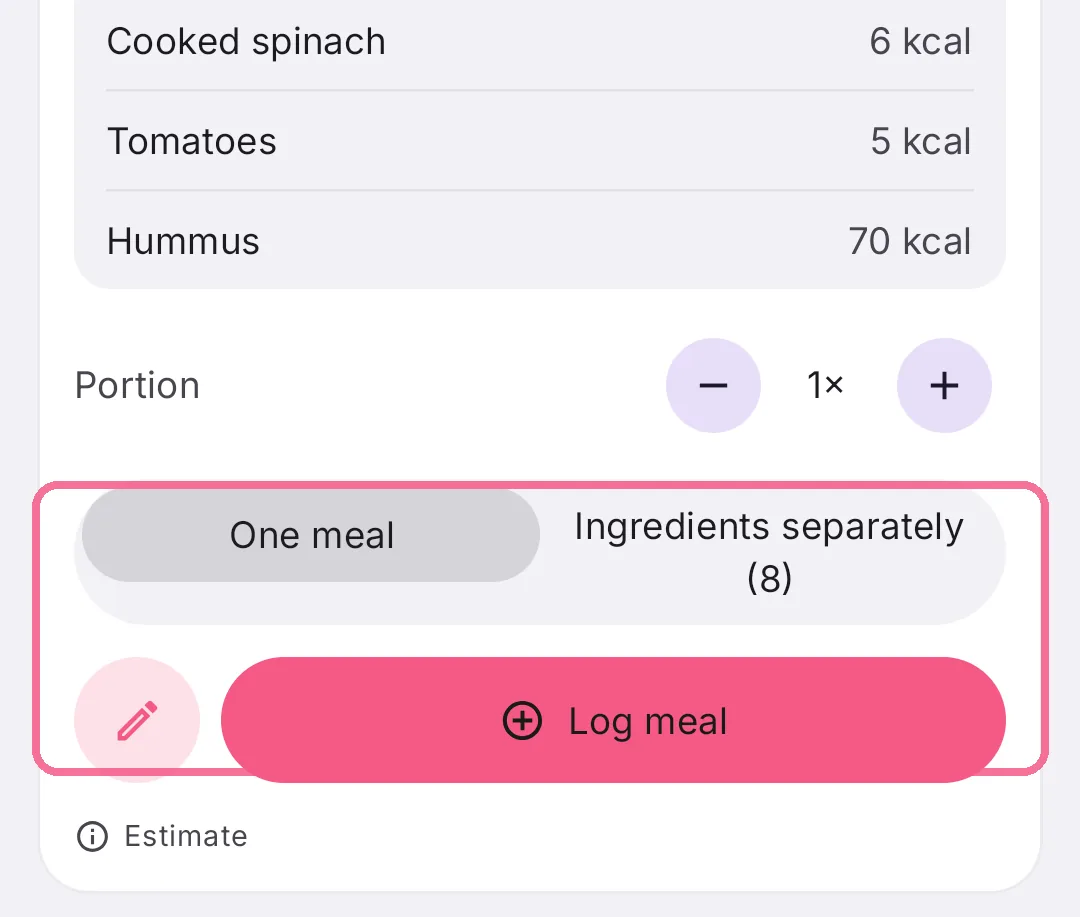
Choose “One meal” or “Ingredients separately” and tap “Log meal”.
-
On Today, tap the plus next to the meal, then “Intake AI”.
-
Describe what you ate and tap the arrow.
-
Check the estimate: calories, macros and each ingredient.
-
Choose “One meal” or “Ingredients separately” and tap “Log meal”.
The more detail you give, the better the estimate, for example amounts or brands. If something’s off, just reply in the chat, say “It was 200 g of chicken”, see Correct an Intake AI estimate. You can also dictate instead of typing.
On iPhone, “Portion” changes the amount before you log, and the top of the card lets you pick the meal.