
Meal reminders
In Settings you see whether Intake may send you notifications, and you turn on a reminder for each meal with a time of its own.
-
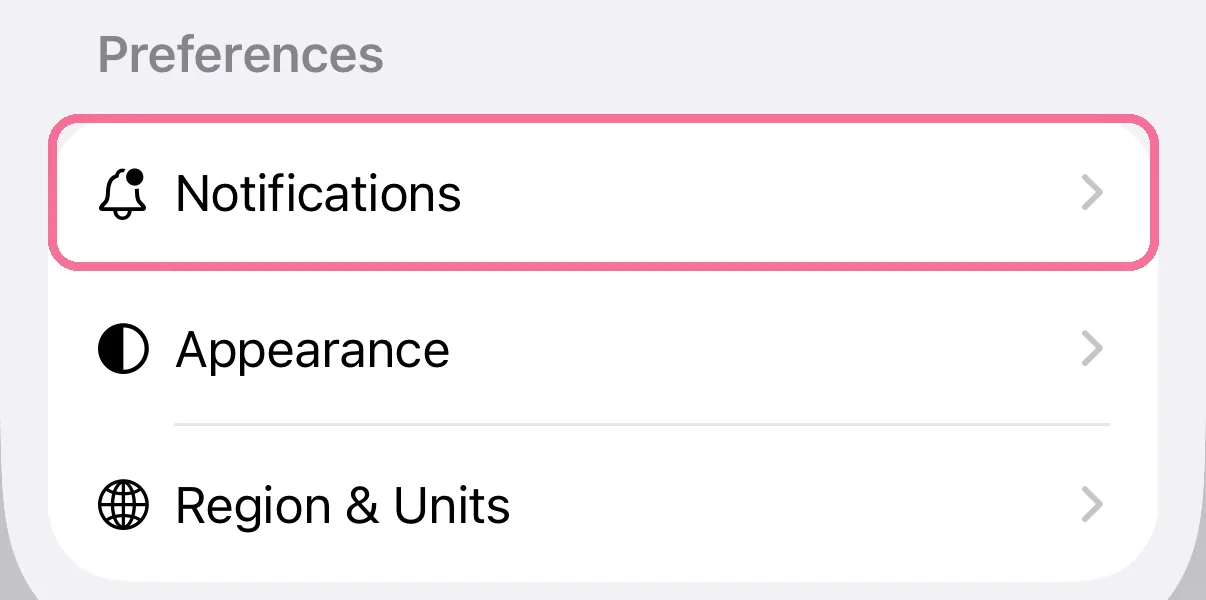
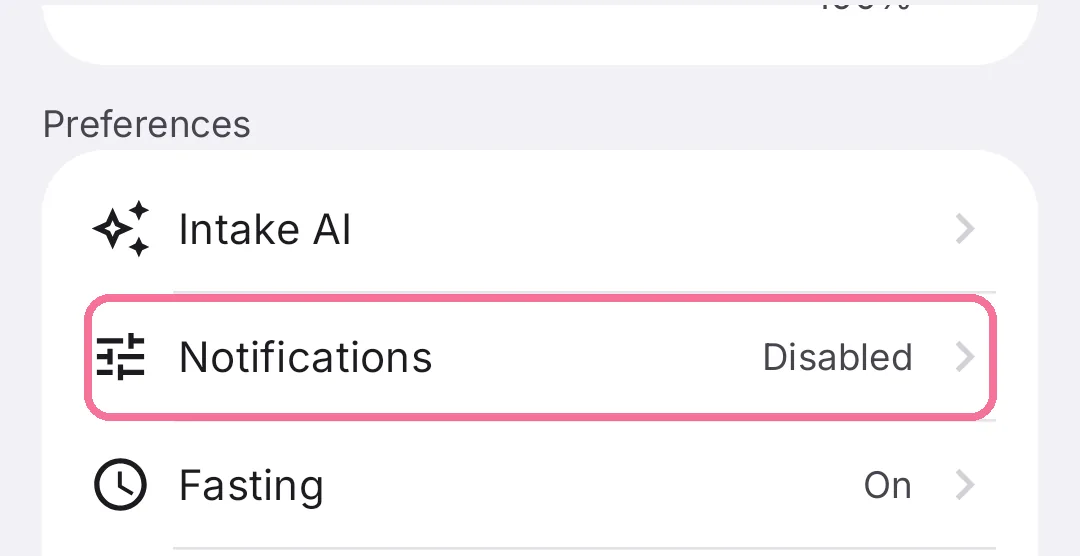
On Today, tap the gear at the top, then “Notifications”.
-
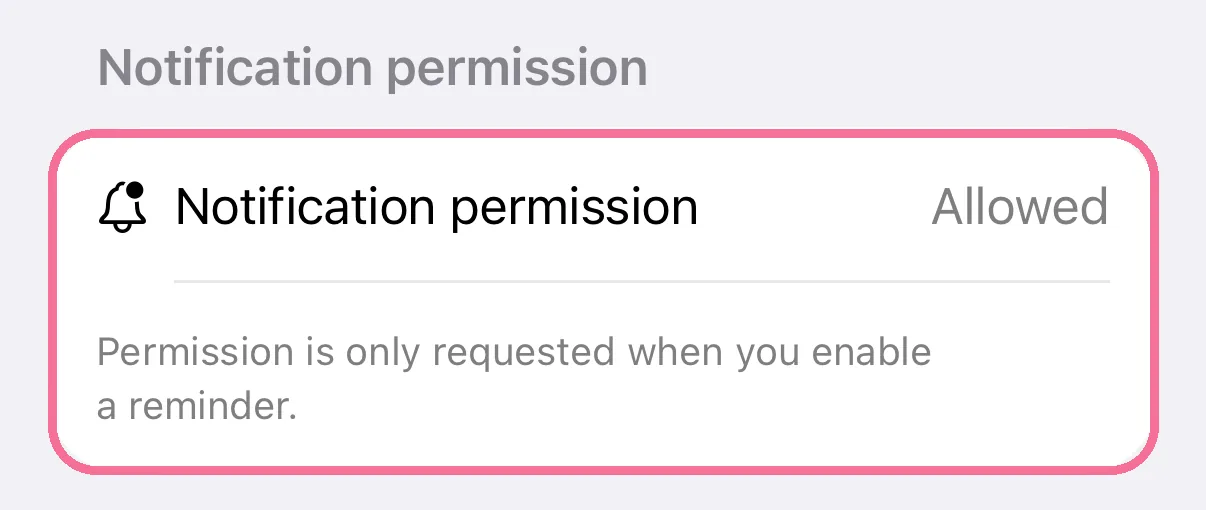
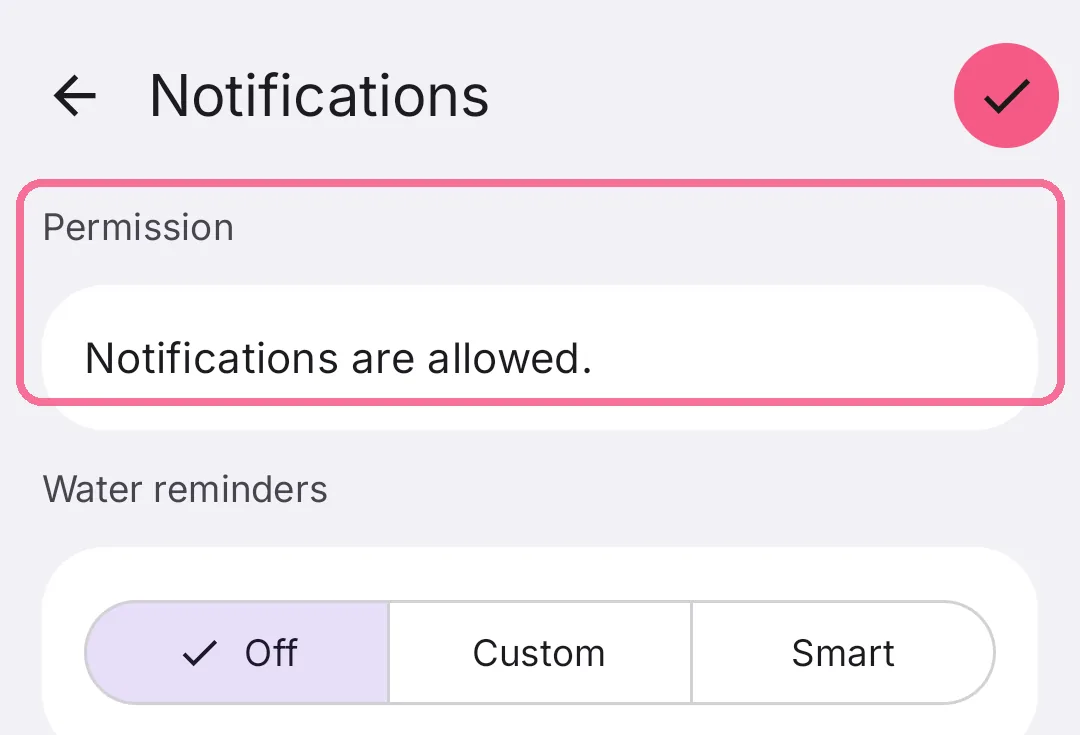
“Notification permission” says “Allowed”, “Denied” or “Not requested”.
-
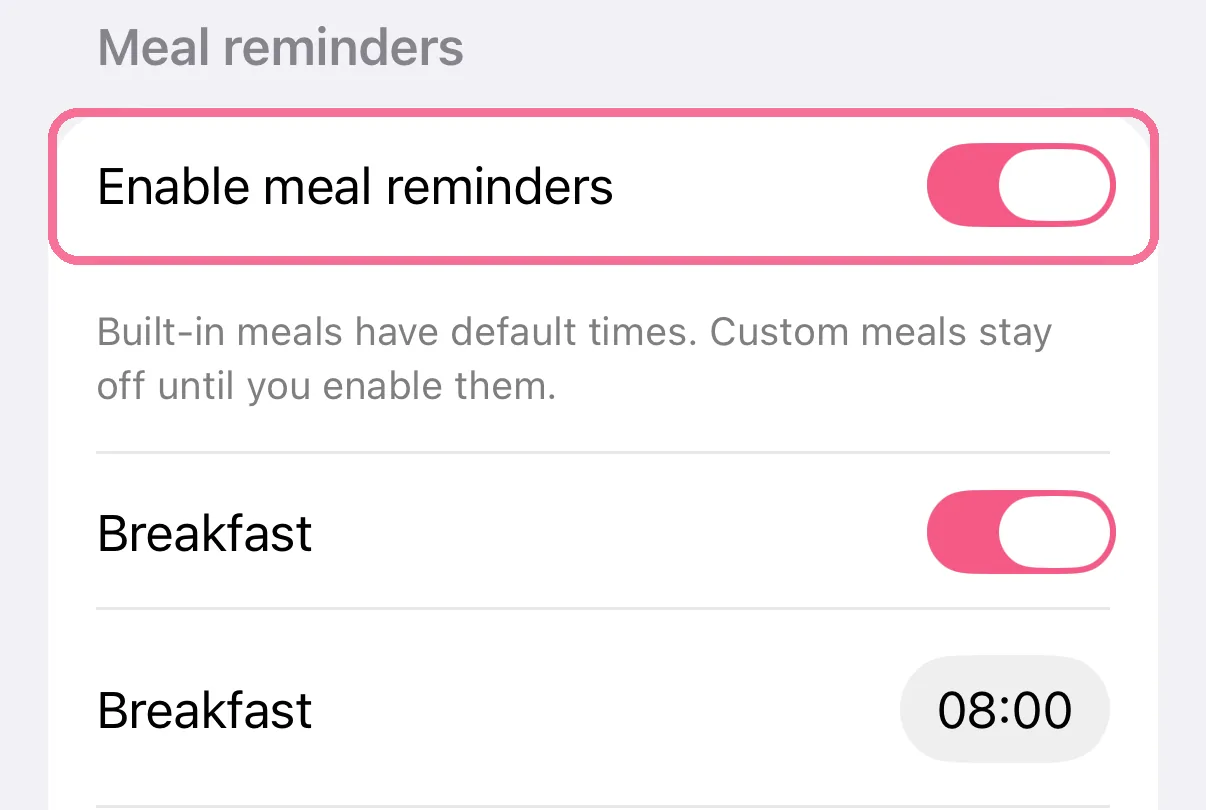
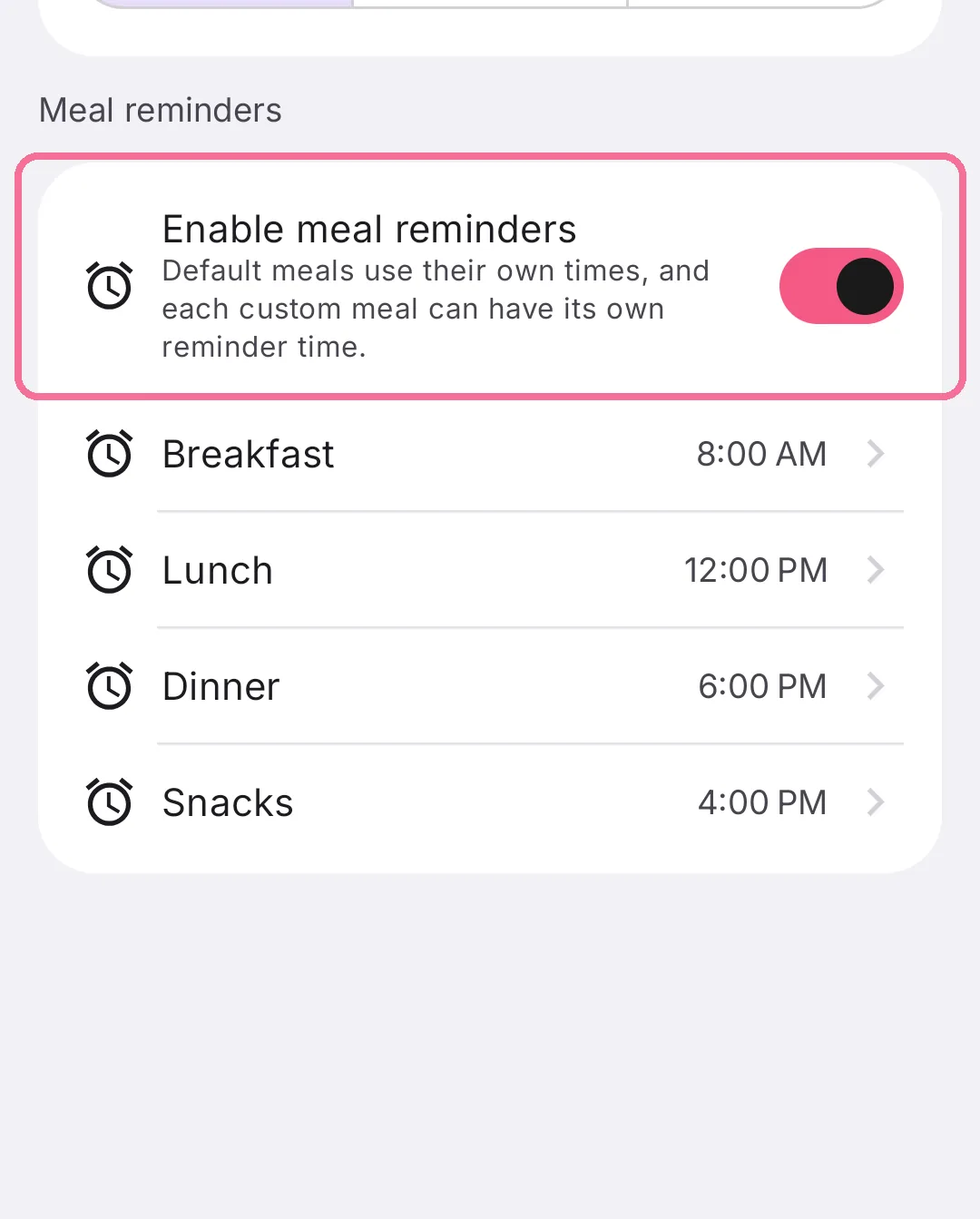
Turn on “Enable meal reminders” and then the meals below it.
-
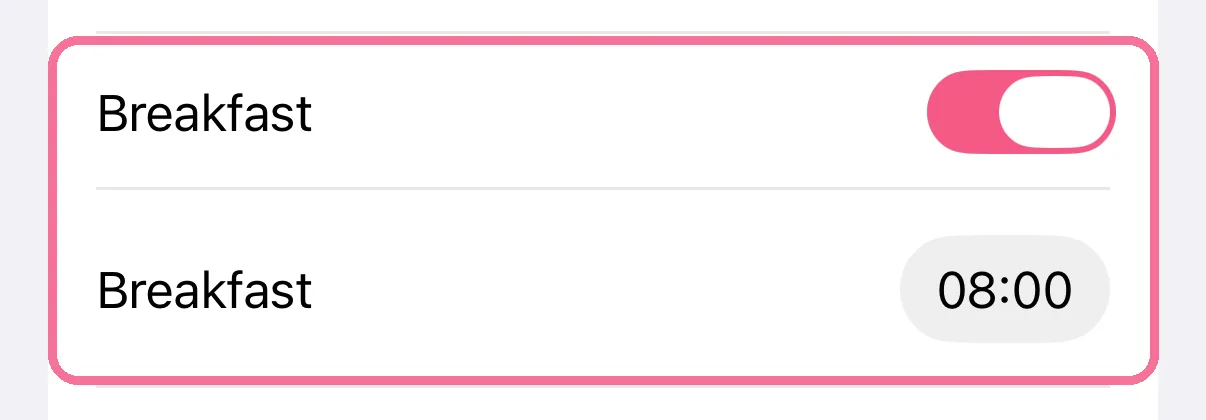
Set the time for each meal.
-
On Today, tap the gear at the top, then “Notifications”.
-
Under “Permission” you see whether notifications are allowed.
-
Turn on “Enable meal reminders”. It covers every meal.
-
Tap a meal to change its time, then tap the checkmark at the top right.
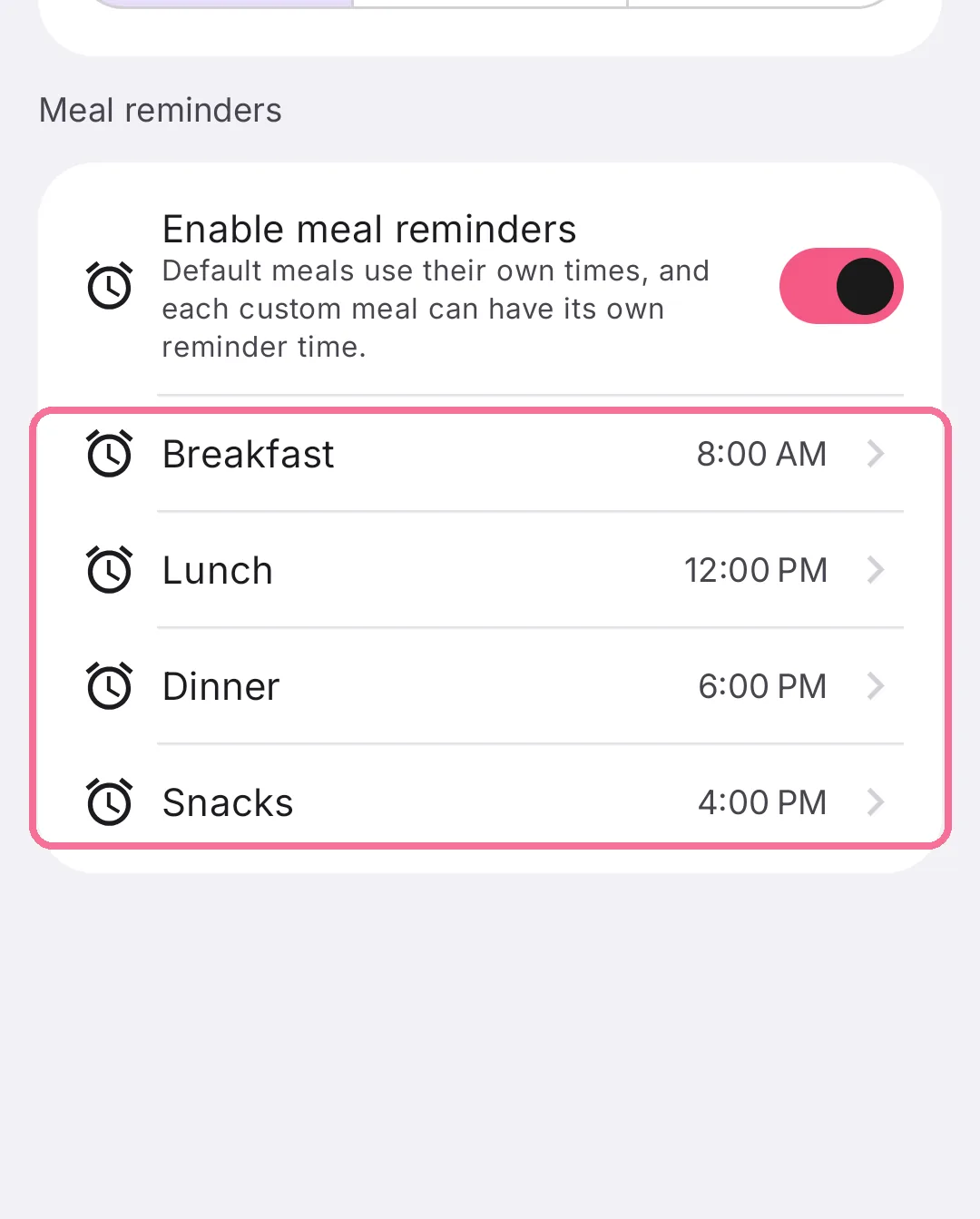
Every reminder starts off, and you turn each meal on yourself. Breakfast, Lunch, Dinner and Snacks already come with a suggested time.
On iPhone, Intake only asks for permission when you turn on a reminder. If you declined, allow notifications via “Open iOS Settings”.