
First-time setup
The first time you open Intake, it asks for your goal, your body data and your activity level and works out your daily target from them. You can change all of it later in Settings.
-
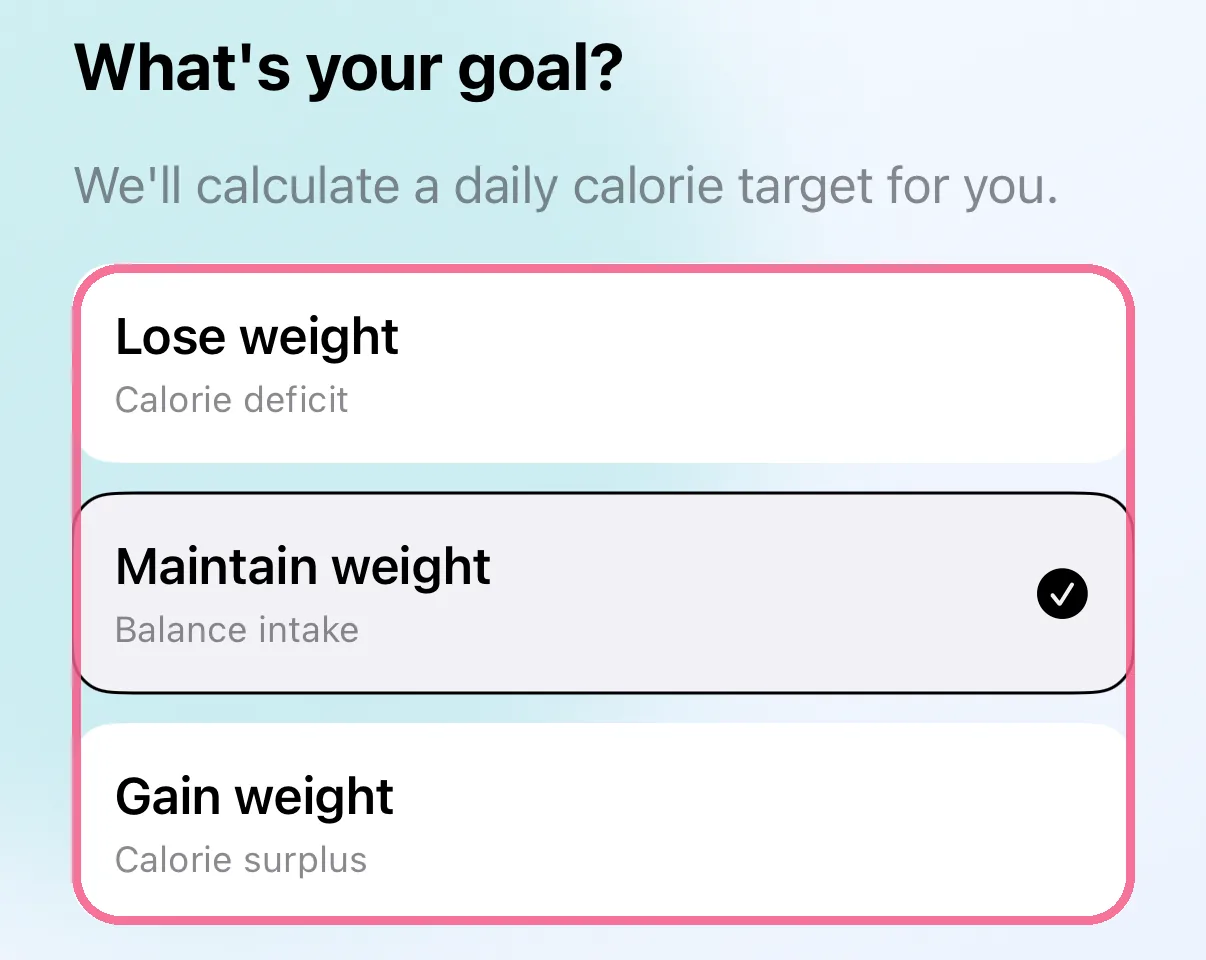
Pick your goal: “Lose weight”, “Maintain weight” or “Gain weight”.
-
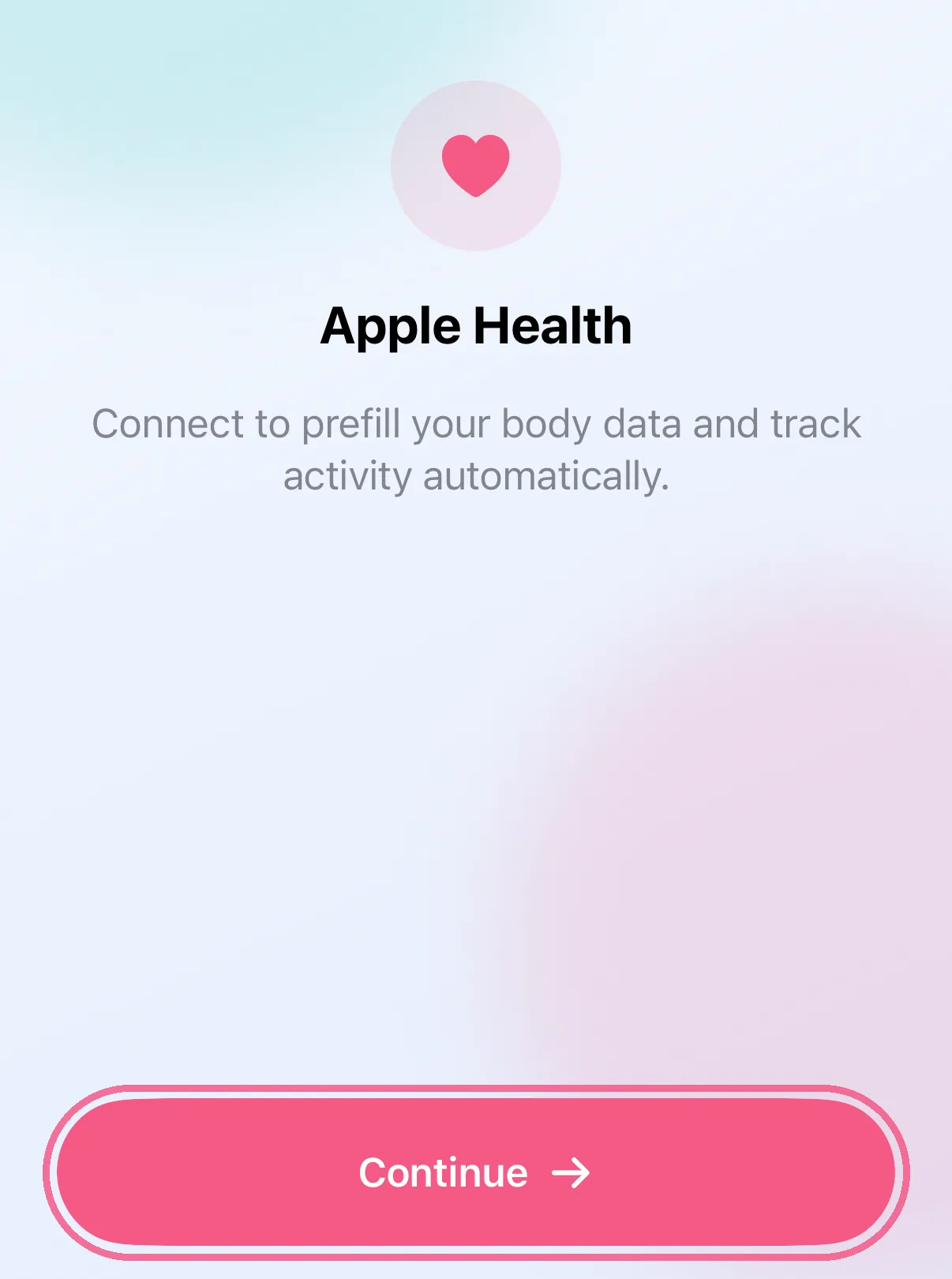
Tap “Continue” on “Apple Health” and allow what Intake may read. Without permission, setup carries on anyway.
-
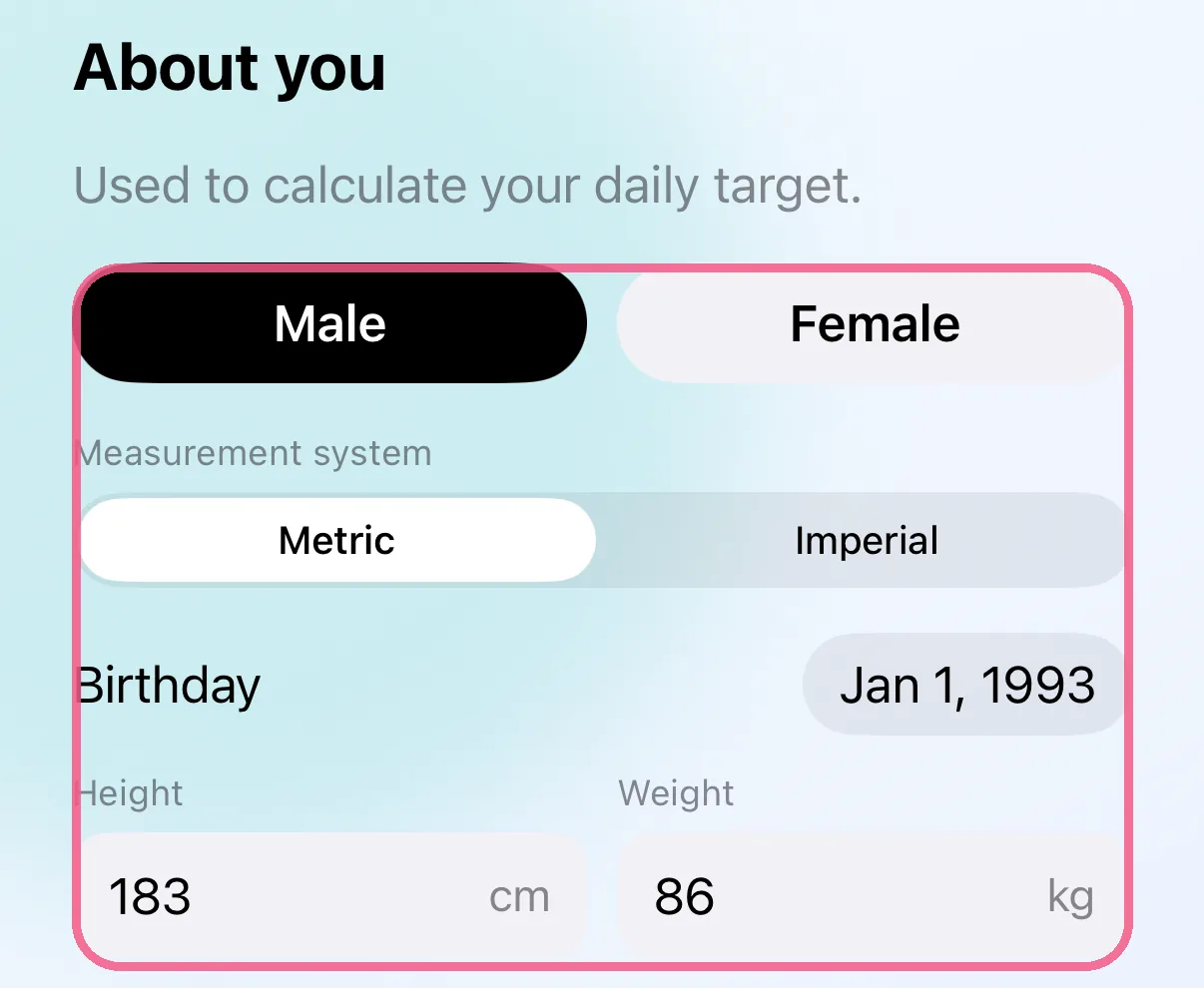
Under “About you”, enter your sex, measurement system, birthday, height and weight.
-
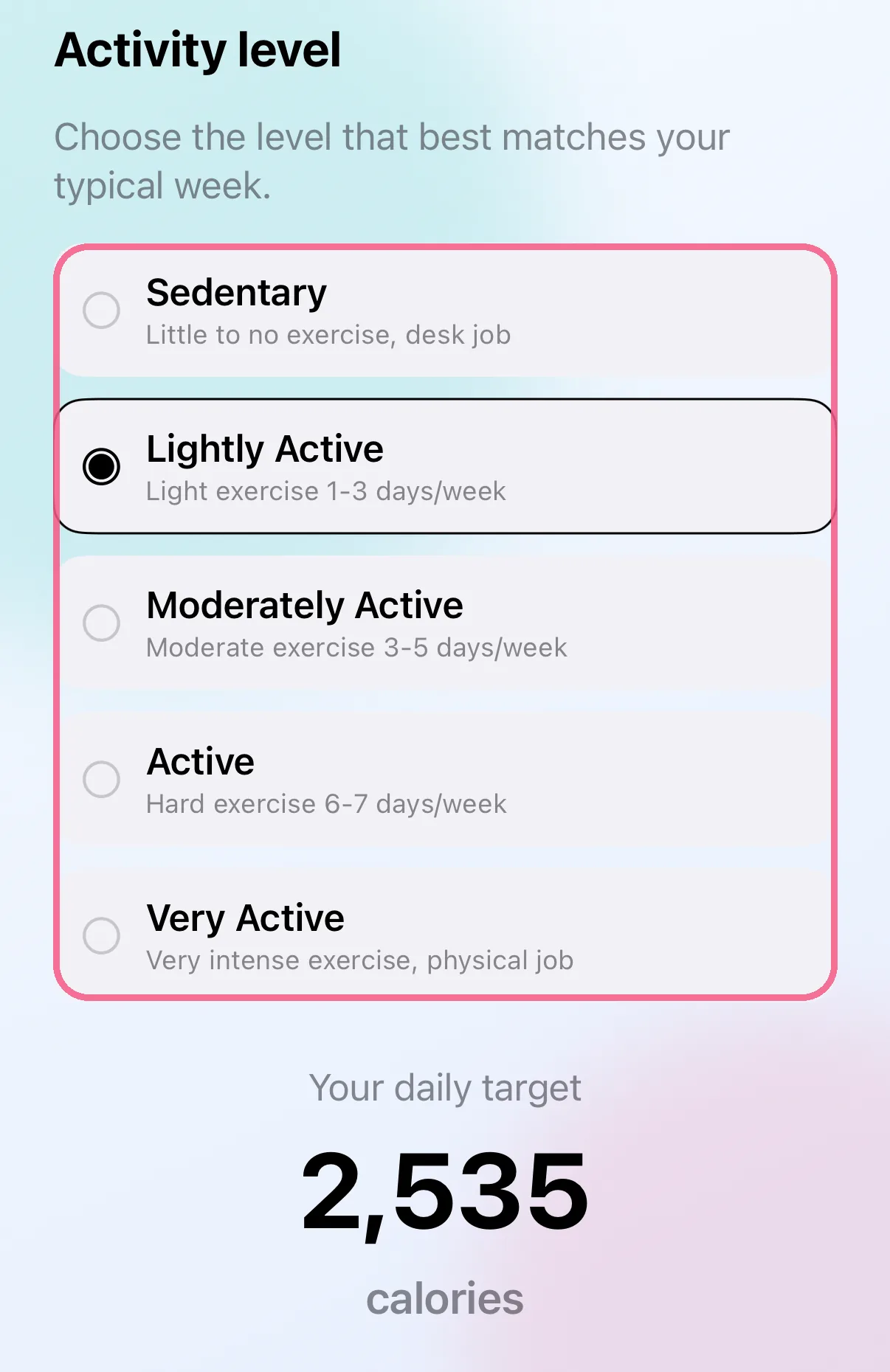
Choose your activity level and see your daily target.
-
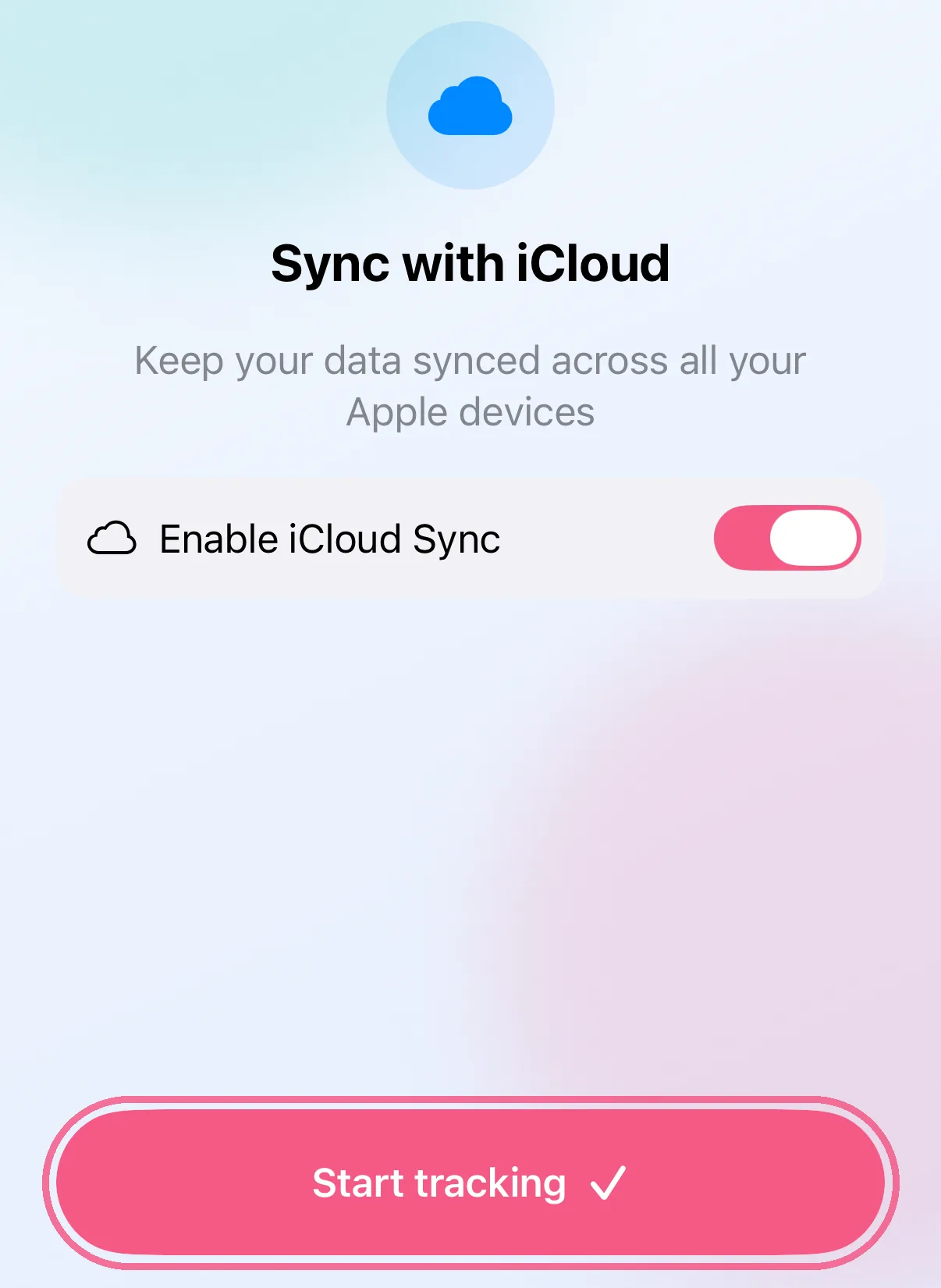
Turn on “Enable iCloud Sync” if you like and tap “Start tracking”.
-
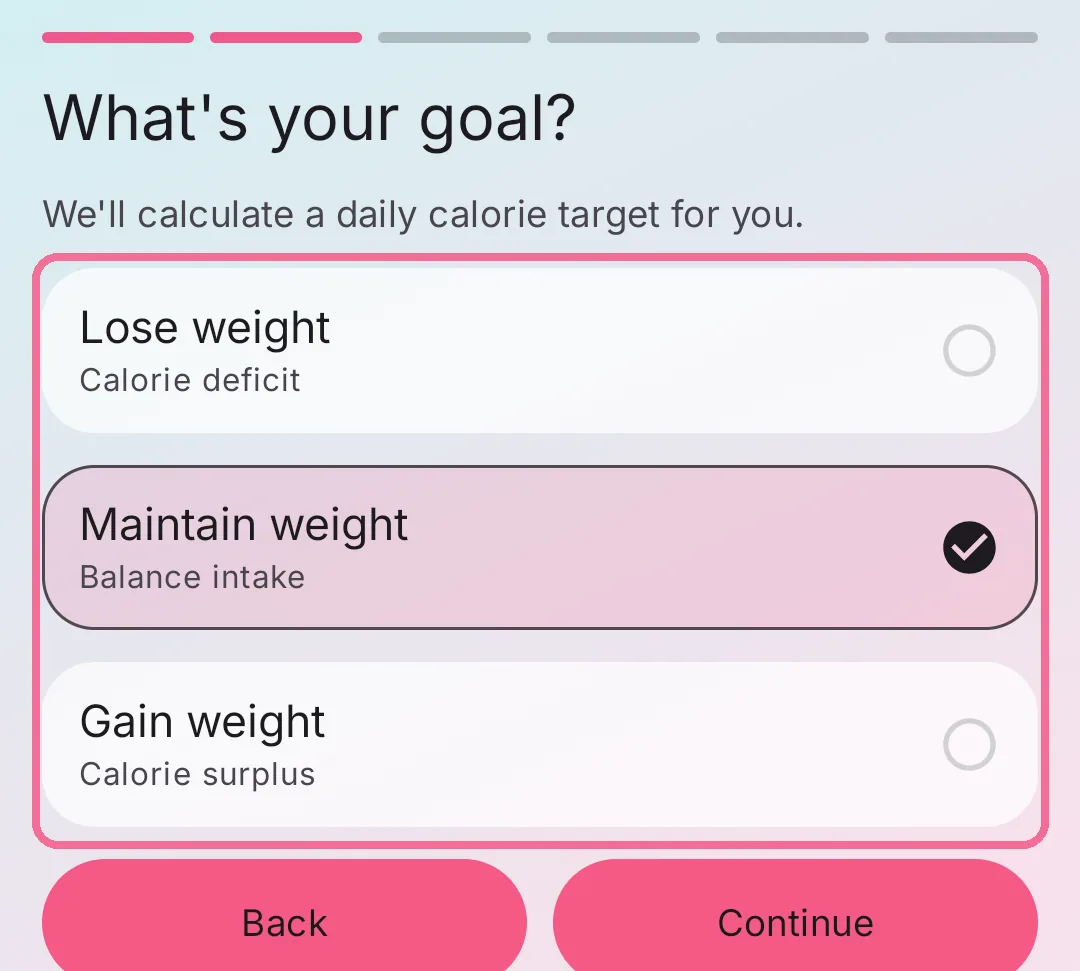
Tap “Get Started” and pick your goal: “Lose weight”, “Maintain weight” or “Gain weight”.
-
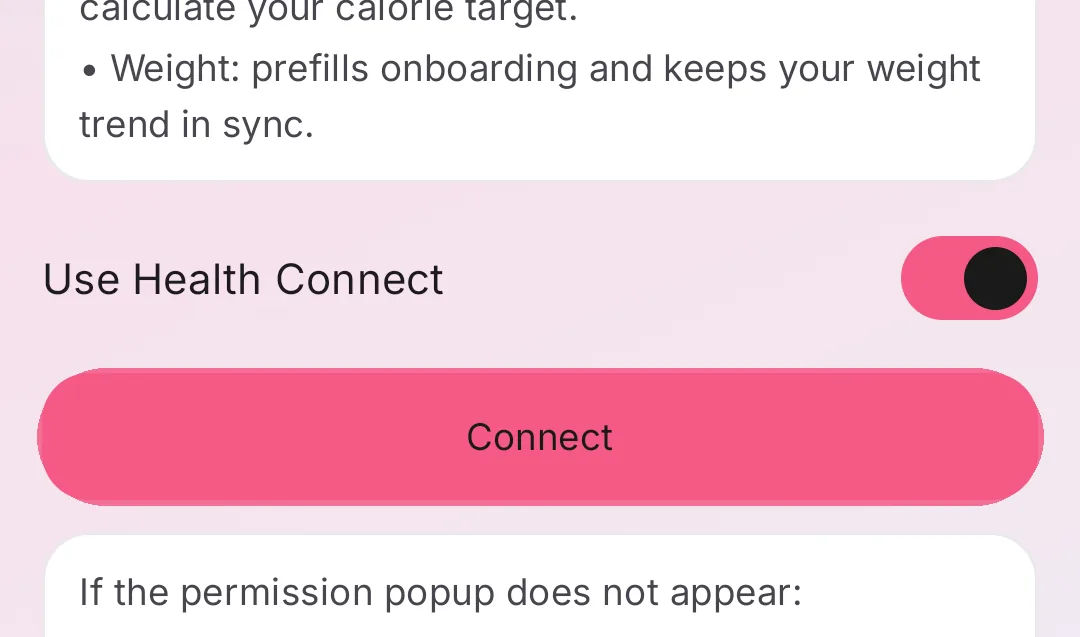
Leave “Use Health Connect” on and tap “Connect”, or turn it off and tap “Continue”.
-
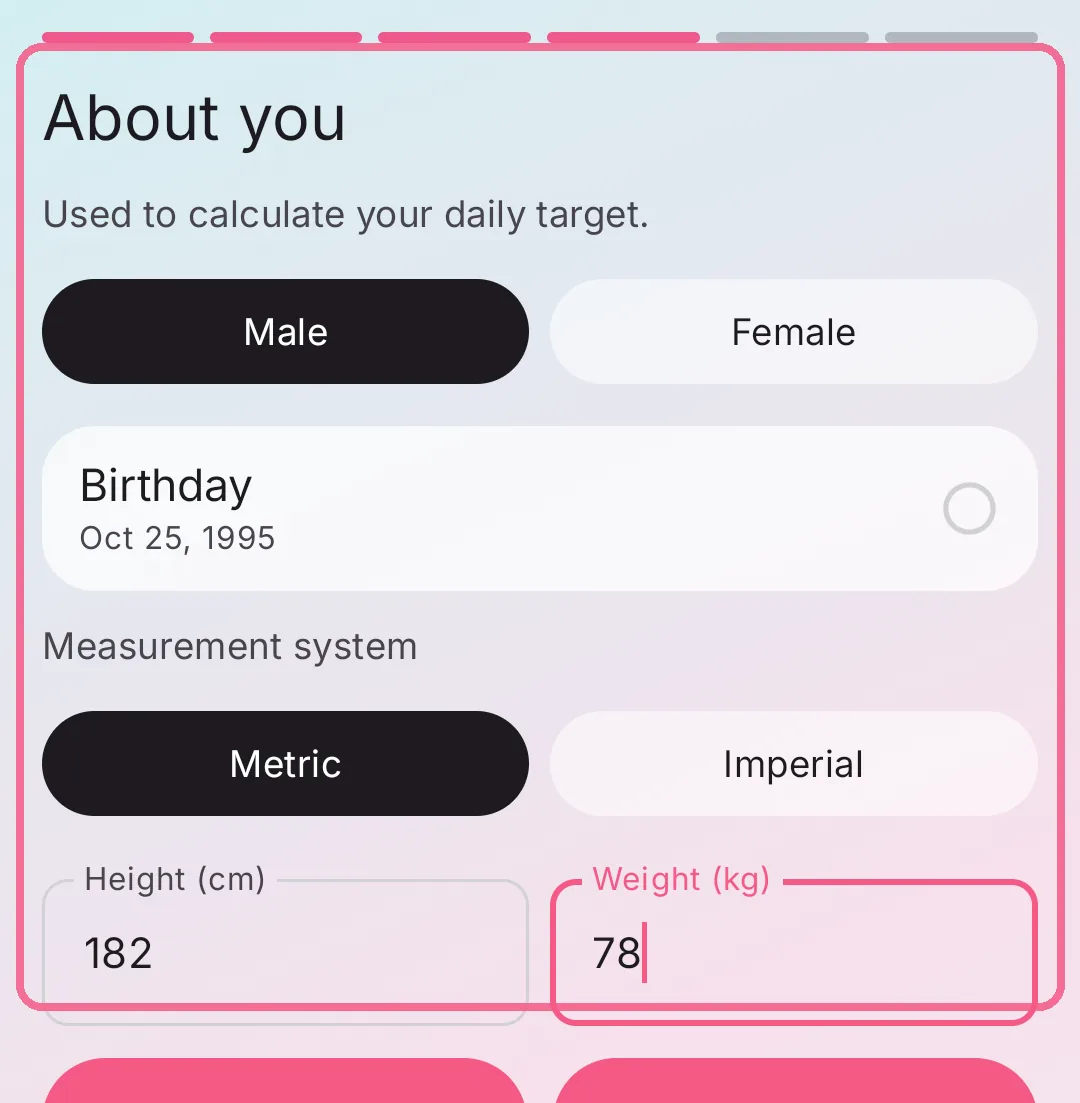
Under “About you”, enter your sex, birthday, units, height and weight.
-
Choose your activity level and see your daily target.
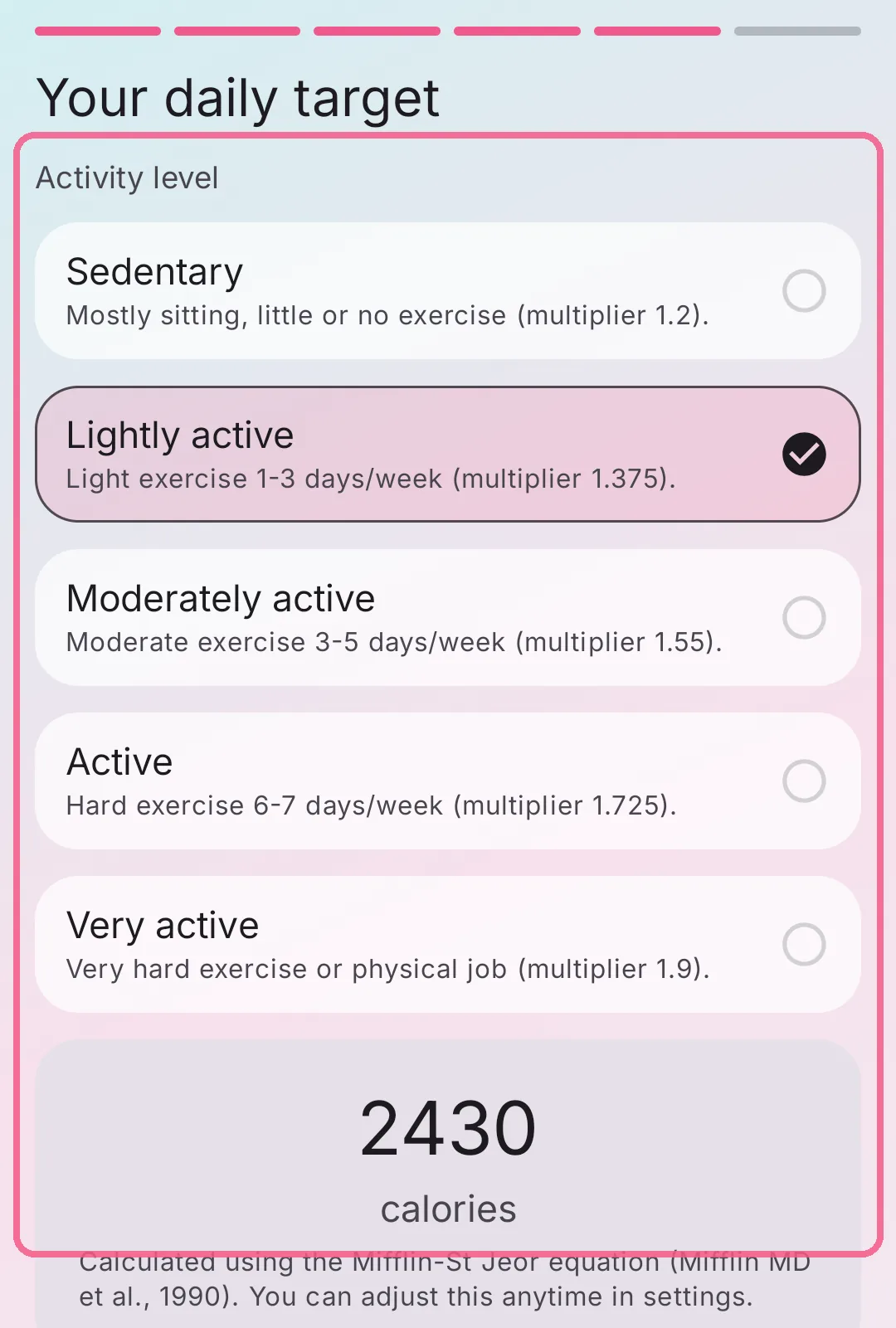
-
Turn on “Enable automatic backup” if you like and tap “Start tracking”.
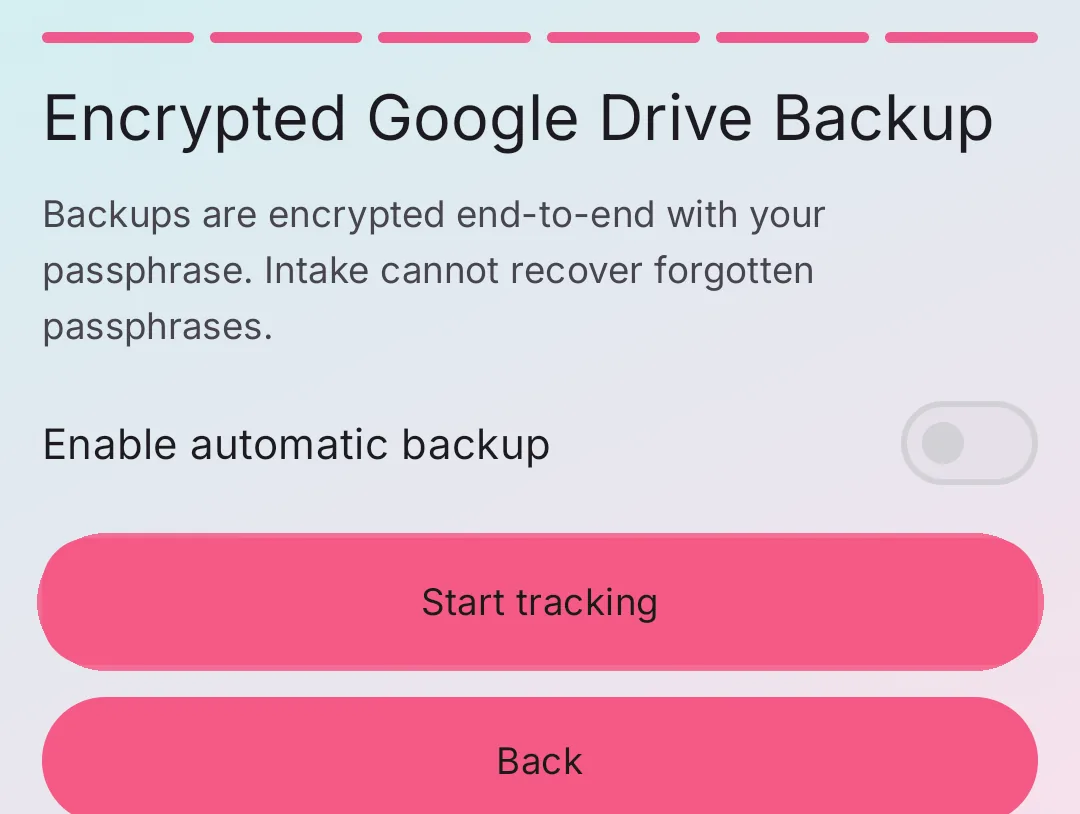
On iPhone with Apple Health, “About you” can use your measured resting energy instead, see Maintenance calories from resting energy in Apple Health.