
Log a meal by photo
Take a photo of your plate or a package in Intake AI, or pick one from your photos. Intake AI estimates calories, macros and ingredients from it.
-
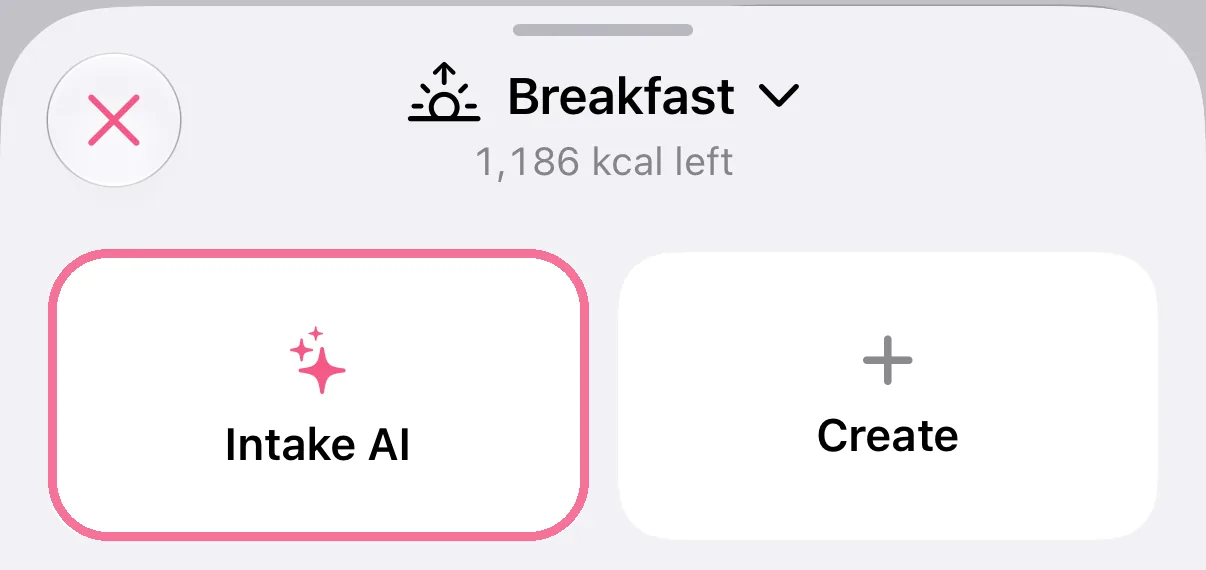
On Today, tap the plus next to the meal, then “Intake AI”.
-
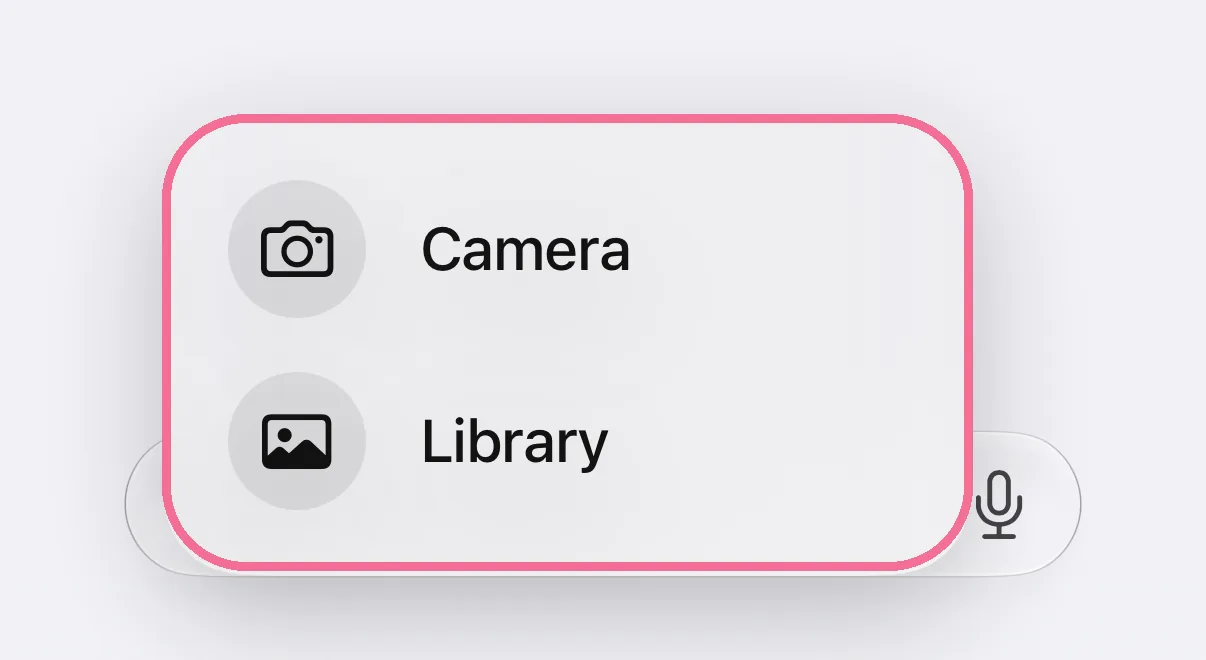
Tap the plus to the left of the text field, choose “Camera” or “Library” and tap the arrow.
-
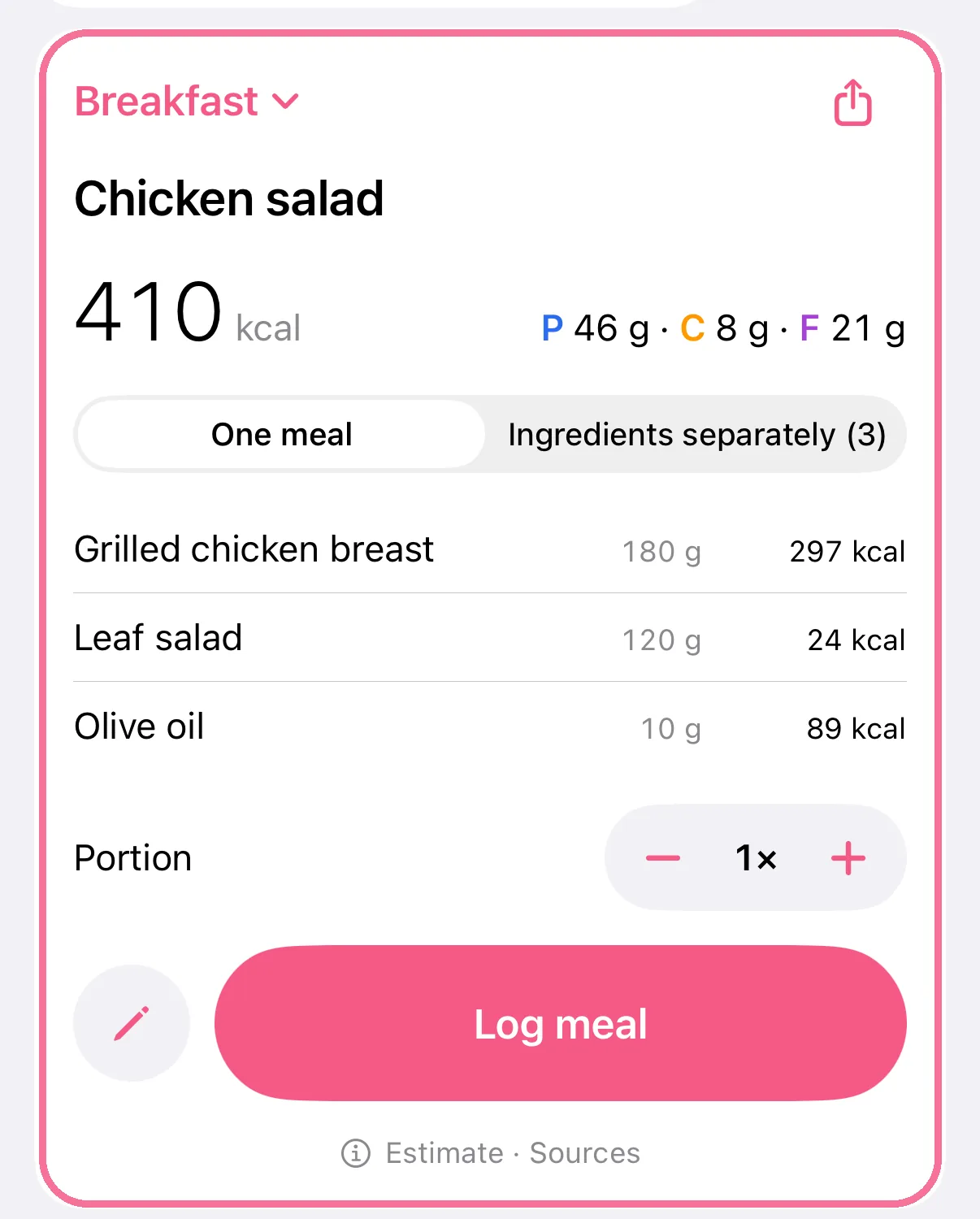
Check the estimate and log it.
-
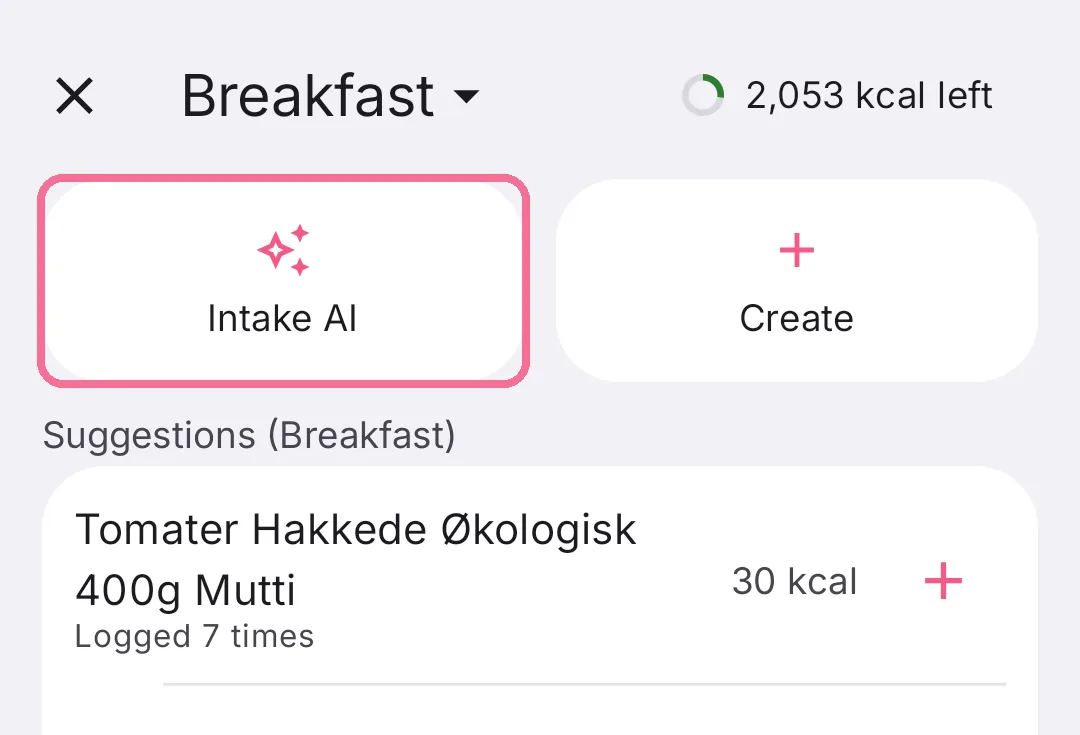
On Today, tap the plus next to the meal, then “Intake AI”.
-
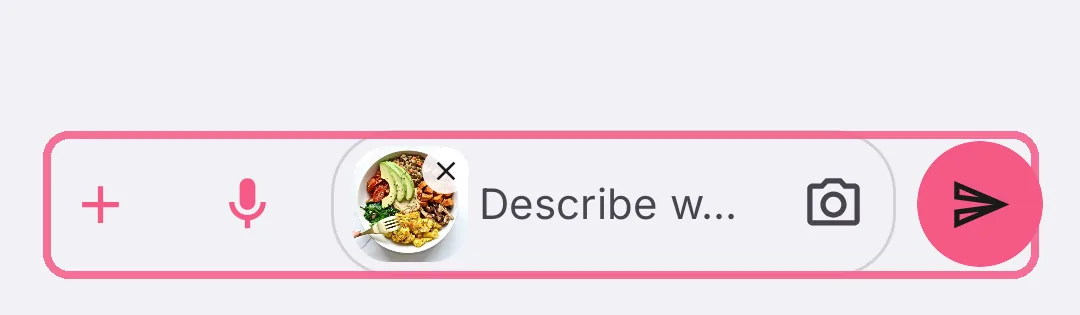
Tap the plus on the left for a photo from your gallery, or the camera in the text field, then tap the arrow.
-
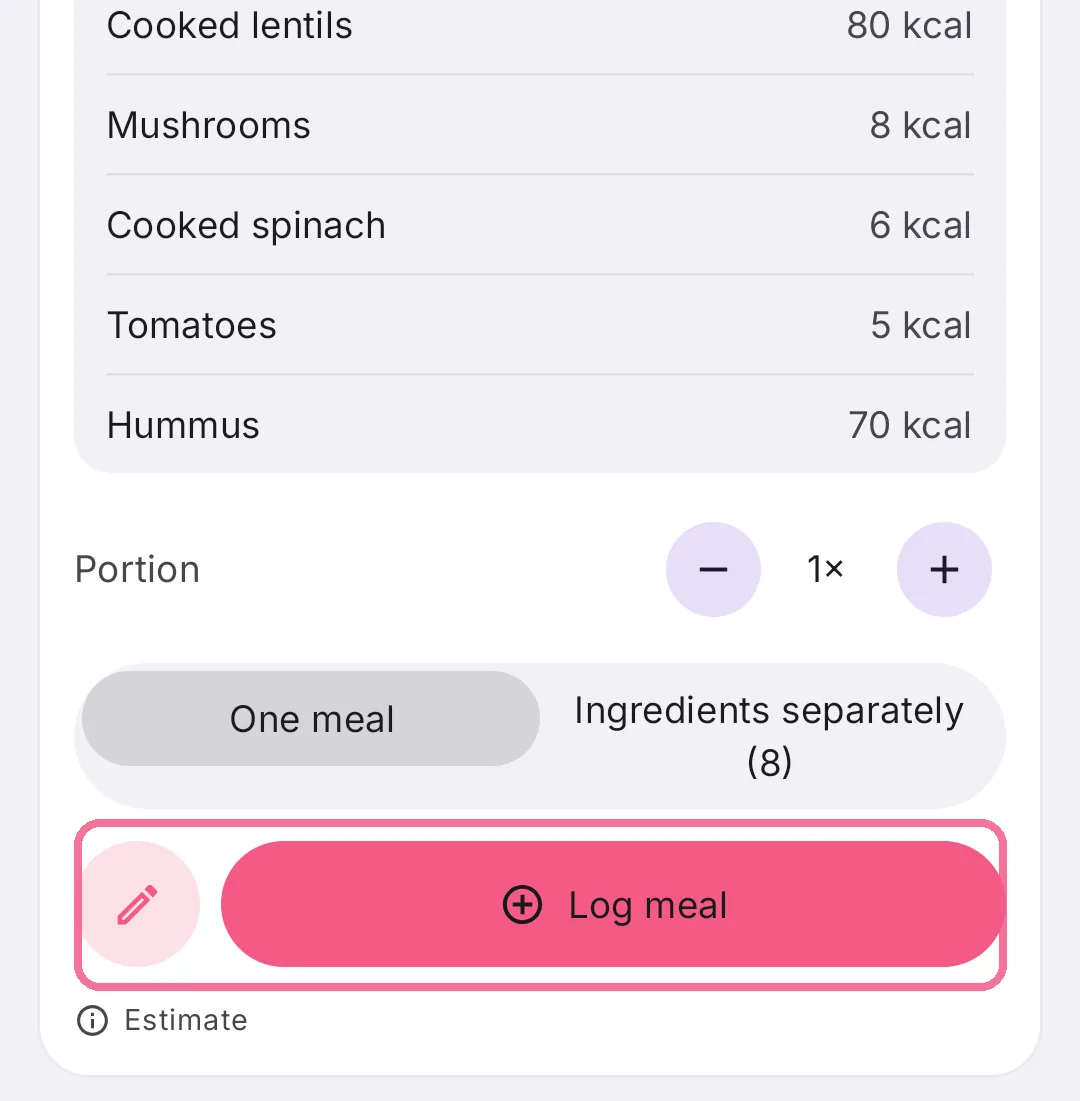
Check the estimate and tap “Log meal”.
You can add a note to the photo, like “half portion” or “no sauce”. It works for plates and for packaged products. Each estimate takes one photo.
The photo becomes the photo of your entry. If the estimate is off, reply in the chat or see Correct an Intake AI estimate.