
Correct an estimate
If an estimate is off, reply in the chat or open “Correct” to change ingredients, portion and calories; Intake AI then works it out again. “Correct” comes with the Intake AI subscription.
-
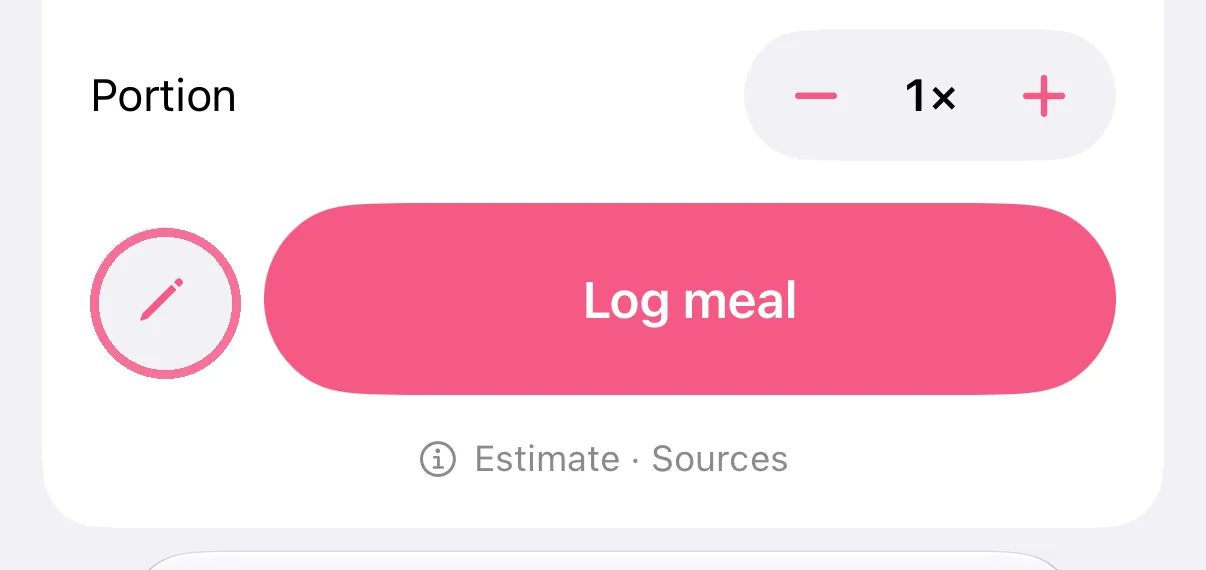
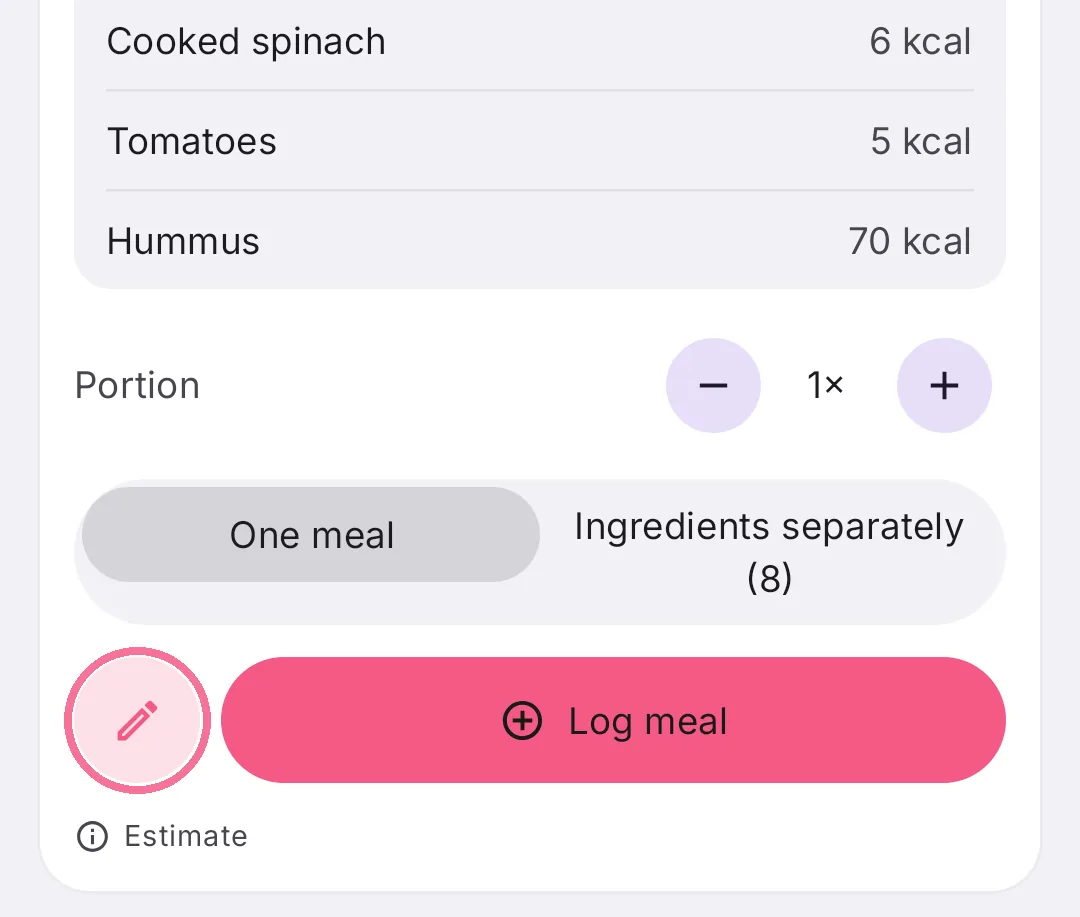
Tap the pencil on the left below the estimate.
-
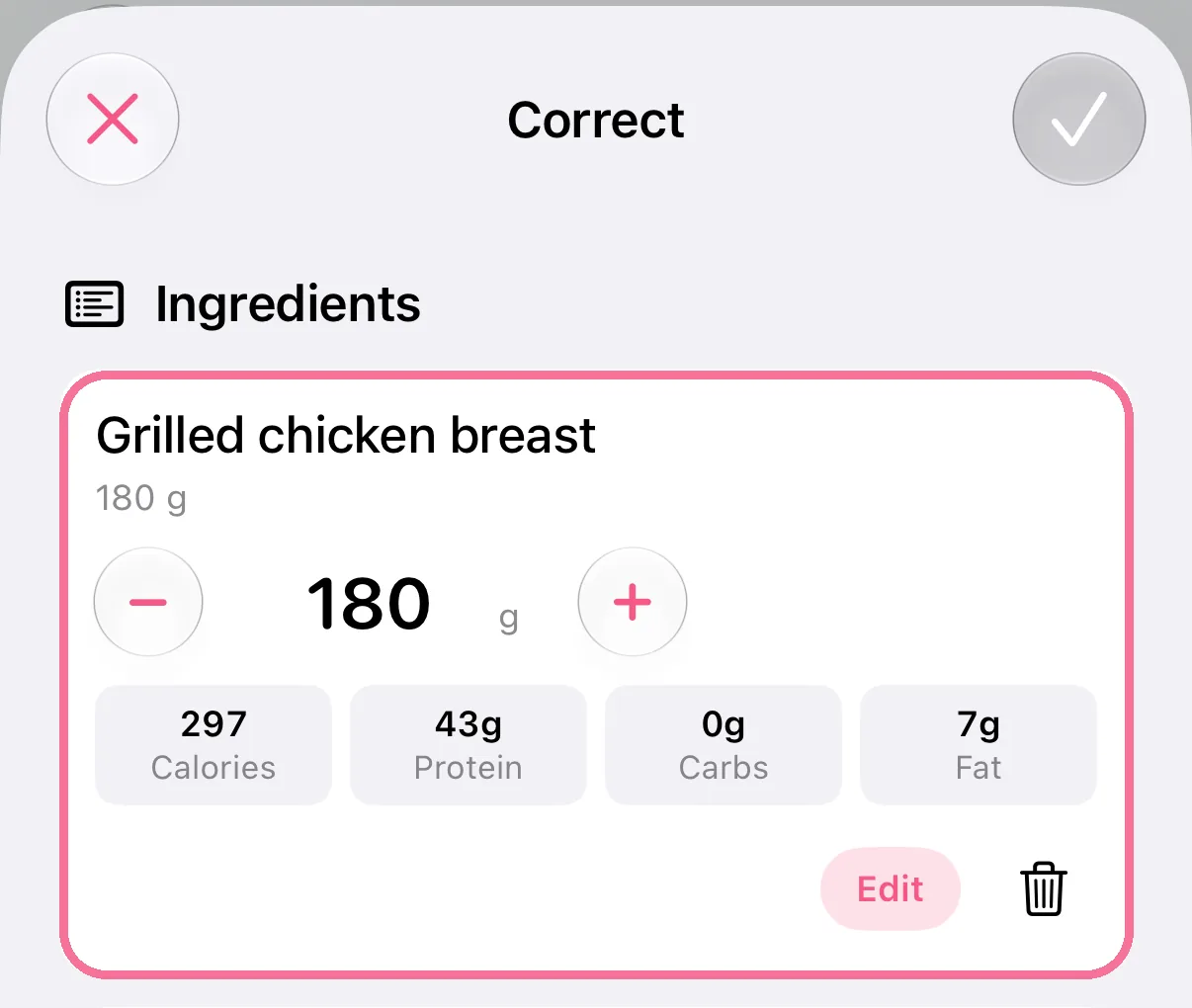
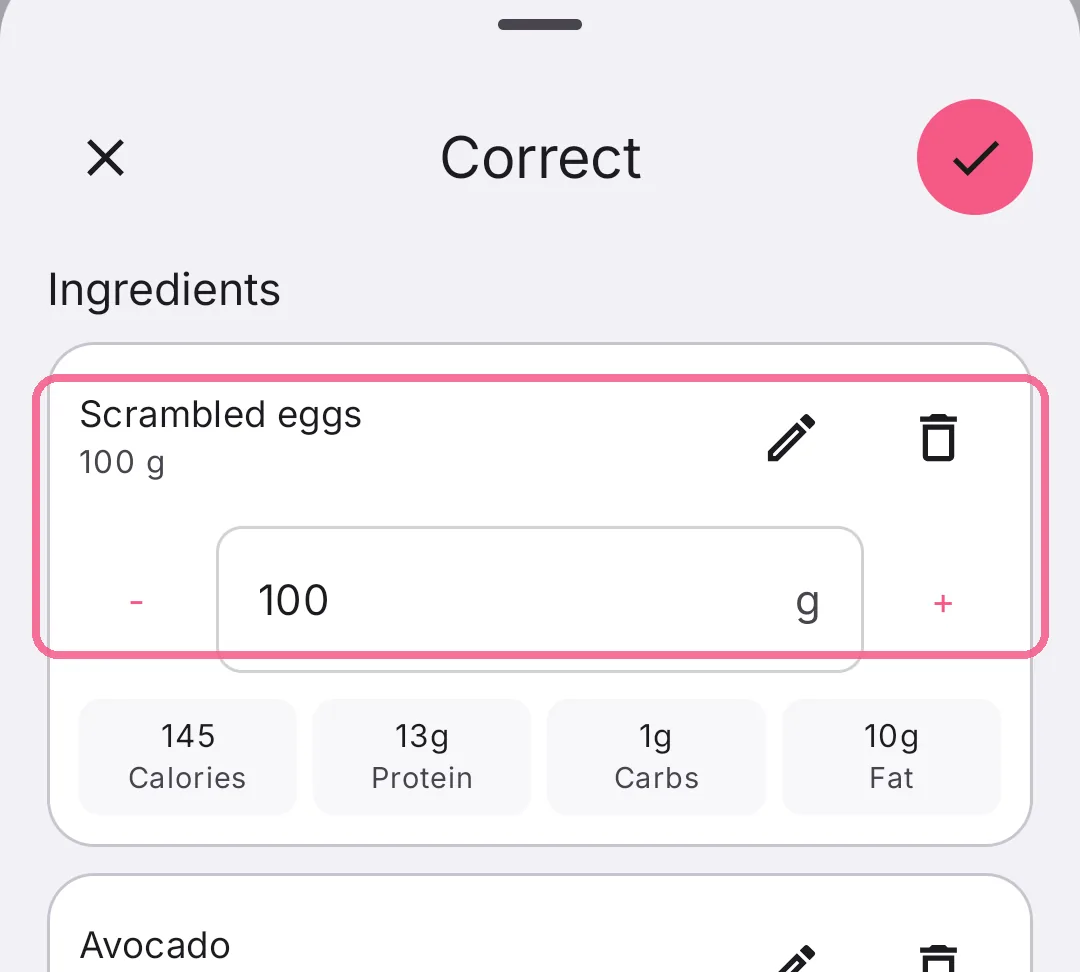
Change amounts with minus and plus, remove ingredients with the trash can or add new ones at the bottom.
-
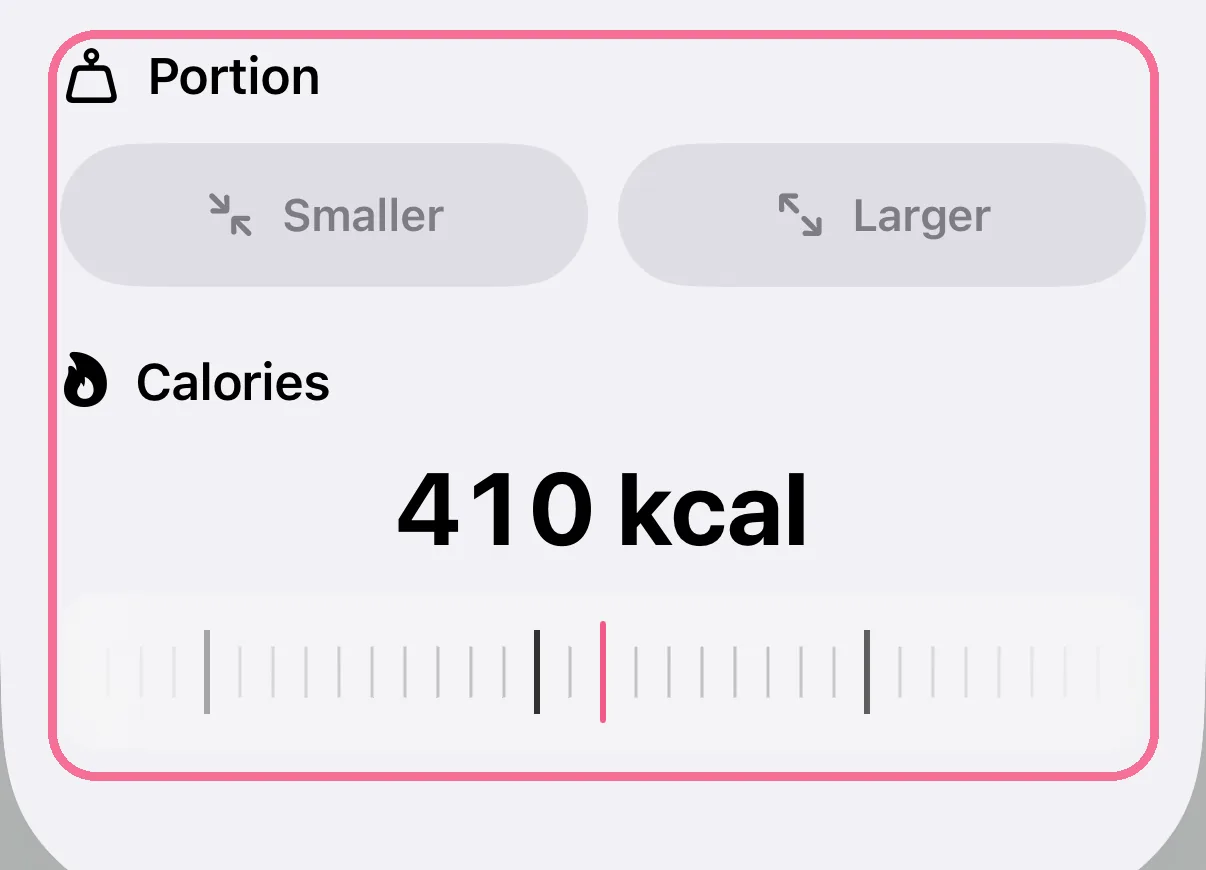
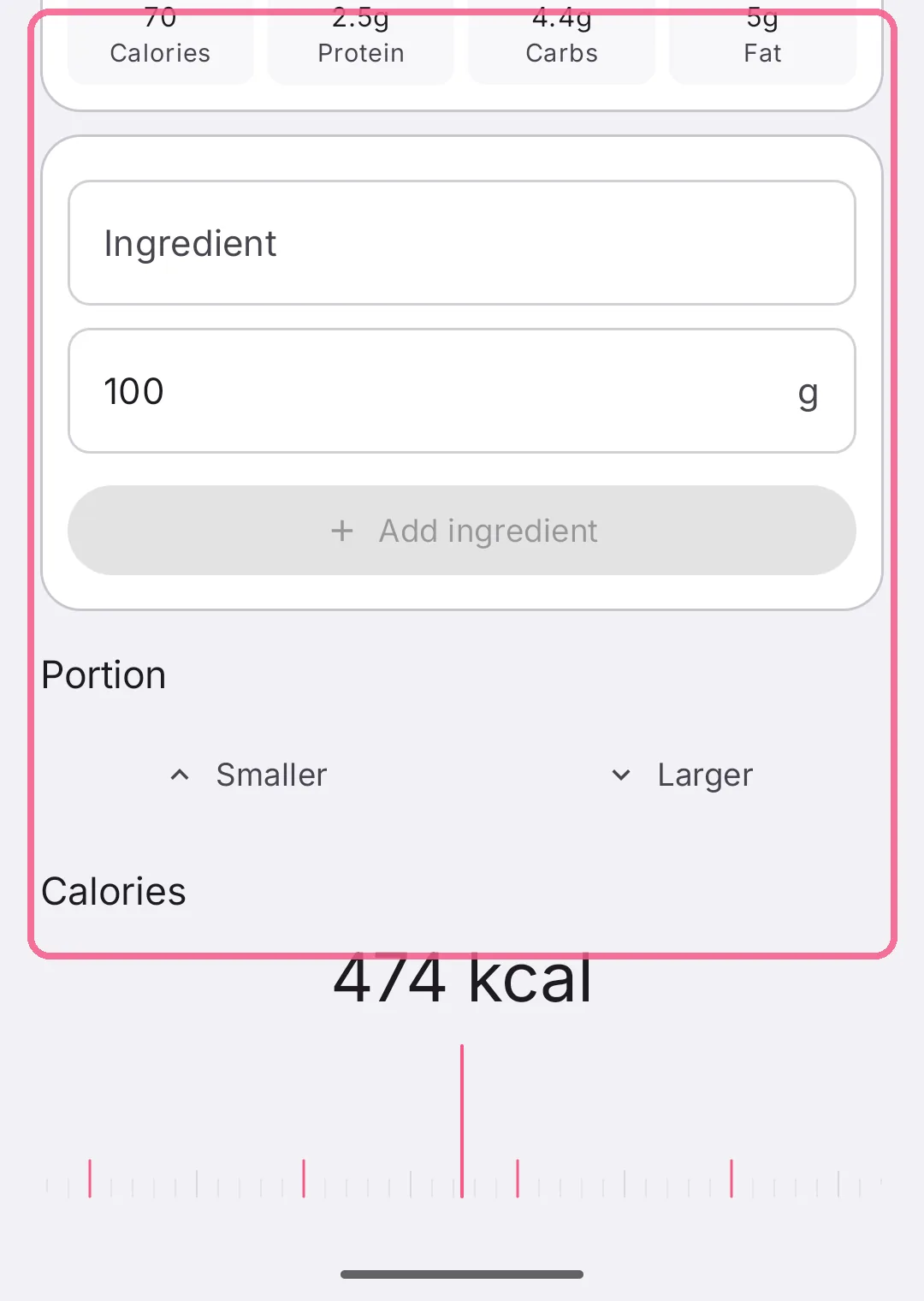
Under “Portion”, choose “Smaller” or “Larger”; under “Calories”, set the value on the wheel.
-
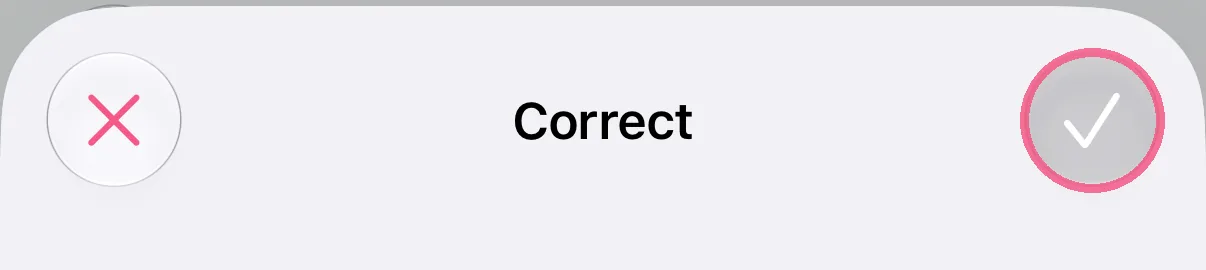
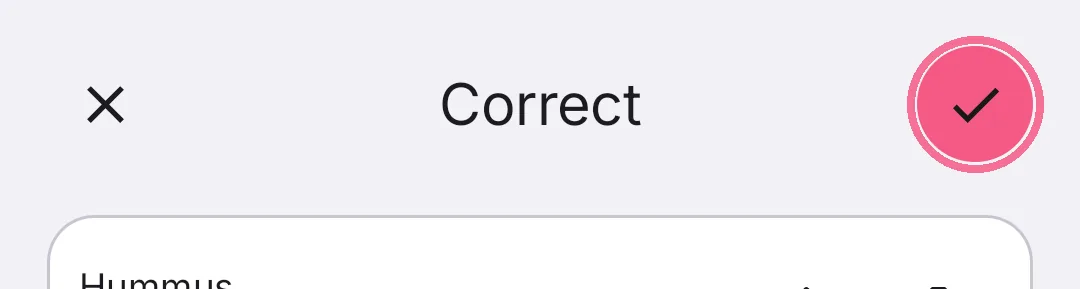
Tap the checkmark at the top right. Intake AI works out the estimate again.
-
Tap the pencil on the left below the estimate.
-
Change amounts with minus and plus, remove ingredients with the trash can or add new ones below.
-
Under “Portion” choose “Less” or “More”; under “Calories” set the value on the wheel.
-
Tap the checkmark at the top right. Intake AI works out the estimate again.
It’s often quicker to just write in the chat what’s wrong.
With your own API key, there’s no “Correct”. On iPhone, the pencil then opens the edit screen before logging.