
Weight trend
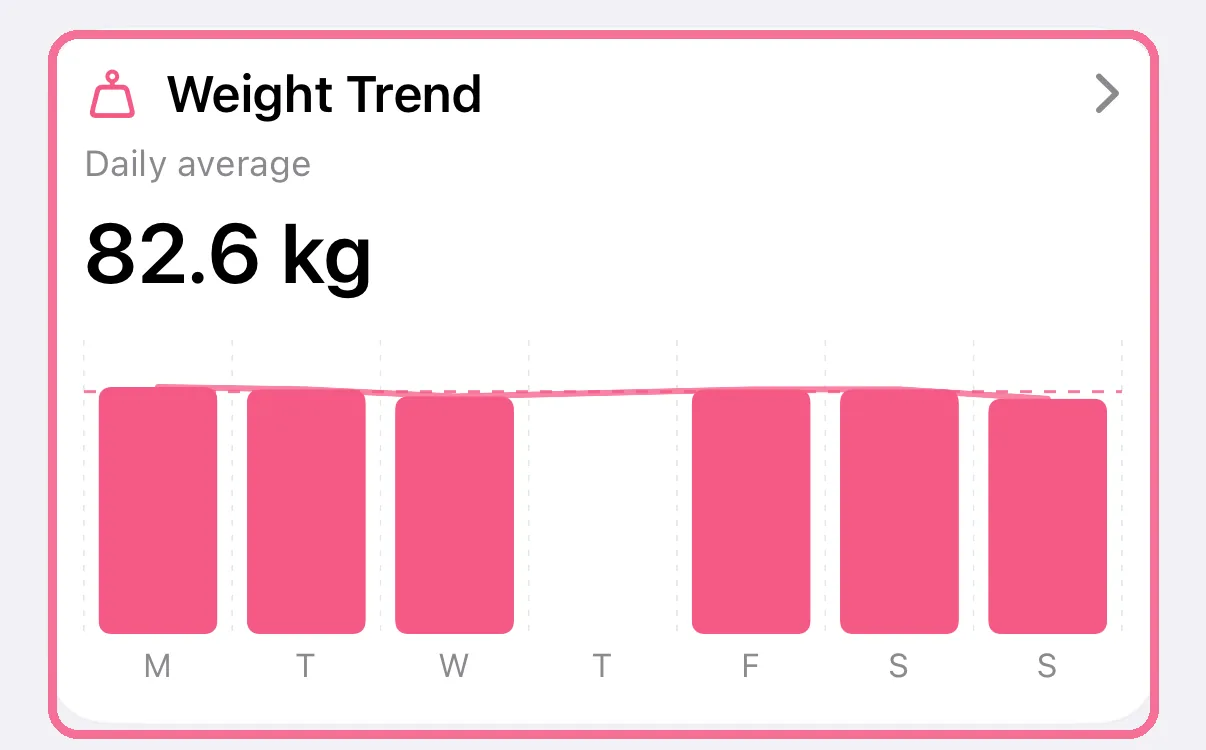
In Stats, the weight card shows your weight over a week, a month, a year or your whole history. The 7-day average smooths out the ups and downs from day to day.
-
In Stats, tap the “Weight Trend” card.
-
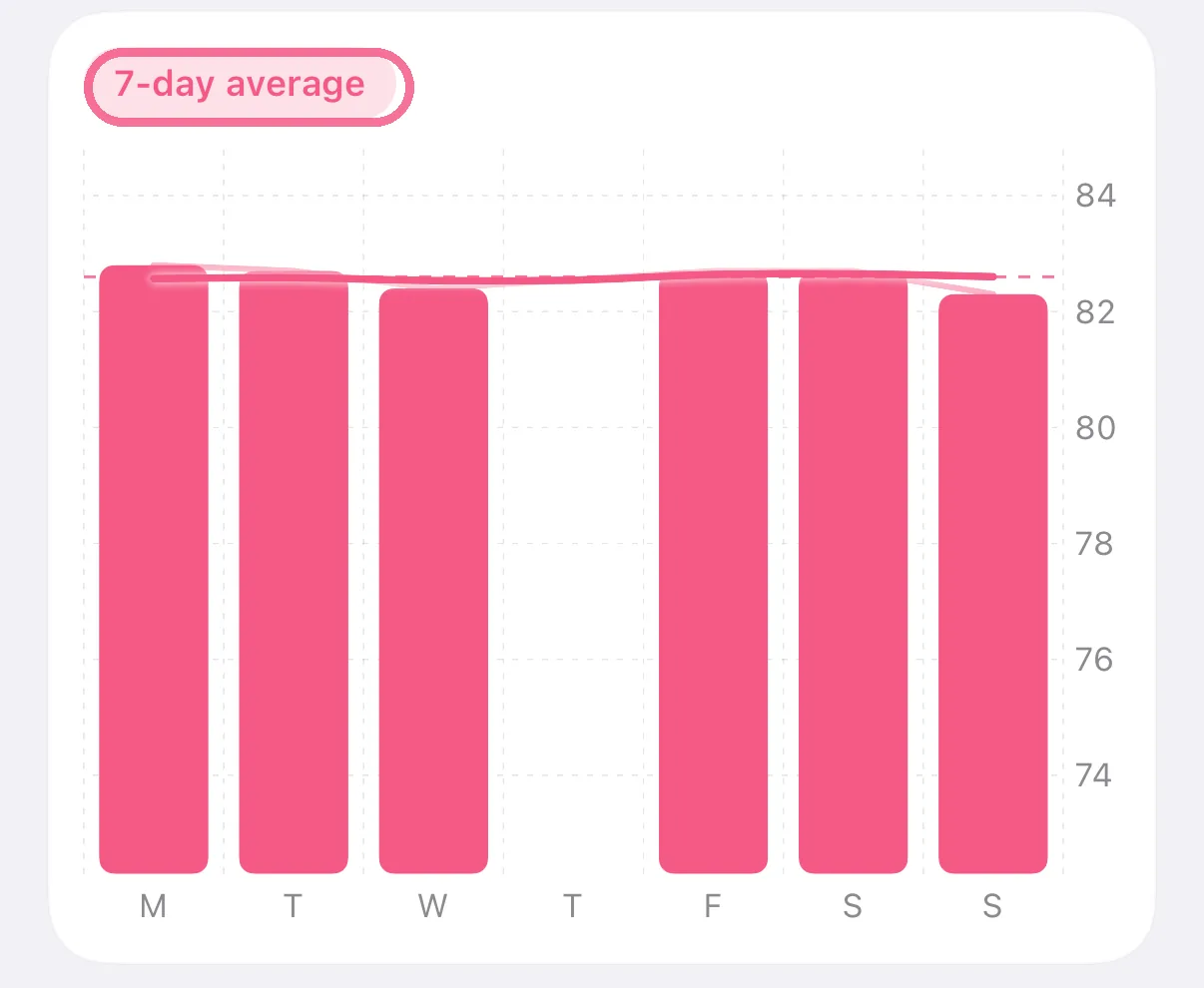
Choose the period at the top. “All” shows your whole weight history since your first entry.

-
“7-day average” shows or hides the line with the average of the last seven days.
-
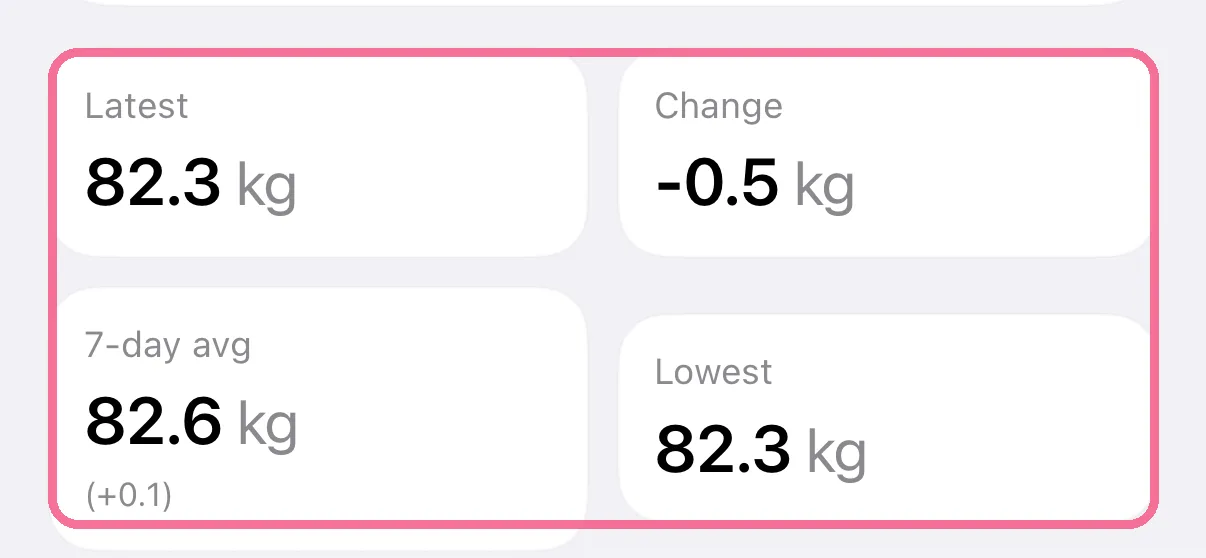
Below the chart you find the figures for the period, such as the change and your lowest weight.
-
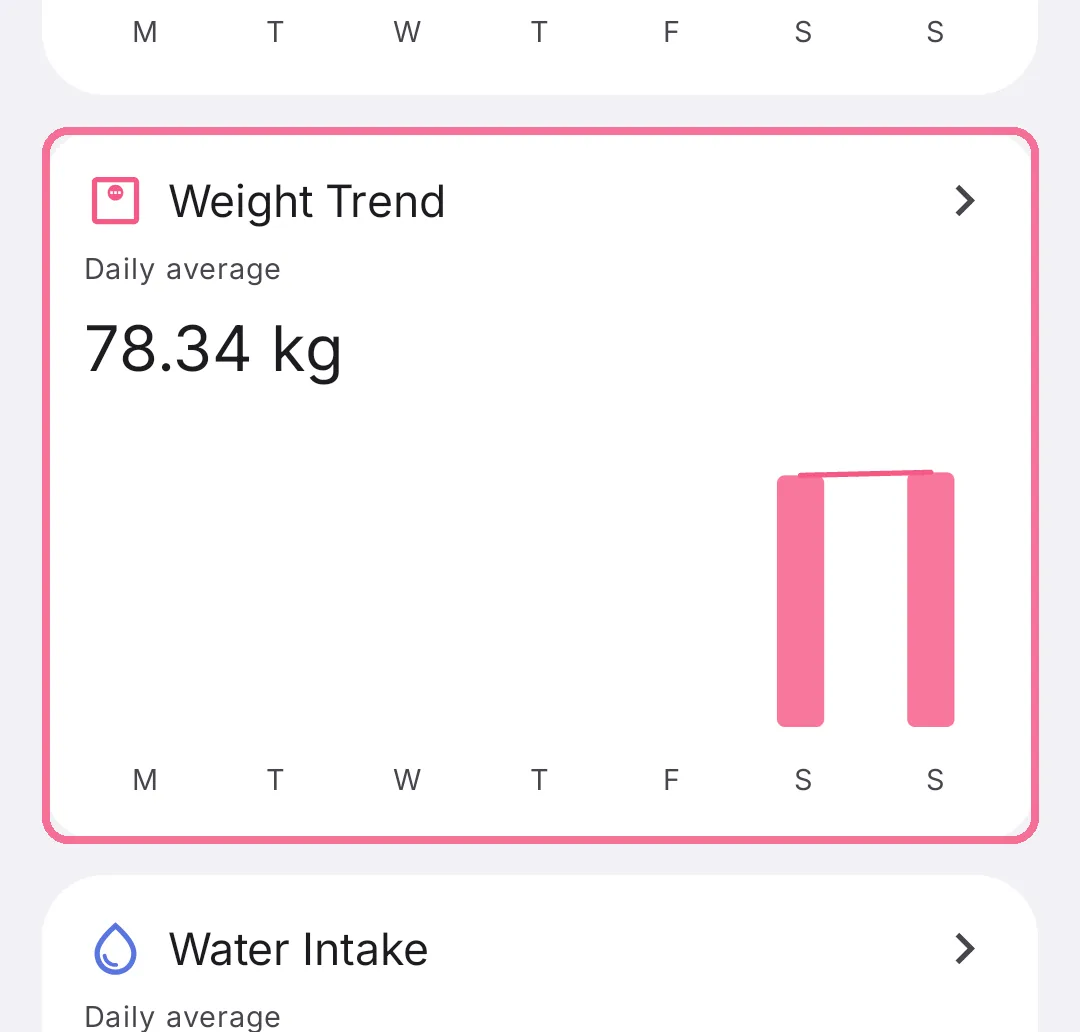
In Stats, tap the “Weight Trend” card.
-
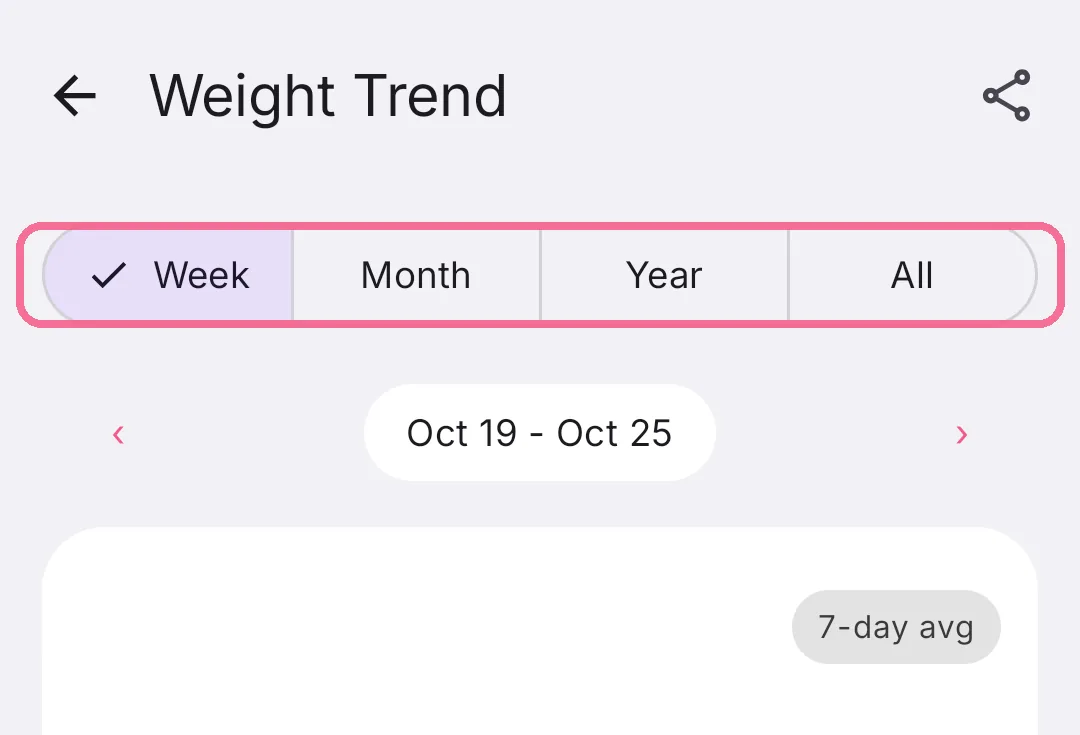
Choose the period at the top. “All” shows your whole weight history since your first entry.
-
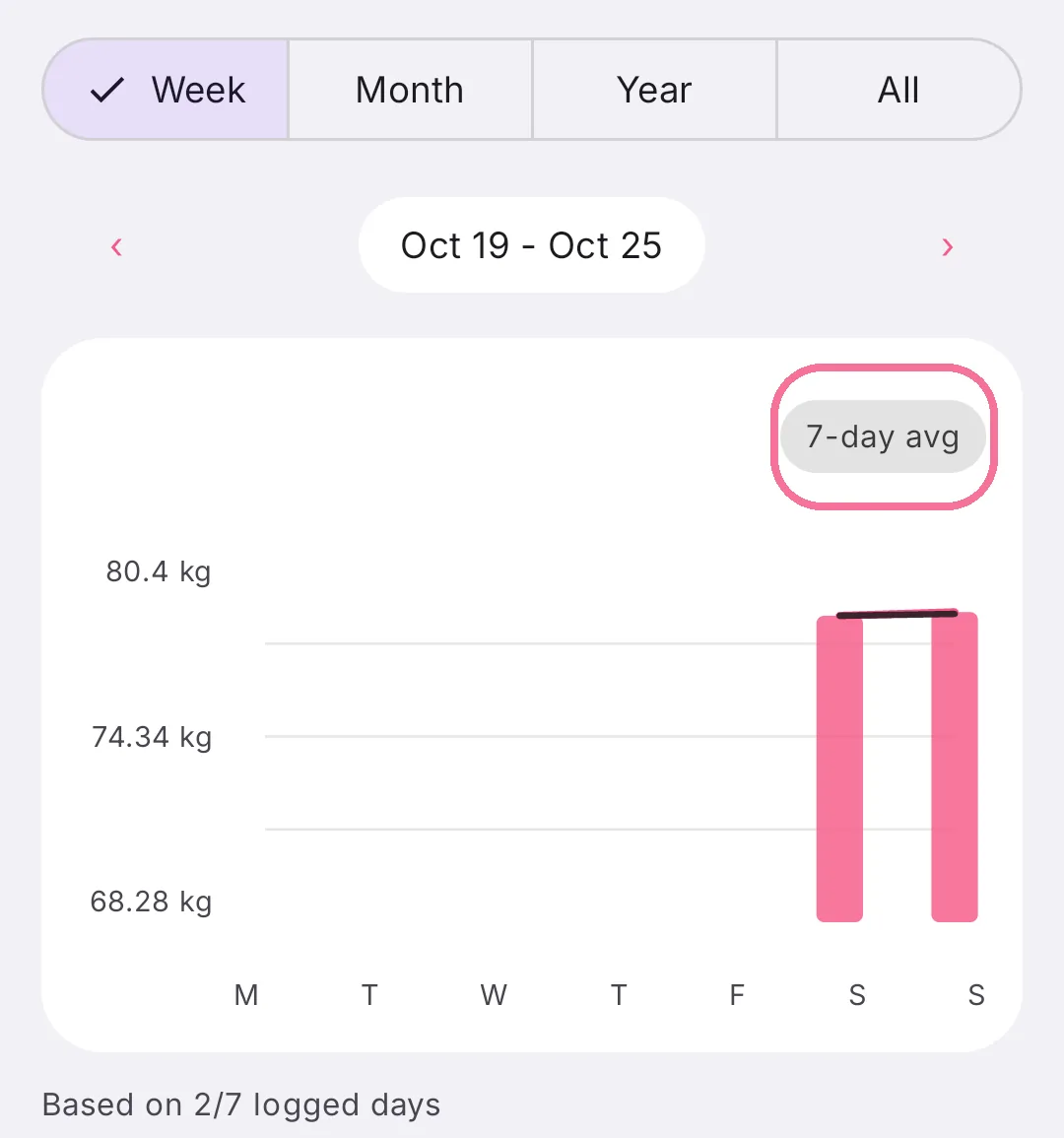
“7-day avg” shows or hides the line with the average of the last seven days.
-
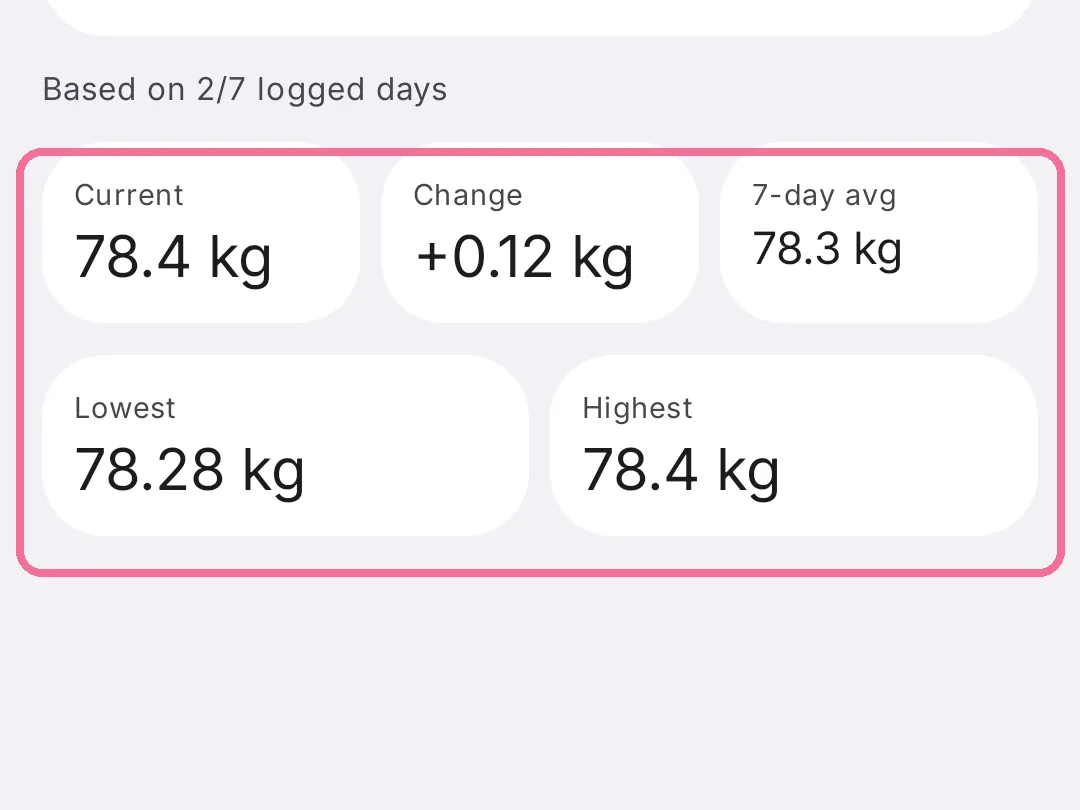
Below the chart you find the figures for the period, such as the change and your lowest weight.
On iPhone you delete a wrong entry in the week or month view by pressing and holding its bar. If Apple Health is connected, it is removed there too.