
Recipe categories
File recipes under categories like Breakfast or your own. At the top of the recipe list you filter by category, and sorting changes the order.
-
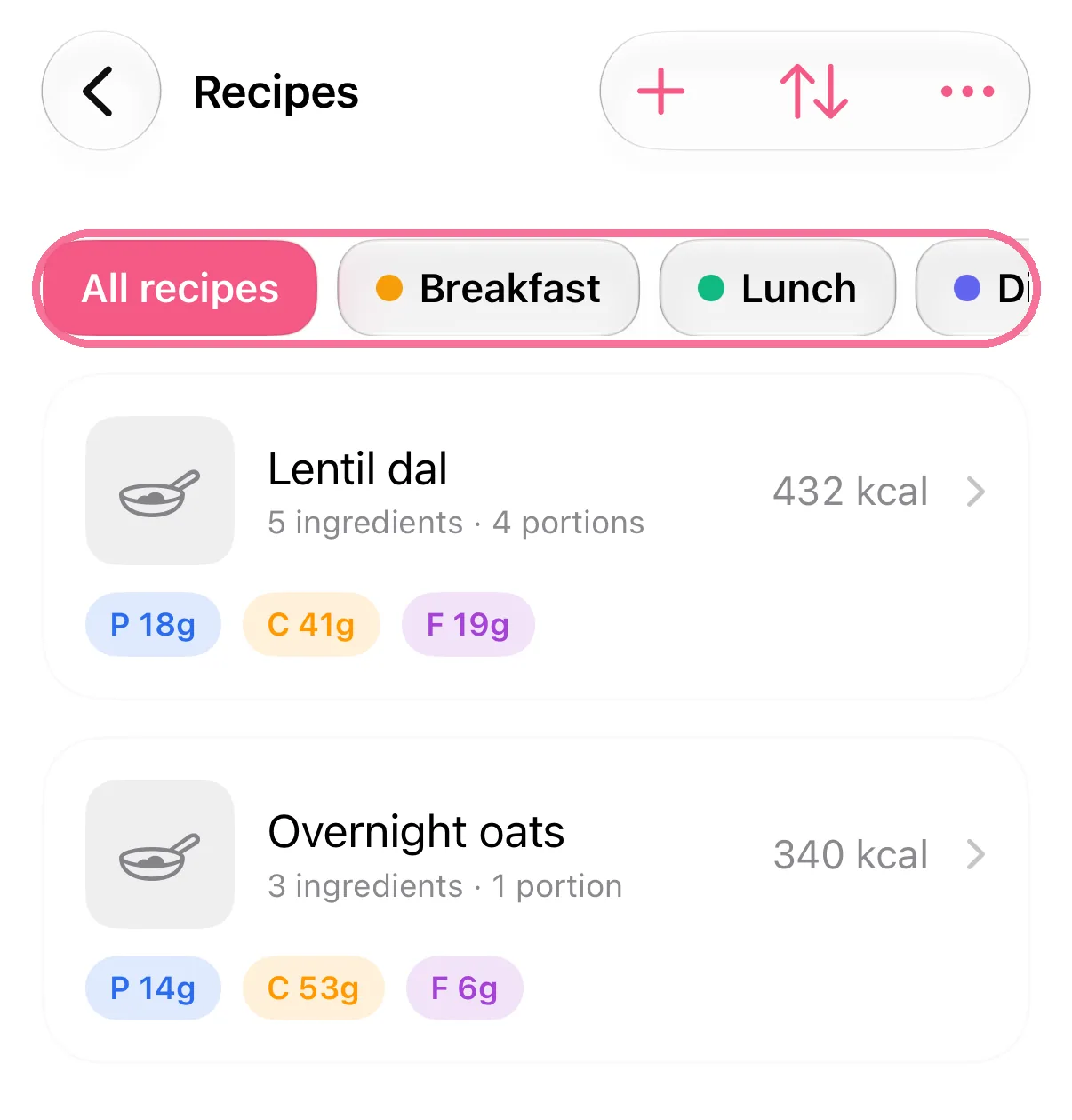
At the top of “Recipes”, tap a category to filter the list.
-
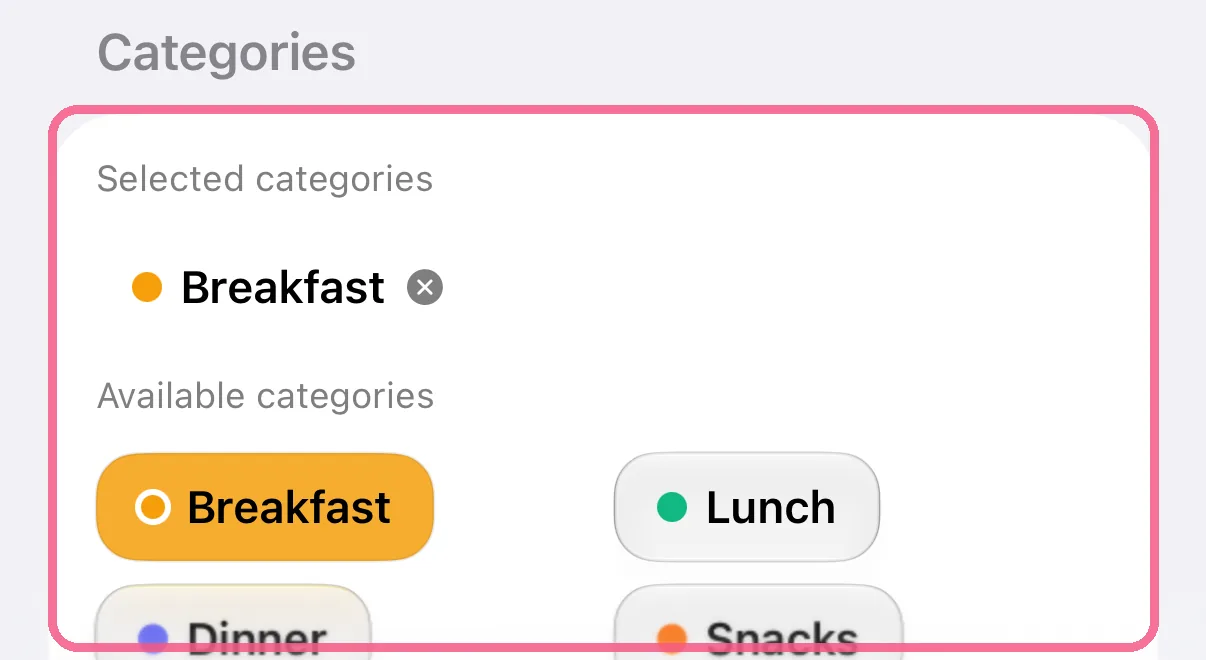
In the recipe, pick where it belongs under “Categories”.
-
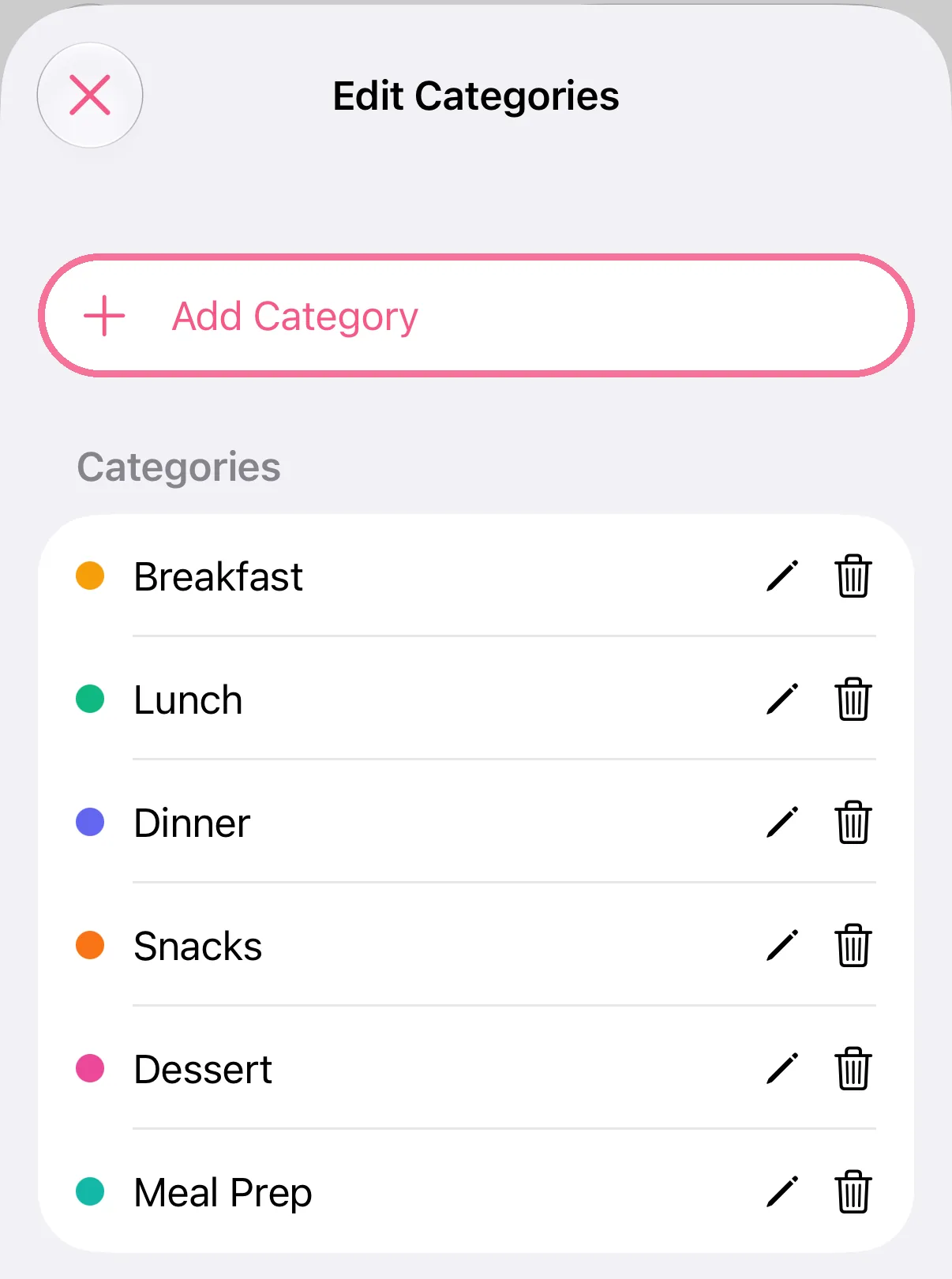
In “Recipes”, tap the three dots at the top right, then “Edit Categories”. “Add Category” creates your own.
-
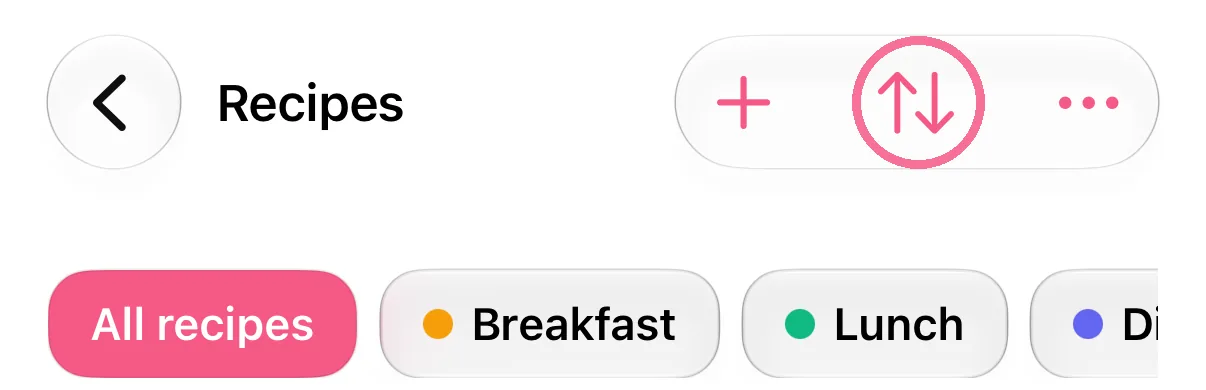
Tap the arrows at the top and choose “Name (A–Z)”, “Recently added” or “Calories per portion”.
-
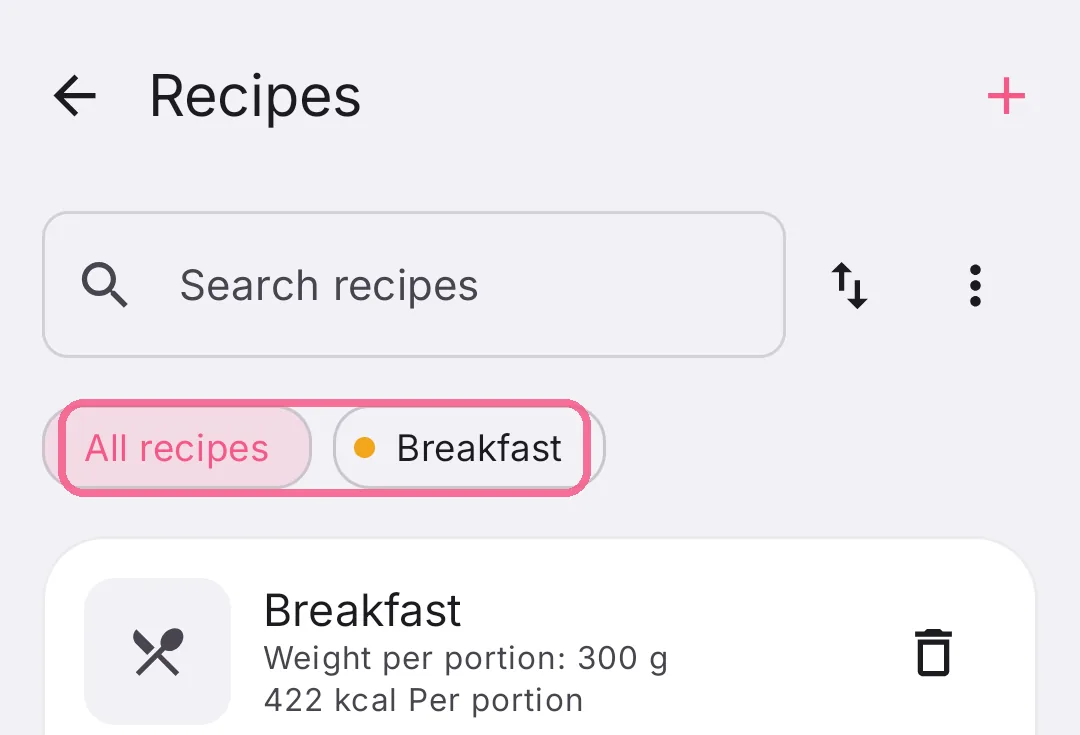
At the top of “Recipes”, tap a category to filter the list.
-
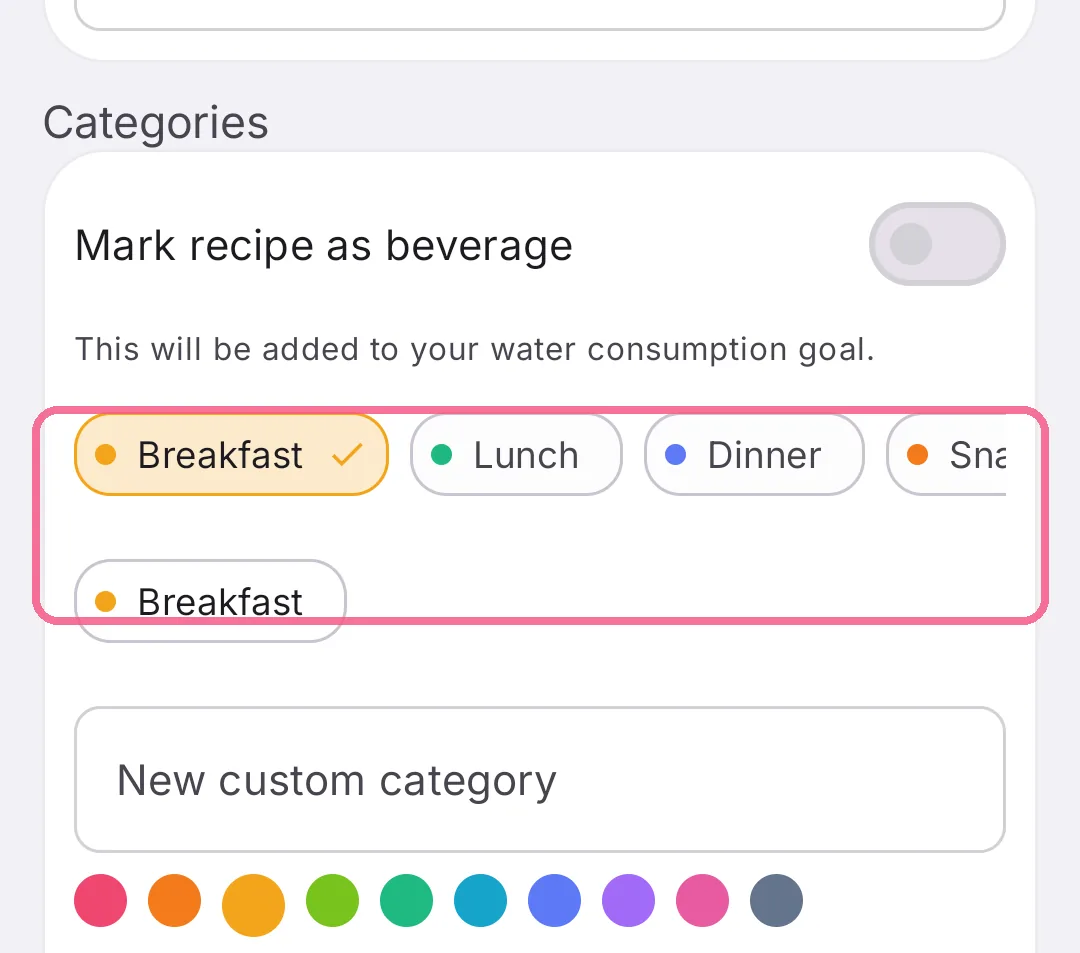
In the recipe, tap the pencil and pick where it belongs under “Categories”.
-
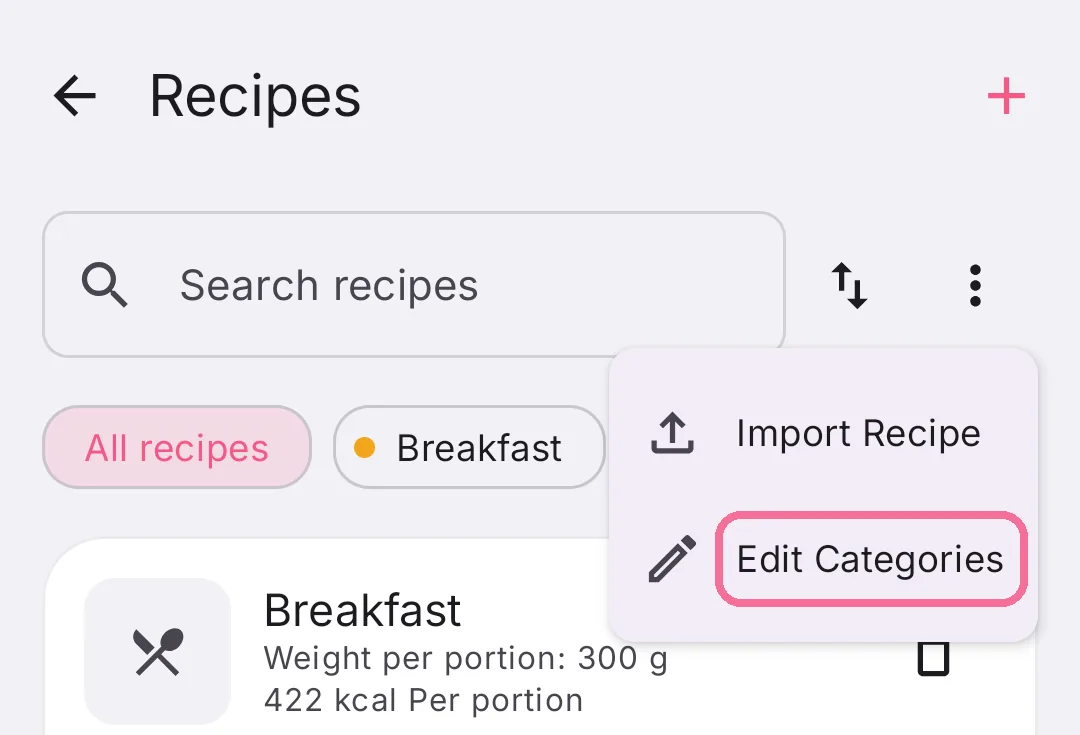
In “Recipes”, tap the three dots at the top right, then “Edit Categories”. There you add, change and delete your own.
-
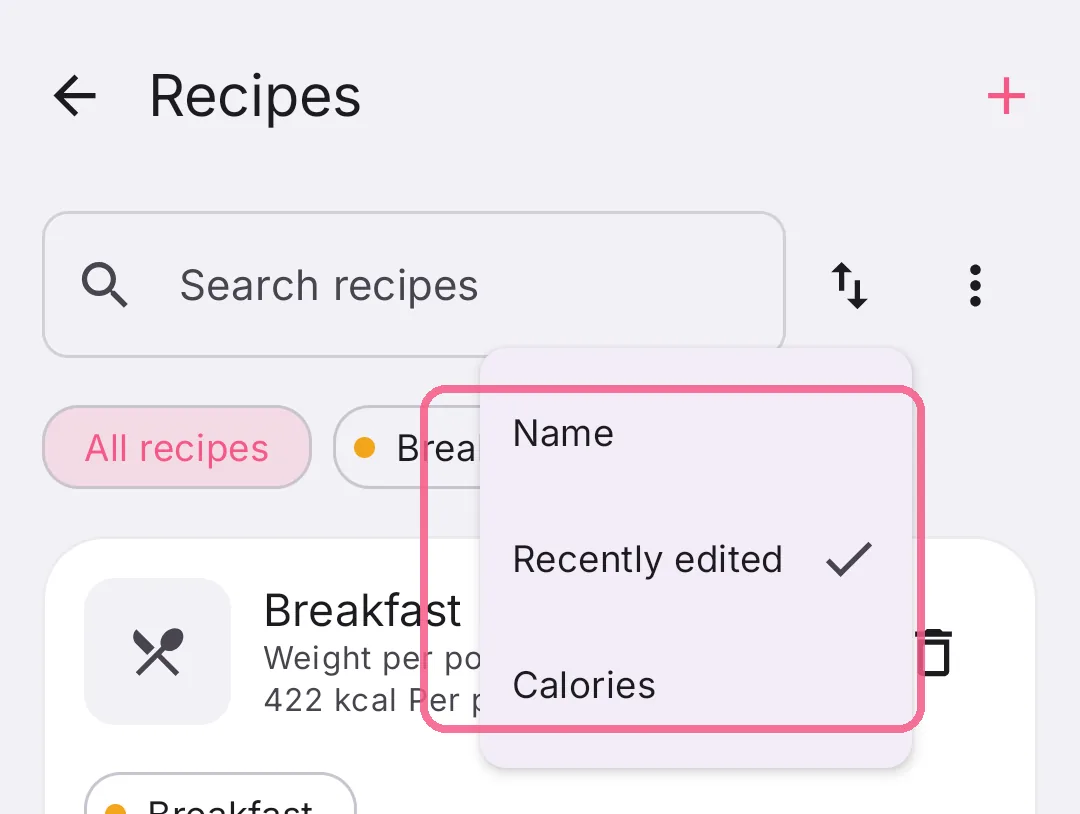
Tap the arrows at the top and choose “Name”, “Recently edited” or “Calories”.
Deleting a category removes it from every recipe. The recipes themselves stay.