
Activity calories
Under Settings > “Activity” you decide whether burned calories raise your daily target, which ones count and how much of them.
-
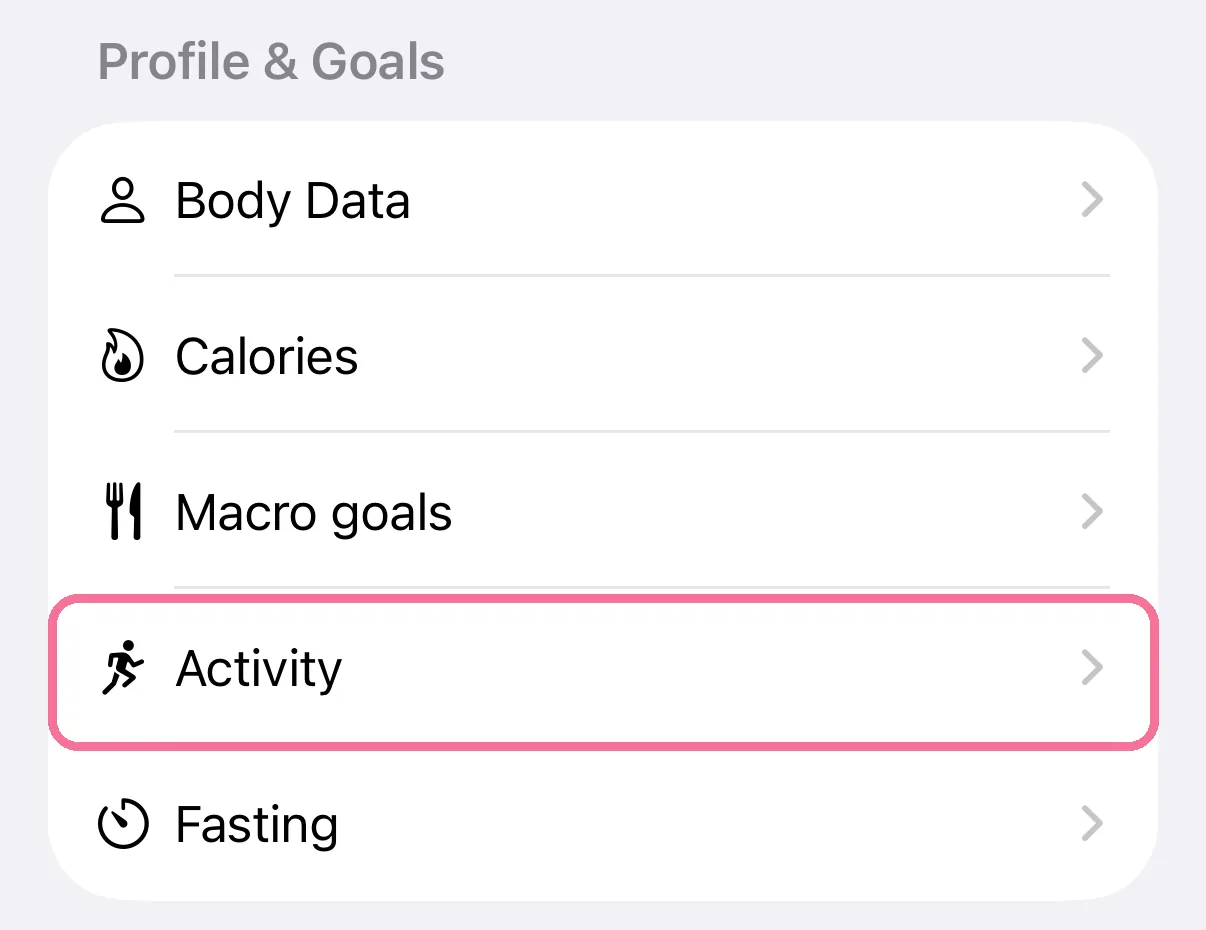
On Today, tap the gear at the top, then “Activity” under “Profile & Goals”.
-
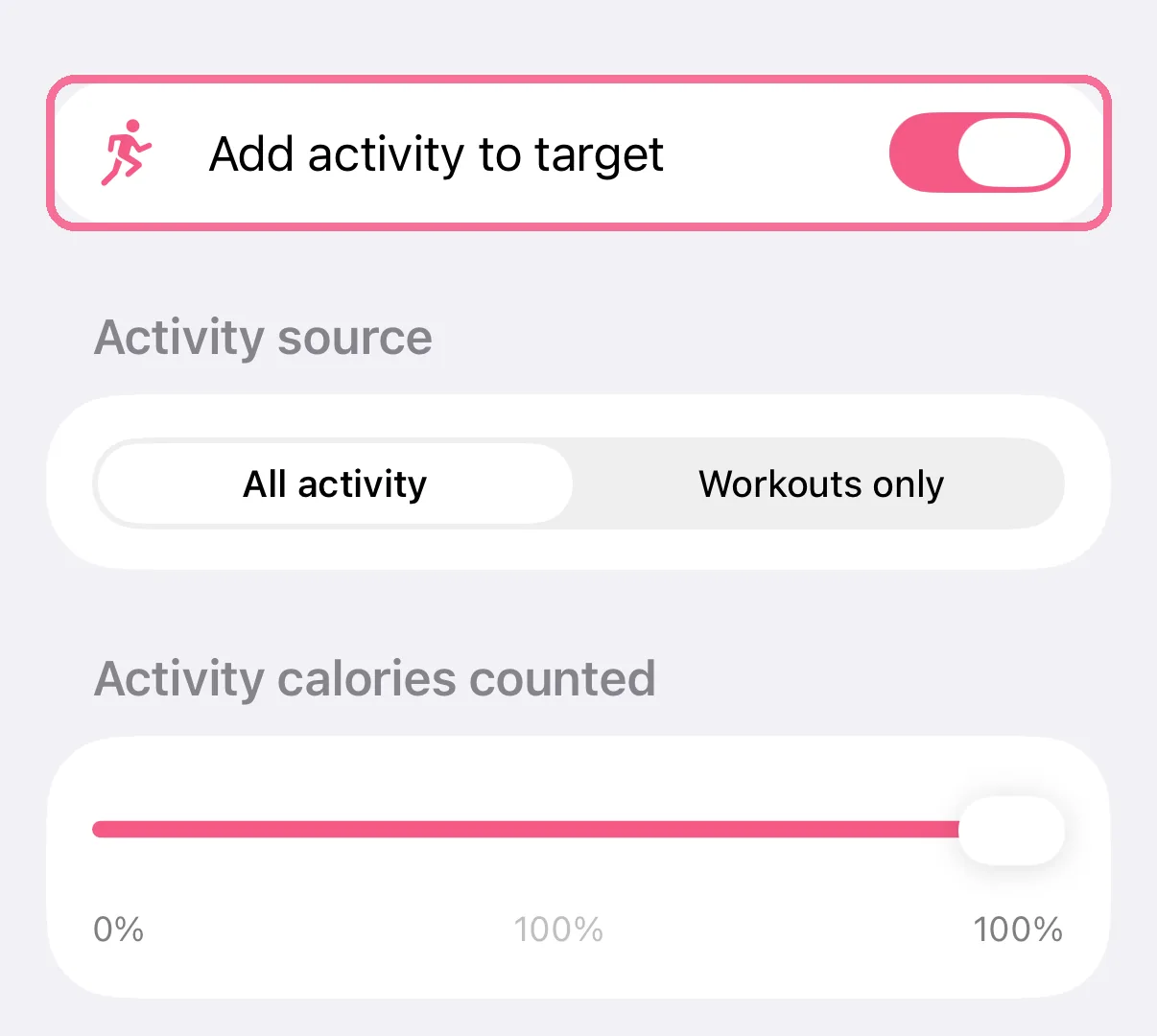
Turn on “Add activity to target”.
-
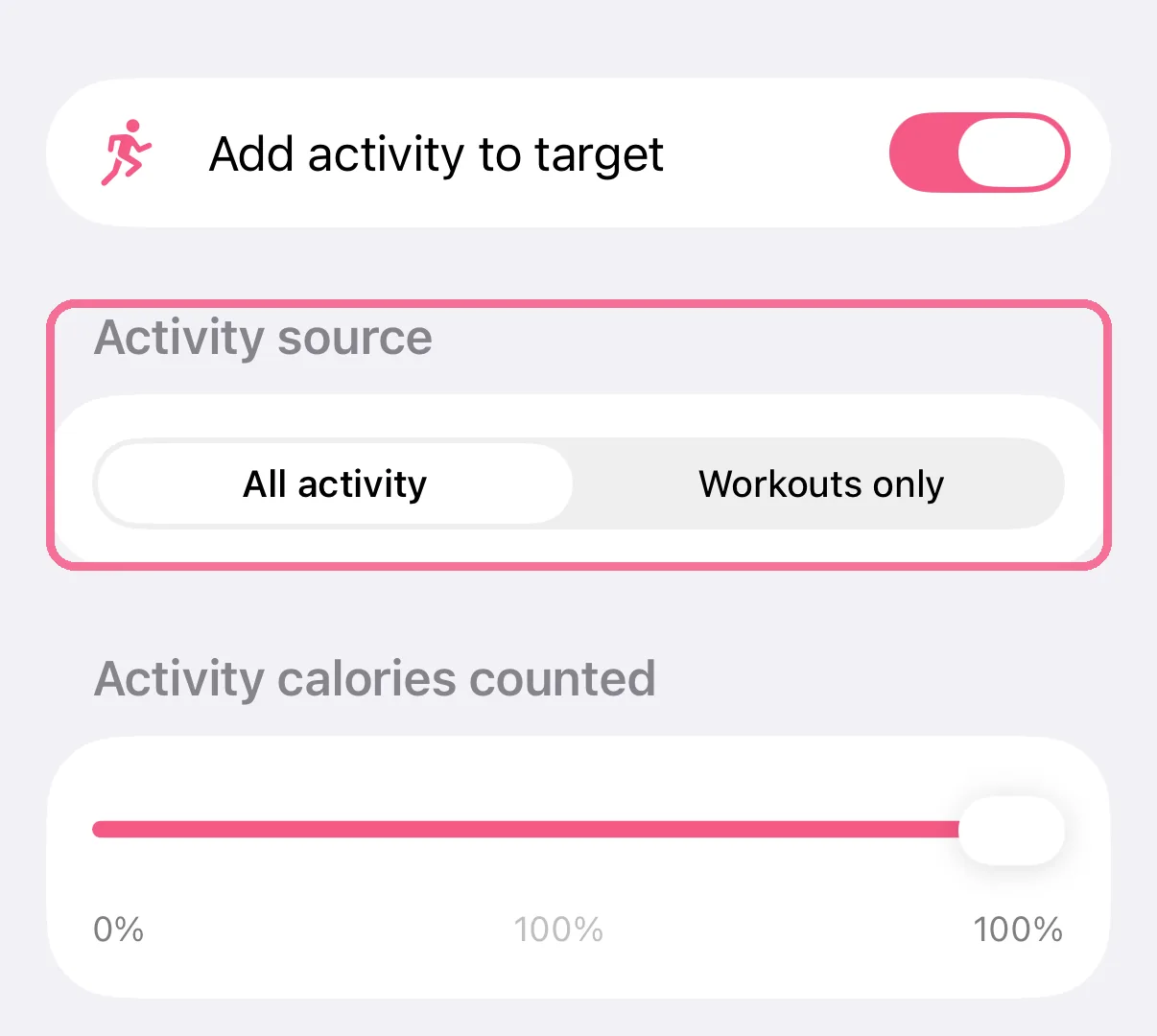
Under “Activity source”, choose “All activity” or “Workouts only”.
-
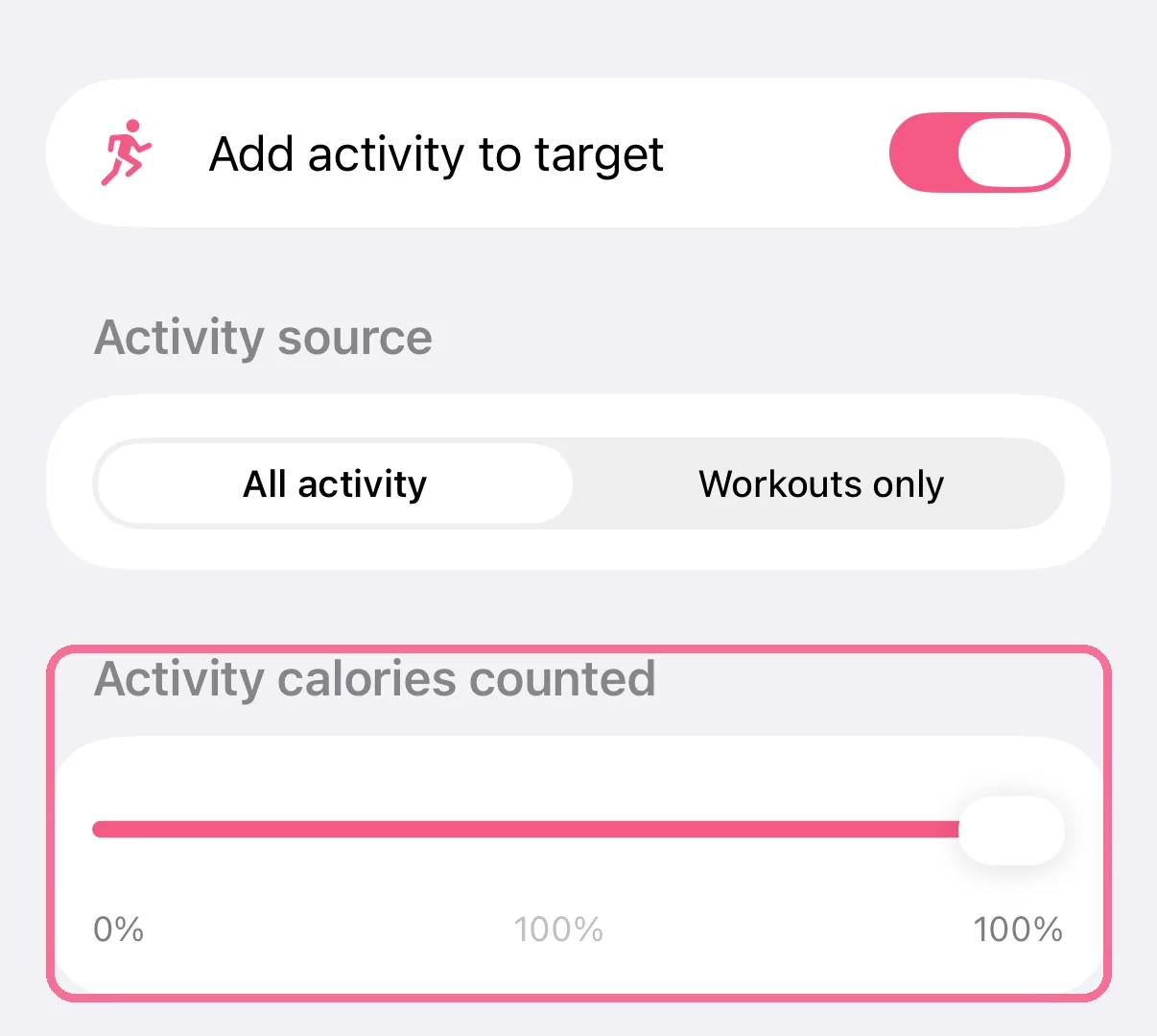
Under “Activity calories counted”, use the slider to set what percentage is added.
-
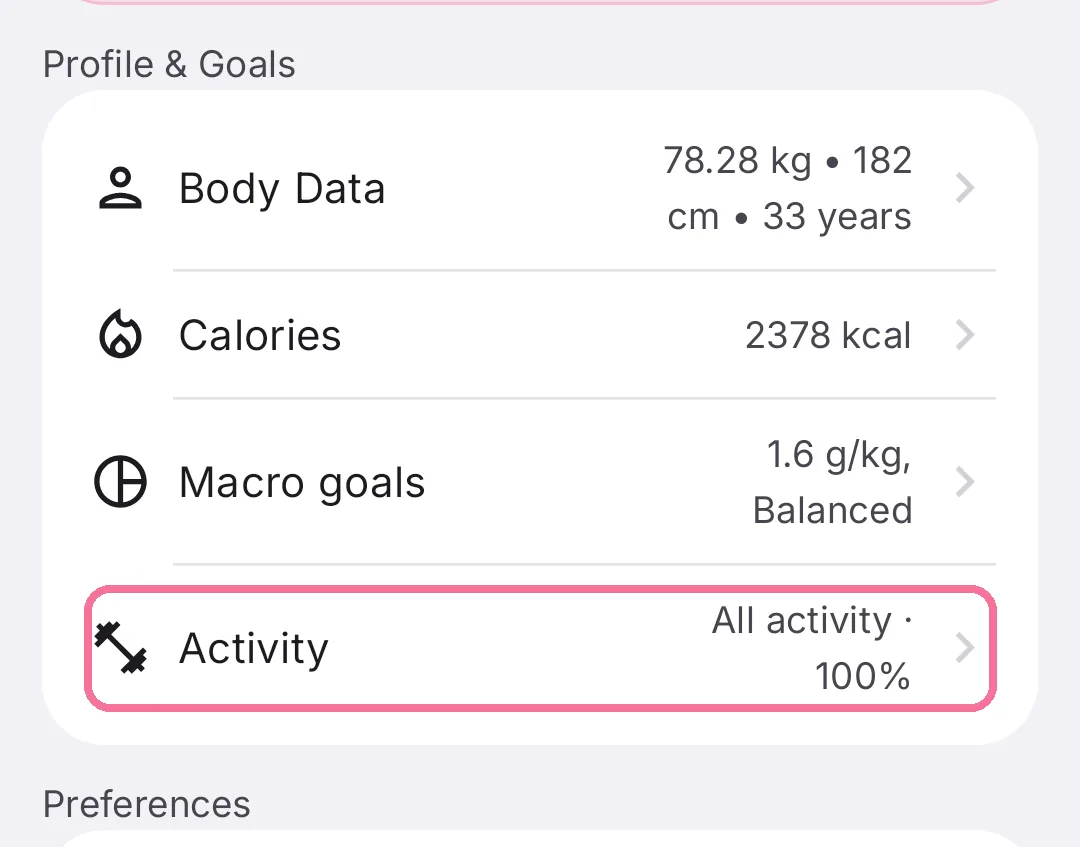
On Today, tap the gear at the top, then “Activity” under “Profile & Goals”.
-
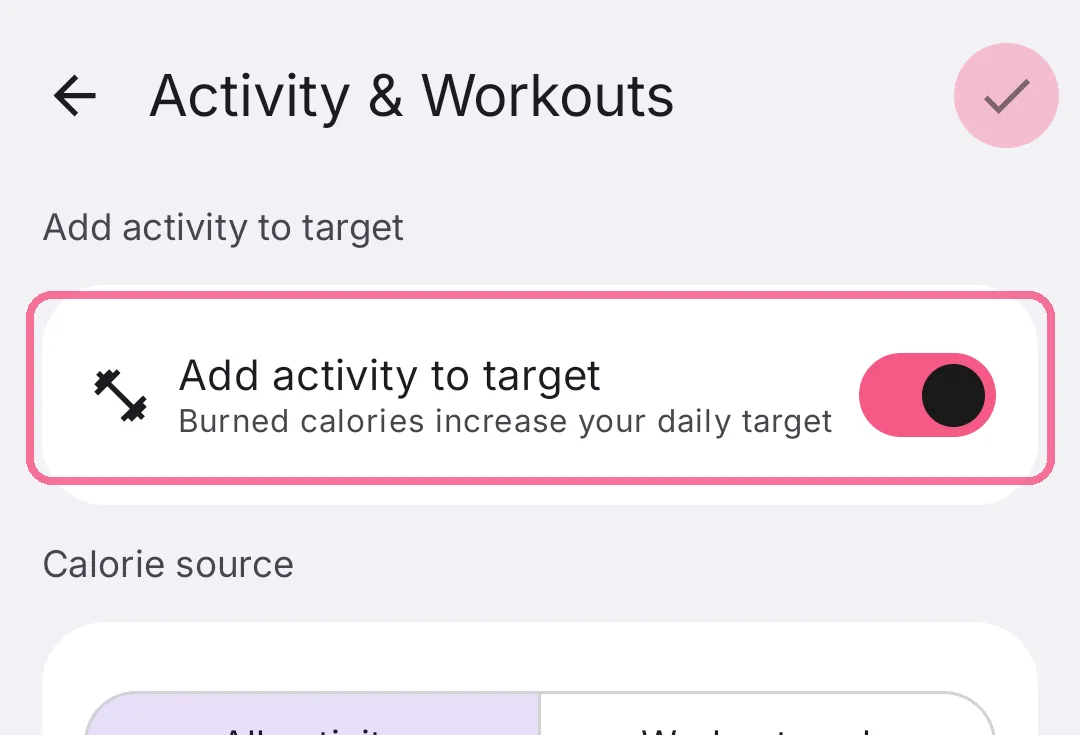
Turn on “Add activity to target”.
-
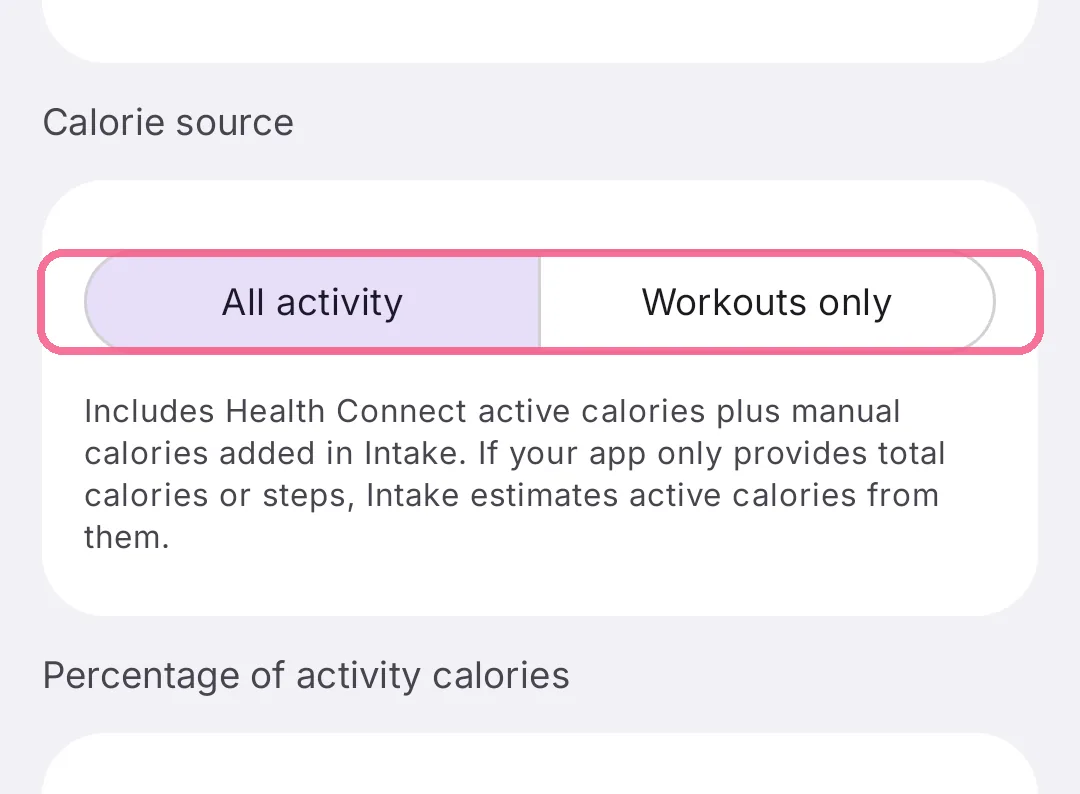
Under “Calorie source”, choose “All activity” or “Workouts only”.
-
Under “Percentage of activity calories”, use the slider to set how much is added, then tap the checkmark at the top right.
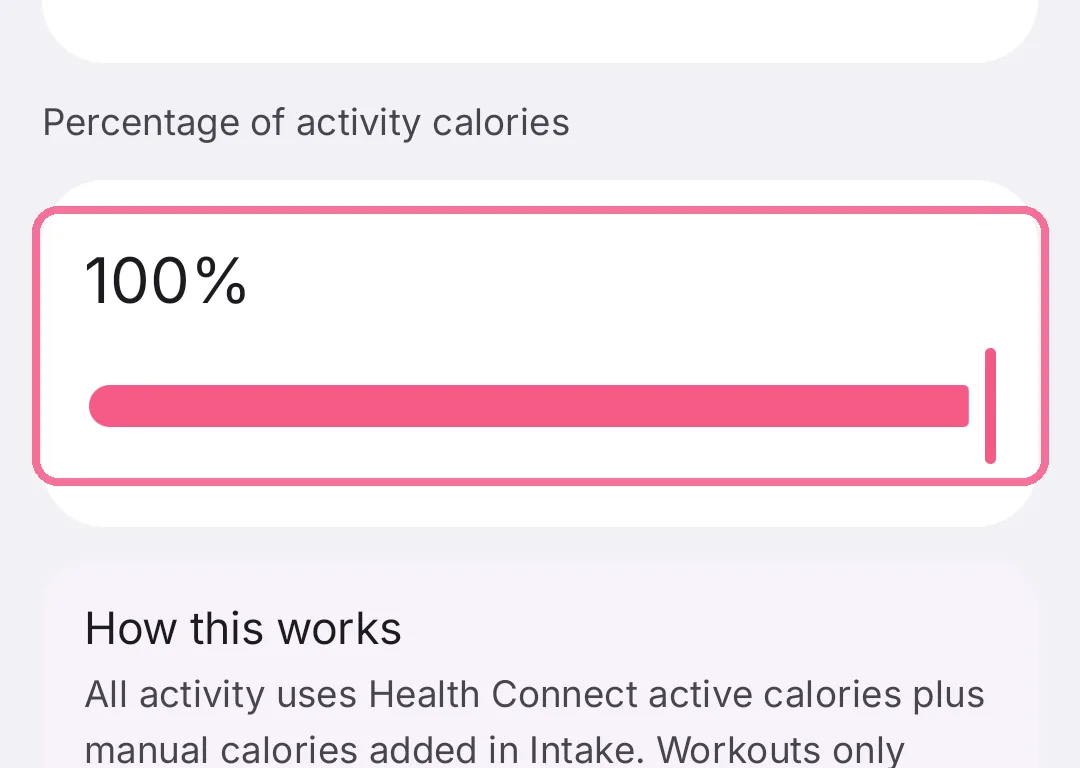
This only changes your daily target and the calories left, not the burned calories Intake shows.