
Set your water goal
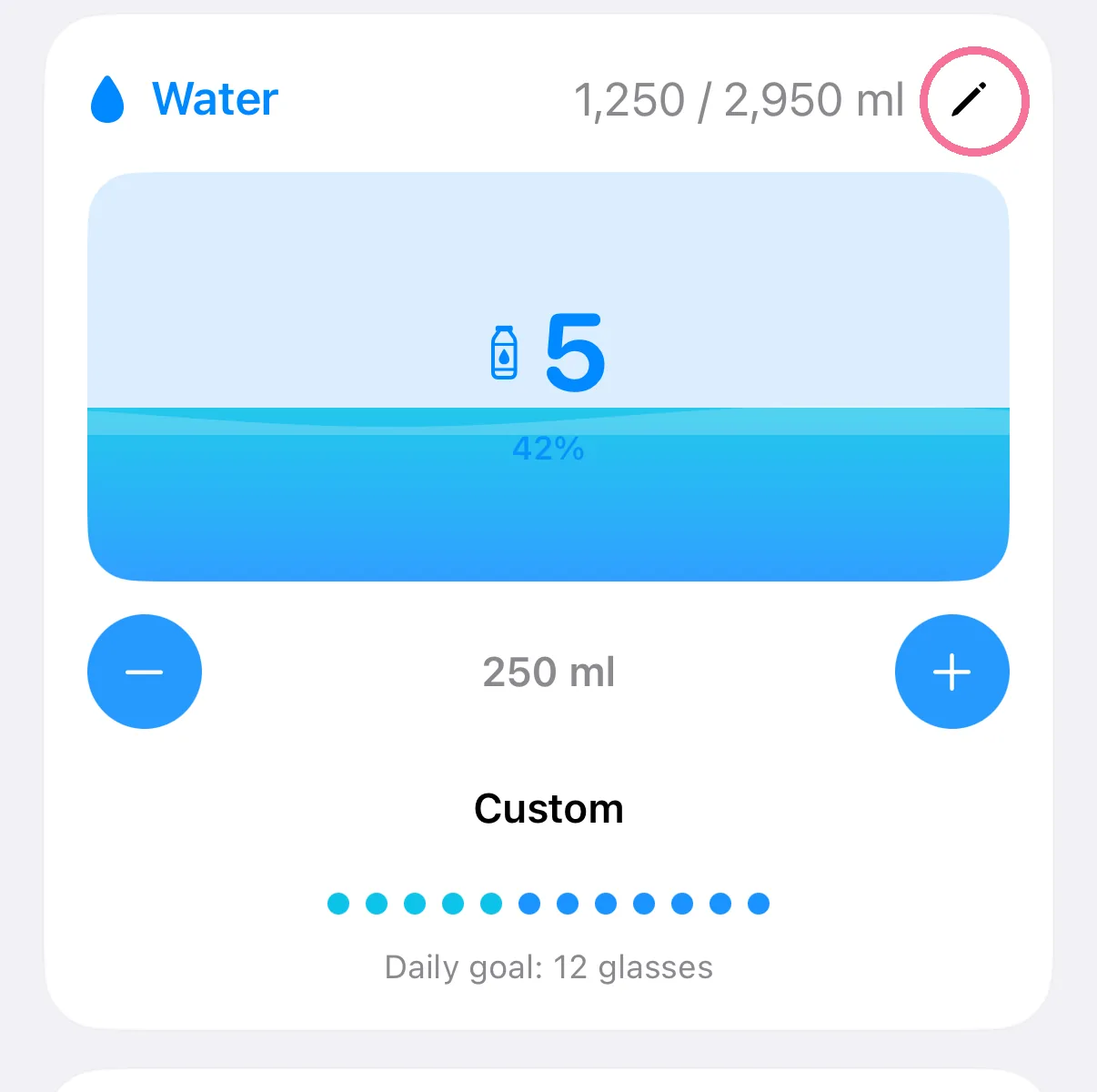
You set your water goal and glass size right on the “Water” card on Today, with the pencil. There is no entry for it in Settings.
-
On Today, tap the pencil at the top right of the “Water” card.
-
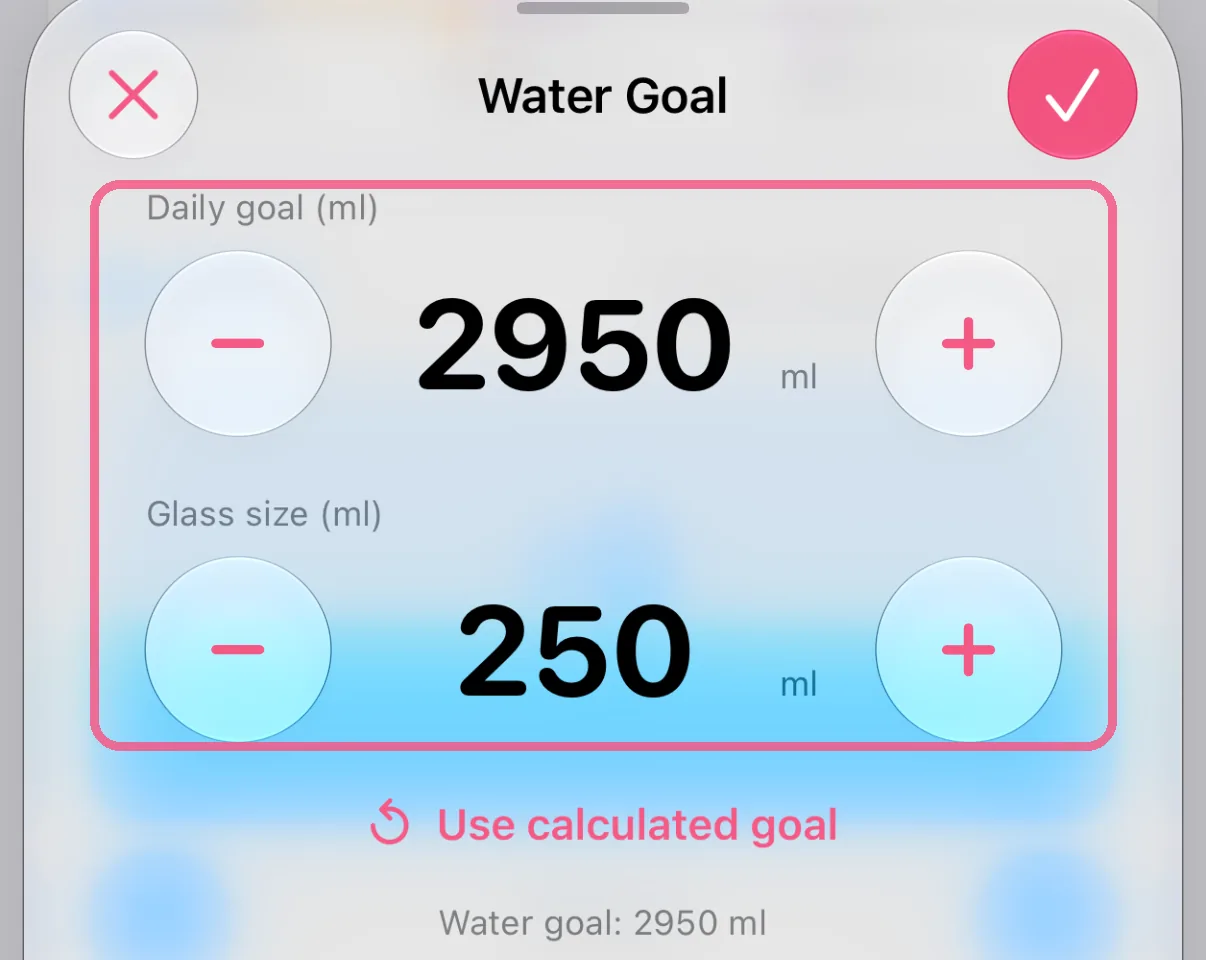
Set “Daily goal (ml)” and “Glass size (ml)” with minus and plus, or tap the number and type it.
-
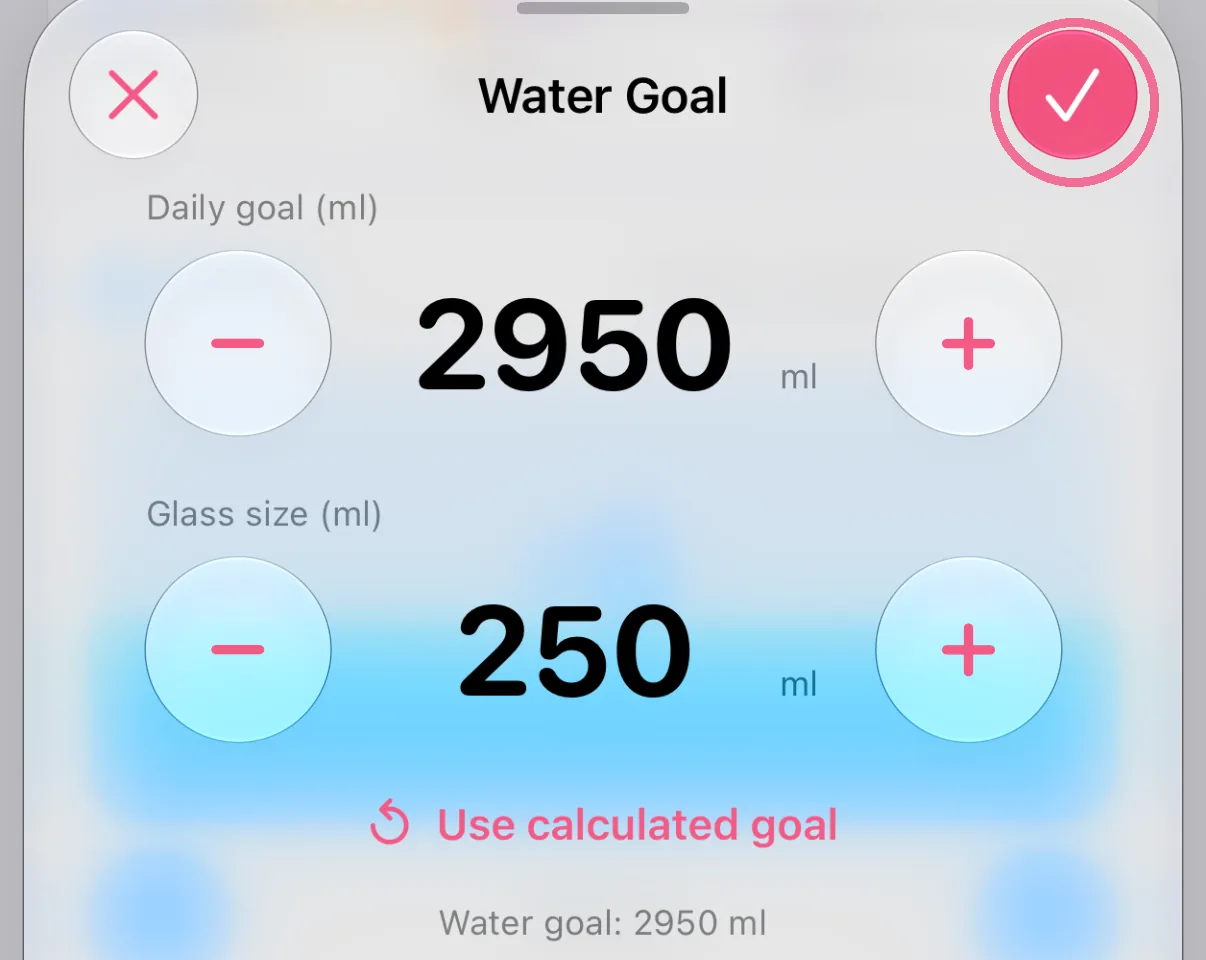
Tap the checkmark at the top right.
-
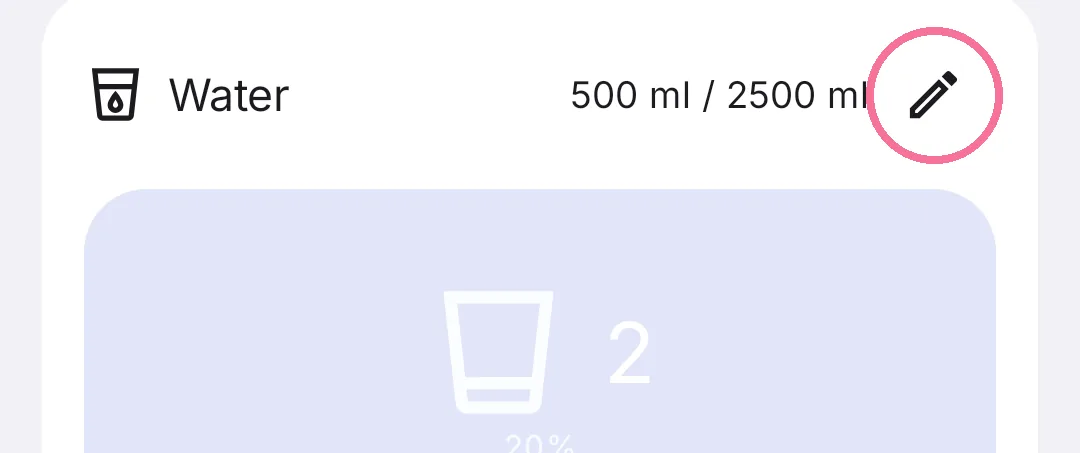
On Today, tap the pencil at the top right of the “Water” card.
-
Use minus and plus to set your daily goal at the top and your glass size below it.
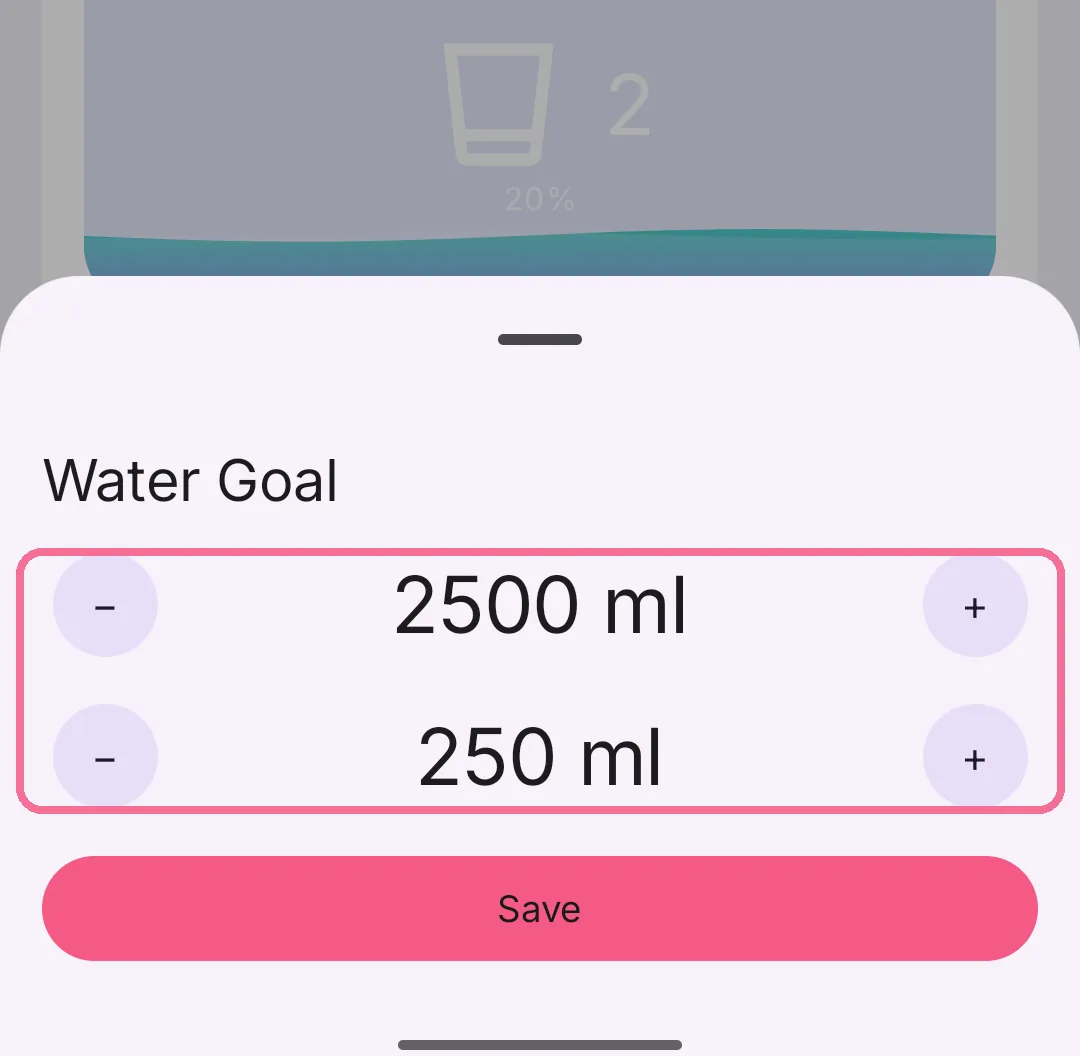
-
Tap “Save”.
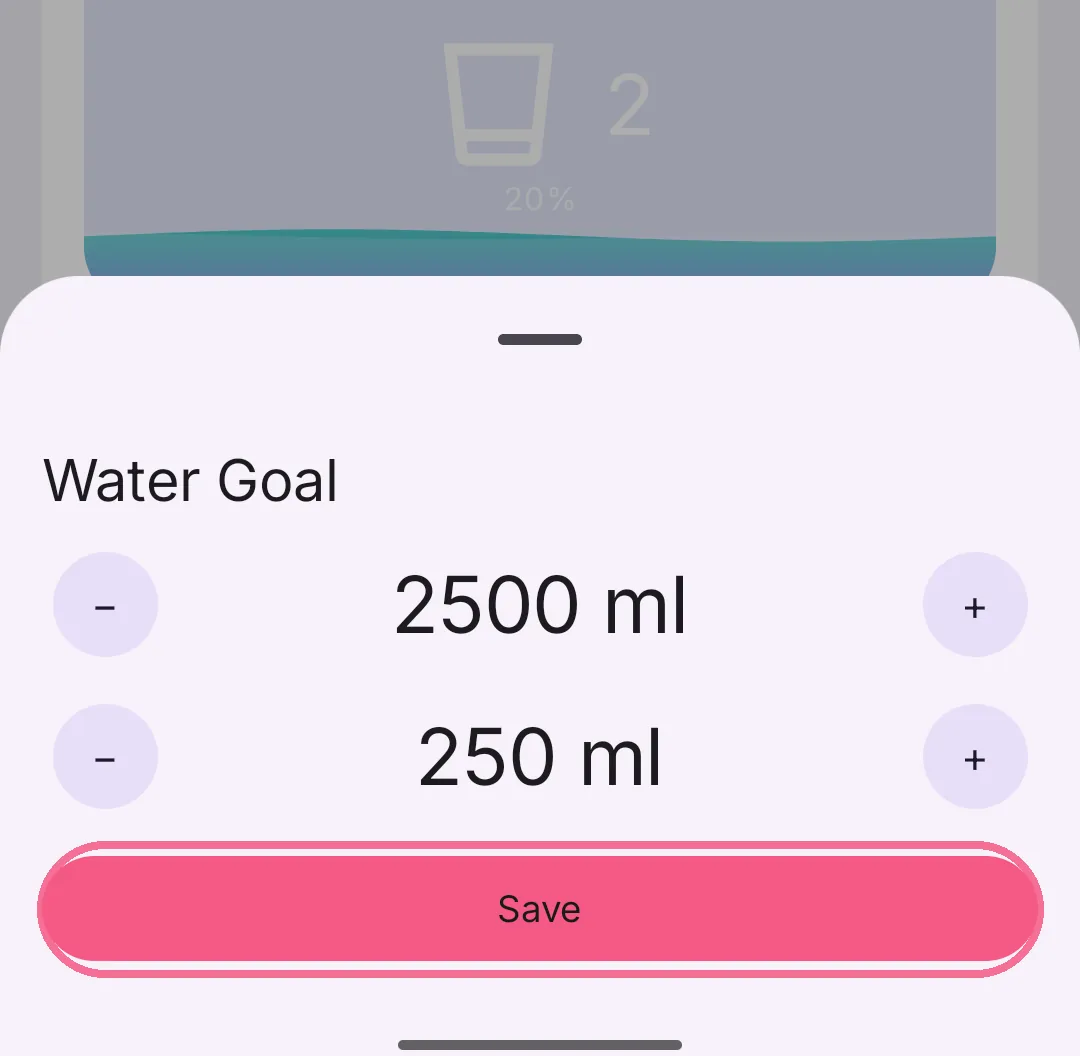
The plus on the card always adds one glass of your glass size. On iPhone, “Use calculated goal” sets the goal back to the value Intake works out from your weight and activity level.