
Targets by weekday
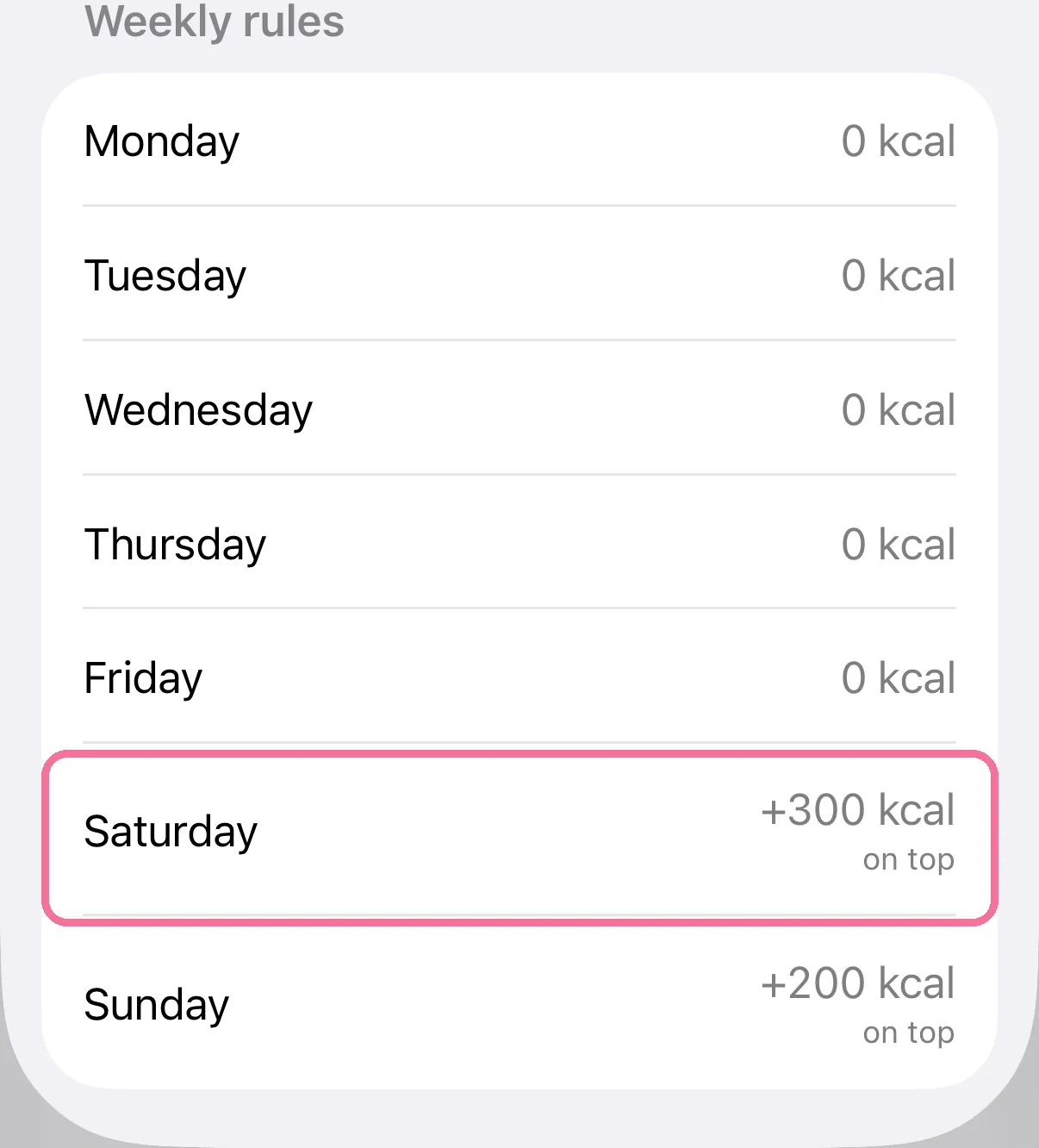
Under Settings > “Calories” you set fixed changes per weekday, for example plus 300 kcal every Saturday.
-
Under Settings > “Calories”, tap “Daily and weekly goals”.

-
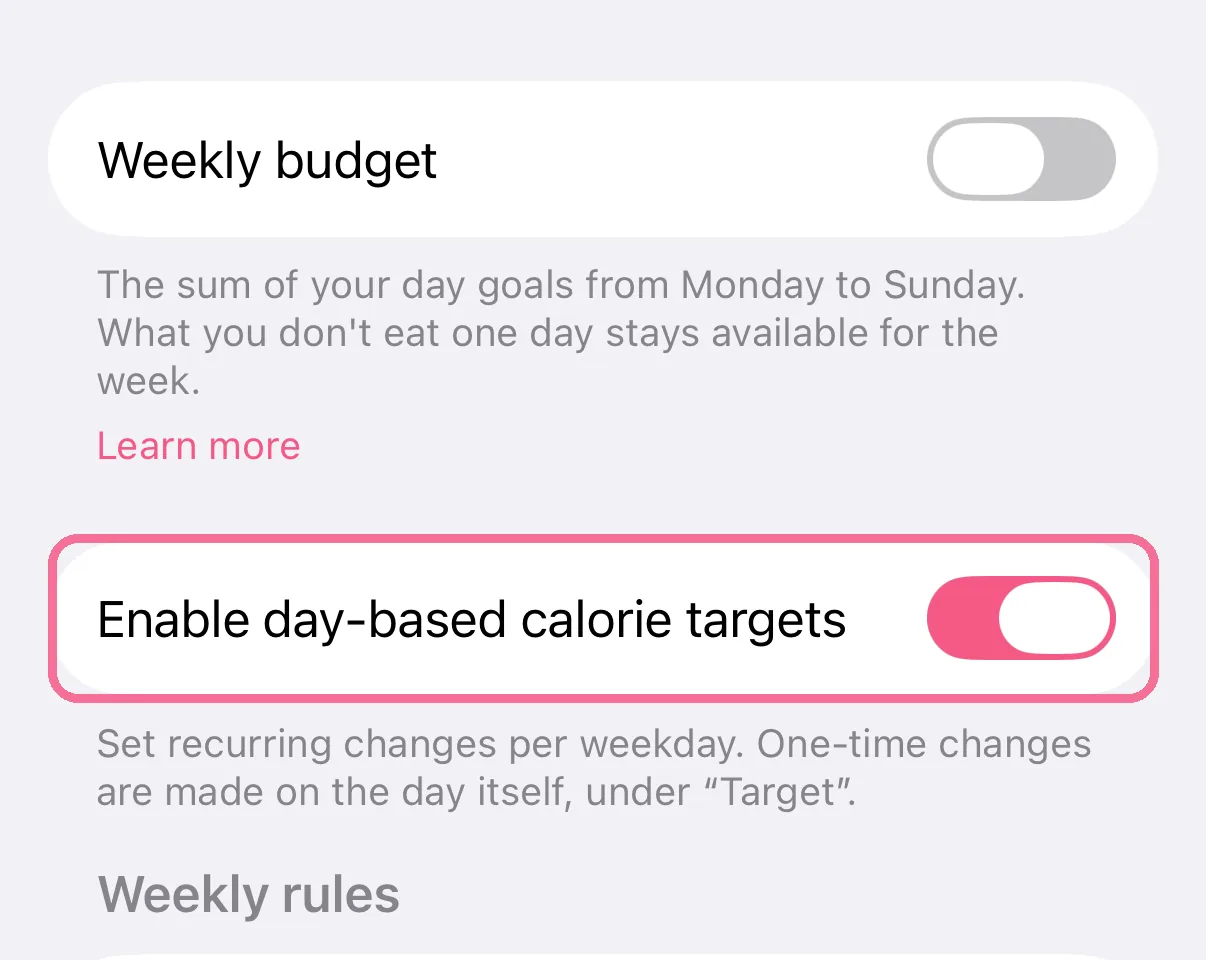
Turn on “Enable day-based calorie targets”.
-
Under “Weekly rules”, tap a weekday, set the amount and tap the checkmark.
-
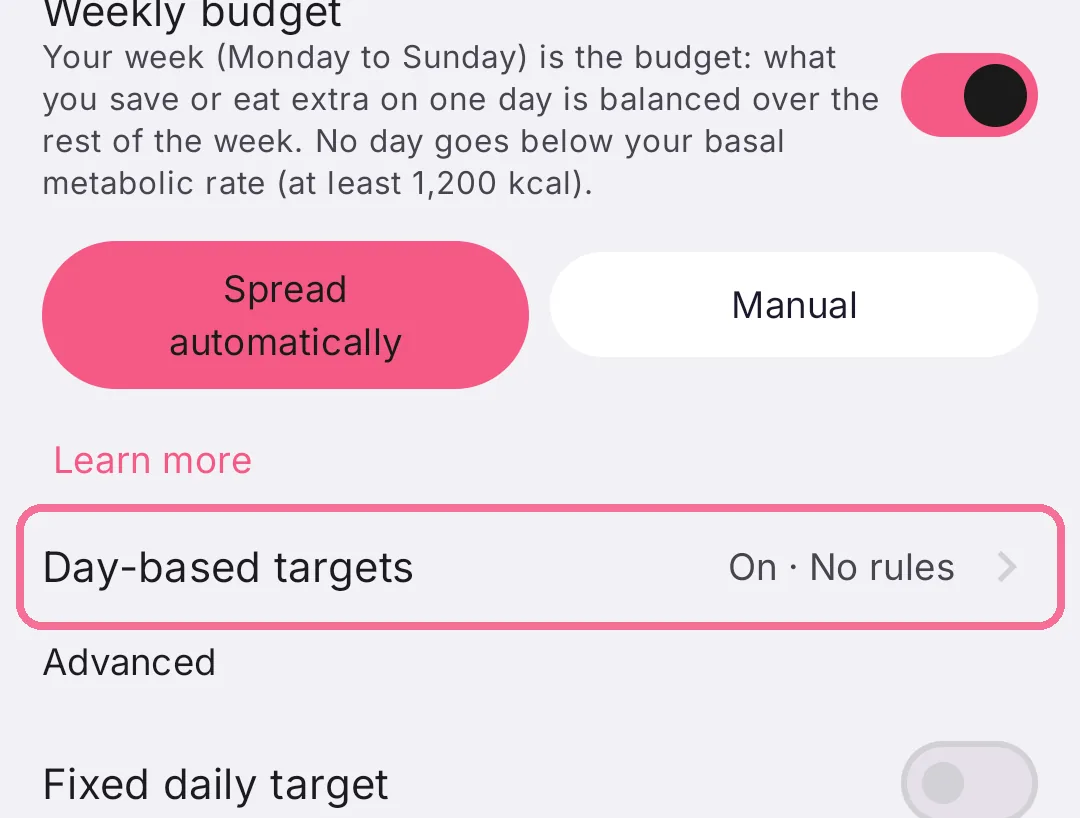
Under Settings > “Calories”, tap “Day-based targets”.
-
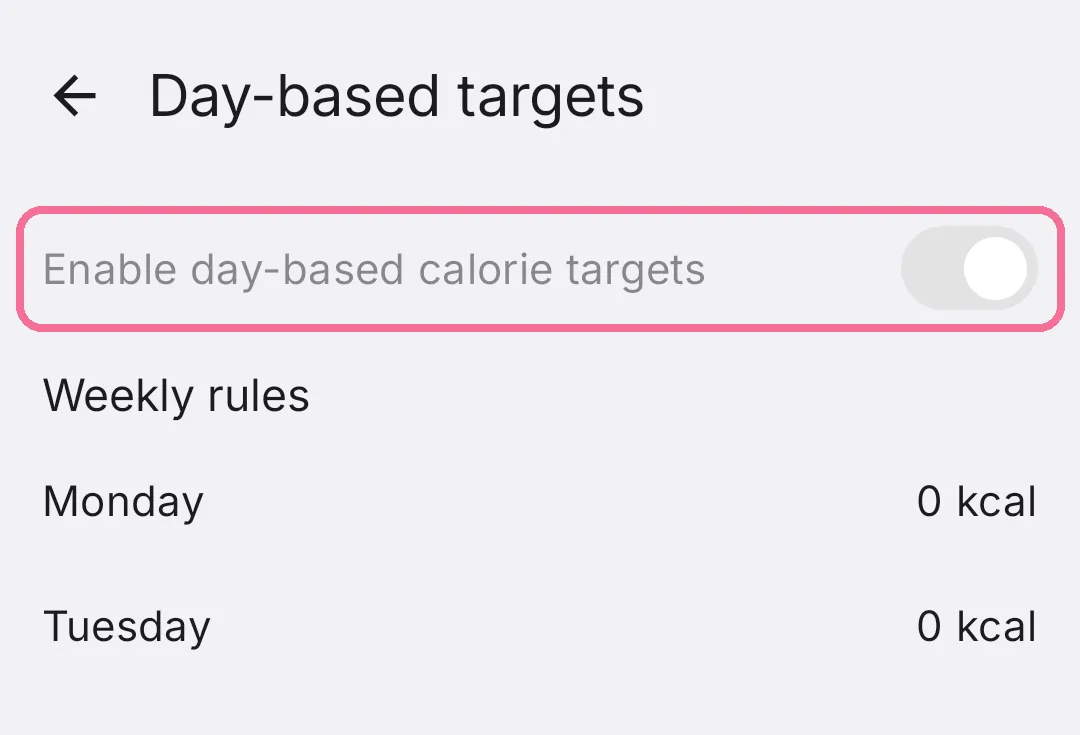
Turn on “Enable day-based calorie targets”.
-
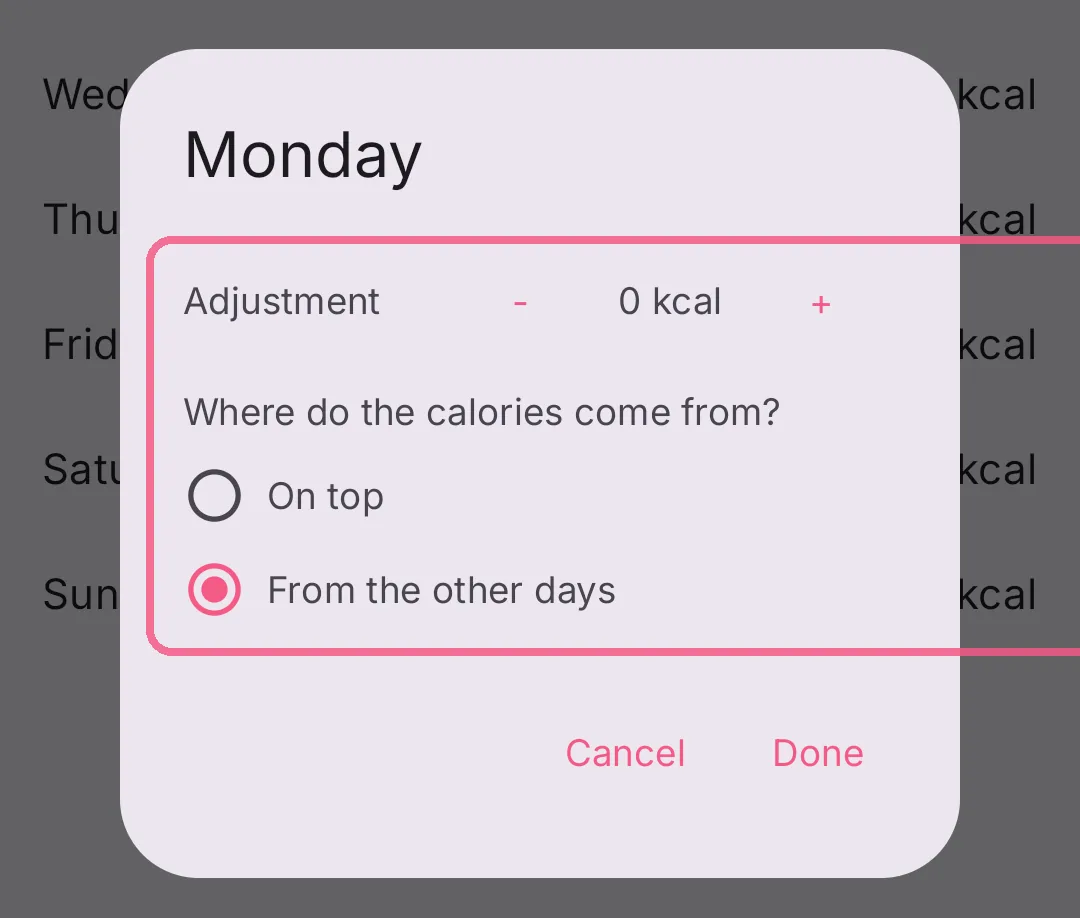
Under “Weekly rules”, tap a weekday, set the amount with minus and plus and tap “Done”.
A change for a single day is made on Today with “Target”.
On iPhone the rules keep working with the weekly budget: turning the budget on turns them on too, and each rule shows whether it comes “on top” or “from the other days”.
On Android the switch is greyed out and stays on while the weekly budget is on. The rules keep working, and each one also asks whether the calories come “On top” or “From the other days”.